
Jettostar123 - Minecraft Skins & Skin History
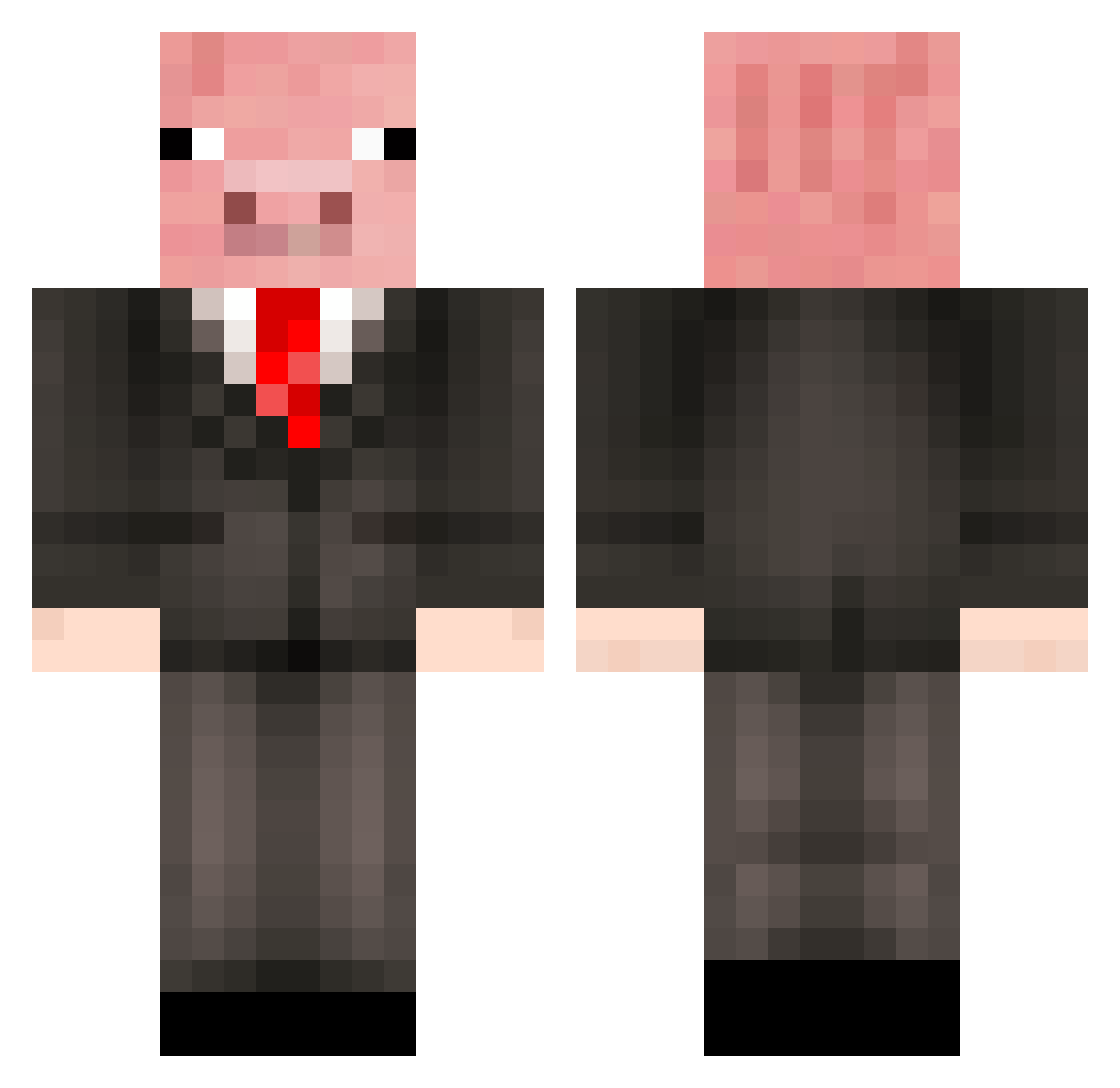
Current Minecraft skin of the player Jettostar123, loaded from the official Mojang API. Rotate the 3D model with your mouse or finger, then download the skin as a PNG file and use it in Minecraft: Bedrock Edition or Java Edition for free. When Jettostar123 changes their skin, this page updates automatically and the old skin stays in the history below.
Other players with this skin (479)
Jettostar123 was the 315th player we have seen with this skin, first spotted on 06.10.2026. The same skin was seen on these players. Open a nickname to see their current skin and skin history.
 xyutif FP06 hamsterman55 joel1622 OrangeWaller KINGPIG6123 n0cure abbie1352 WickedMole forestfrenzi MightyMeatMan Dorigard hibble645 Frafag03 Super_Boel spycamera05 Brosplays10 0ula Ham_and_Egger Hotswell Hebbe1234 PandaTR glacewingo jakedabomb52 BoneyPig MrPiggyGamingYT hazzer_44 smithyrules33 jul709m Grotteneumel Lipstache lordlloyd22 MooshroomMan578 DarkPigKing123 Muwaiji bgaamer72 Valkazz Siggepirat2 AyoxBuffle shelovescjj ImBalthazar omnibruh totoro_princess Jay_Castle yhto Pig_boss54 PoisonMadoc WeakSicklyBoy Elemental11dd Canjul99 Ytarion FuryThePigge headofgoogle _Pigg __P_O_T_A_T_O__ eman6500 Pigu05 Kroppy1479 trentyboy31 porkythepig007
More Pig Minecraft skins
How to install the Jettostar123 skin
- Press the Download button above to save the skin as a PNG file.
- Minecraft: Bedrock Edition (PE): open the Dressing Room from the main menu (or tap your character → Edit Character), go to Classic Skins → Owned, press the + (new skin) button, choose the downloaded PNG and pick the Classic (Steve) model. Works on PC and mobile; consoles cannot import custom skins.
- Minecraft: Java Edition: open the Minecraft Launcher, go to the Skins tab, click New Skin, load the PNG, pick the Classic (Steve) model and press Save & Use. You can also upload it at minecraft.net → Profile → Change Skin.
The skin does not show up after import - what should I do?
Restart Minecraft and open the Dressing Room again - imported skins sometimes appear only after a restart. Also make sure you selected the imported skin and picked the Classic (Steve) model.
Which model should I choose, Classic or Slim?
This skin is designed for the Classic (Steve) model. If you pick the wrong model, the arms of the skin will look stretched or squeezed.
Is the skin of Jettostar123 free to download?
Yes. Press Download, save the PNG file and use it in Minecraft: Bedrock Edition or Java Edition - no payment or registration needed. The skin also works on multiplayer servers and Realms.
More skins
Looking for more? Go back to all Minecraft skins and check the top skins of the week, month and all time, or find any player's skin by nickname.