
Jareklp1402 - Minecraft Skins & Skin History
Current Minecraft skin of the player Jareklp1402, loaded from the official Mojang API. Rotate the 3D model with your mouse or finger, then download the skin as a PNG file and use it in Minecraft: Bedrock Edition or Java Edition for free. When Jareklp1402 changes their skin, this page updates automatically and the old skin stays in the history below.
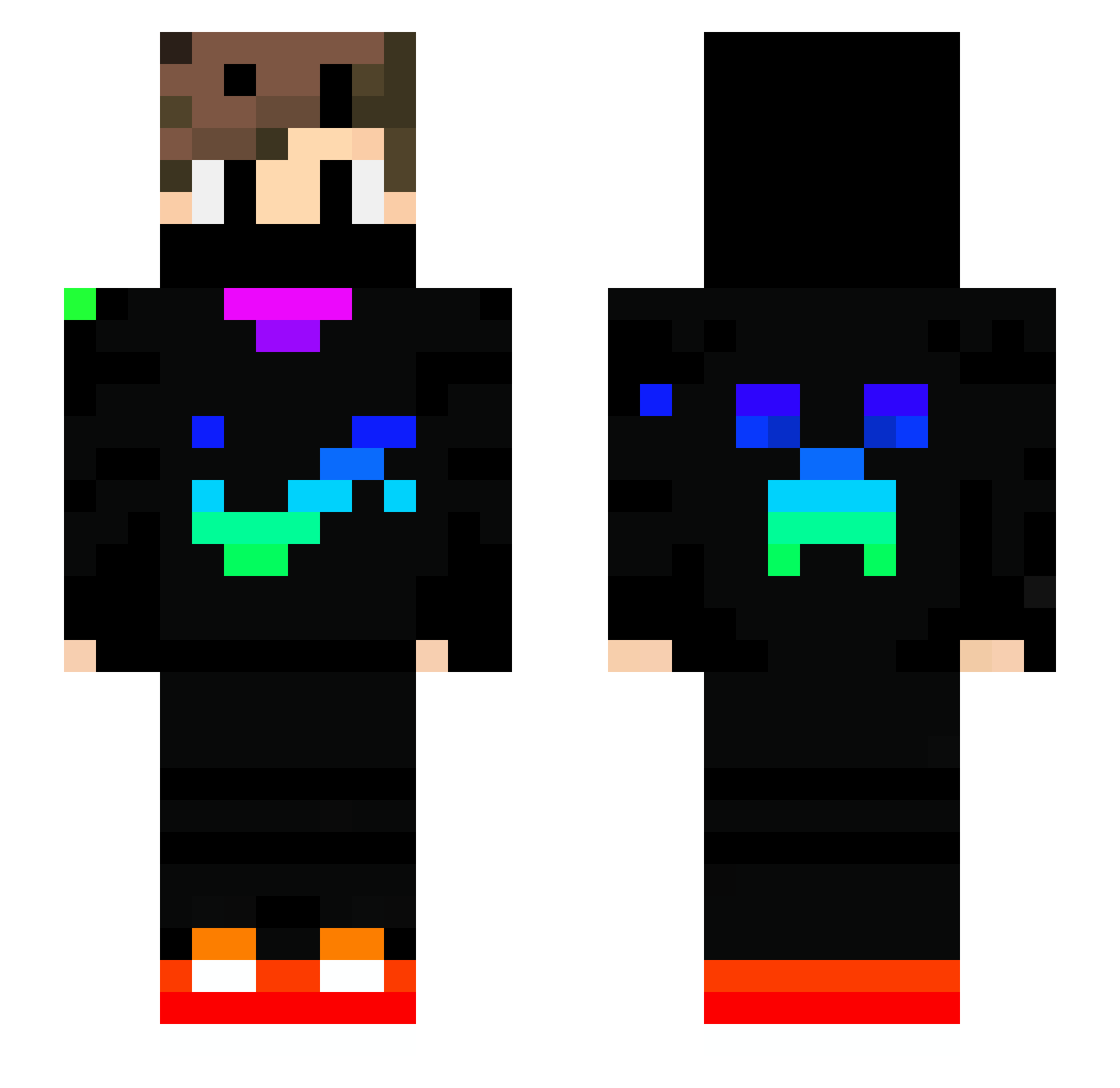
Other players with this skin (739)
Jareklp1402 was the 205th player we have seen with this skin, first spotted on 22.08.2026. The same skin was seen on these players. Open a nickname to see their current skin and skin history.
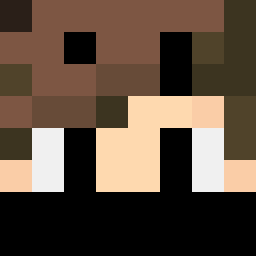 GordoBe Adzurmc P4nda82 DrMedSloth TimGamingxd deadline_tw lojotaneli1 im2op2op Baandziorek Galactico3000 NightFinny hdsu12 luccasilva2 KohBann MrZeeta777 SUSSYGUY69 PatrickReyiz GodBoy_cz
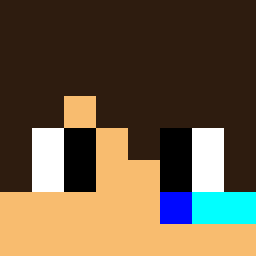 Epilibrium HenryLiangHR patryk_Bedwars DanielD98 demefire Motik18 THANOSGG alparslan4141 Jocalopes2014 NemekGood SuperMaty1 Ahkomahko lilnword Fantazie_YT TASHI0119 XTermin8r565 Hiksi1 Louis_Noni sanja3310 Simobo11
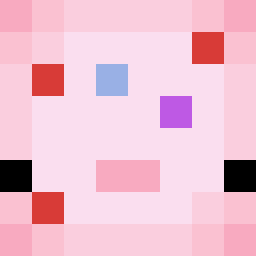 MightyDohnut Miprime7 Ashishm takutyanbouya Druity BigNetanyahu67 s1d0r NEON403 kuromagro Lord_Karol999 LT_Helix tolx03 Mayur_OP Funta123 Sperks_ IronOrc1811 RLzzzn11 Matyinko_HUN NoobWeedy Cluterington NiciBlueEye CookiePlayz1520
More Creeper Minecraft skins
How to install the Jareklp1402 skin
- Press the Download button above to save the skin as a PNG file.
- Minecraft: Bedrock Edition (PE): open the Dressing Room from the main menu (or tap your character → Edit Character), go to Classic Skins → Owned, press the + (new skin) button, choose the downloaded PNG and pick the Slim (Alex) model. Works on PC and mobile; consoles cannot import custom skins.
- Minecraft: Java Edition: open the Minecraft Launcher, go to the Skins tab, click New Skin, load the PNG, pick the Slim (Alex) model and press Save & Use. You can also upload it at minecraft.net → Profile → Change Skin.
The skin does not show up after import - what should I do?
Restart Minecraft and open the Dressing Room again - imported skins sometimes appear only after a restart. Also make sure you selected the imported skin and picked the Slim (Alex) model.
Which model should I choose, Classic or Slim?
This skin is designed for the Slim (Alex) model. If you pick the wrong model, the arms of the skin will look stretched or squeezed.
Is the skin of Jareklp1402 free to download?
Yes. Press Download, save the PNG file and use it in Minecraft: Bedrock Edition or Java Edition - no payment or registration needed. The skin also works on multiplayer servers and Realms.
More skins
Looking for more? Go back to all Minecraft skins and check the top skins of the week, month and all time, or find any player's skin by nickname.