
Jaleto - Minecraft Skins & Skin History
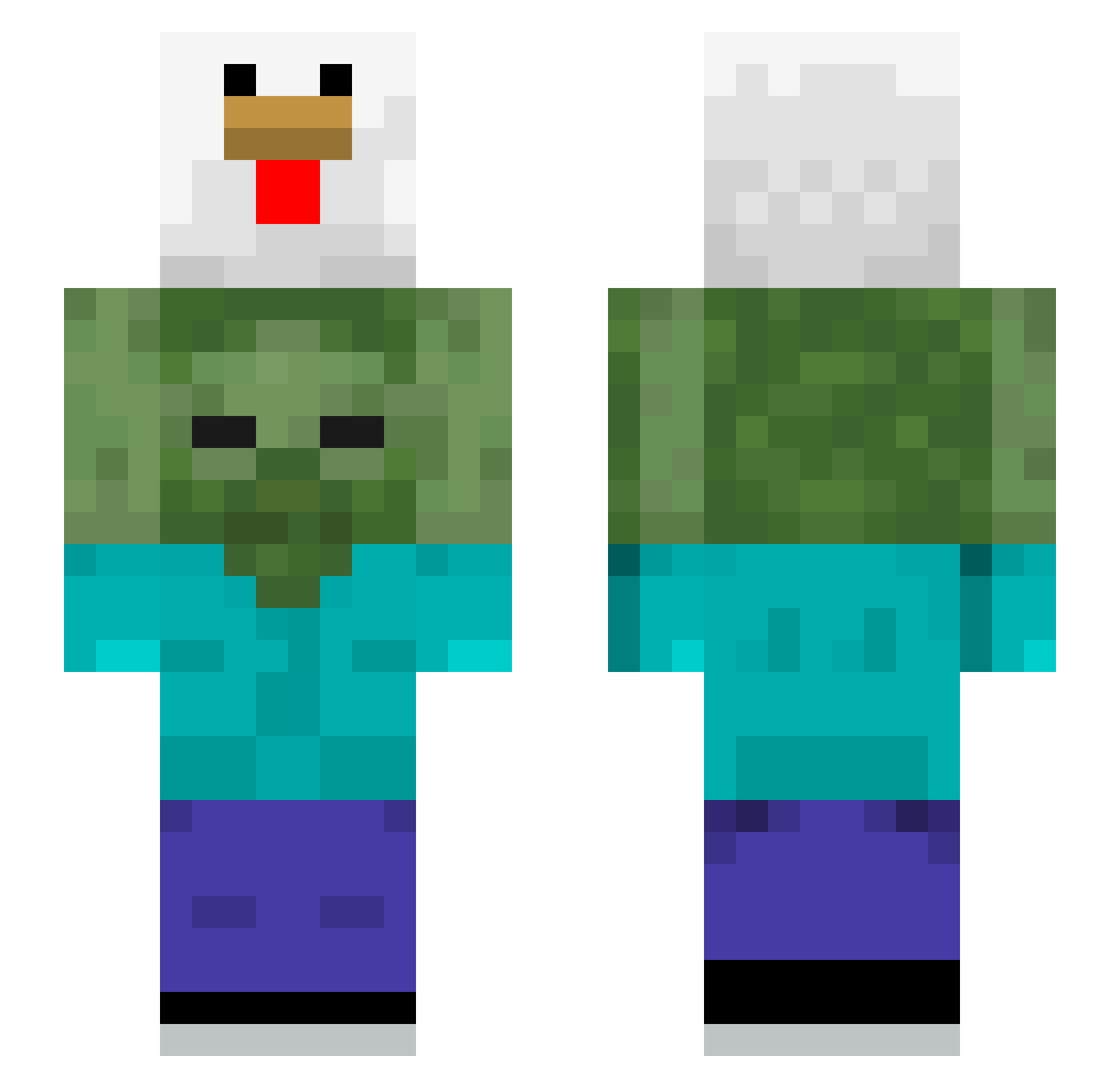
Current Minecraft skin of the player Jaleto, loaded from the official Mojang API. Rotate the 3D model with your mouse or finger, then download the skin as a PNG file and use it in Minecraft: Bedrock Edition or Java Edition for free. When Jaleto changes their skin, this page updates automatically and the old skin stays in the history below.
Other players with this skin (510)
Jaleto was the 329th player we have seen with this skin, first spotted on 02.10.2026. The same skin was seen on these players. Open a nickname to see their current skin and skin history.
 EvilZkay DinoNuggies123 zMFHD Warmer74200 Idopo Enormous314nis VaSeul 3CrazyHype3 Minishooo storzad bambardors nasheitanazer ILikeMen17 timafone alkan2012 ReyzN9 Curduks Morgan224 MemeWolf udmm jimmiskit OTBT MichaelR23 destro953 gorkamoka Bertttt530 tarik0729 GussieMc wwoonn04 PrincessHyeji Gyattrizzler0h1o 4ppLeT Sqremo dozolifesteal J4CK2_ yangsol Bogrek BaumwollProfil hernyj nyx_119 Naniiii0809 WOSHIJIAJUN nikafriend PeriJohn Zofiwka20 sean1010601 MokraVoda skovorodkasp pvprofoz Rhikete Niterebs ohsh1128 Dilos_king M3deirosss jinwoo234 boyfailed1 namemimi deeparash 0_melly_0 Hyperbust
More Chicken Minecraft skins
How to install the Jaleto skin
- Press the Download button above to save the skin as a PNG file.
- Minecraft: Bedrock Edition (PE): open the Dressing Room from the main menu (or tap your character → Edit Character), go to Classic Skins → Owned, press the + (new skin) button, choose the downloaded PNG and pick the Slim (Alex) model. Works on PC and mobile; consoles cannot import custom skins.
- Minecraft: Java Edition: open the Minecraft Launcher, go to the Skins tab, click New Skin, load the PNG, pick the Slim (Alex) model and press Save & Use. You can also upload it at minecraft.net → Profile → Change Skin.
The skin does not show up after import - what should I do?
Restart Minecraft and open the Dressing Room again - imported skins sometimes appear only after a restart. Also make sure you selected the imported skin and picked the Slim (Alex) model.
Which model should I choose, Classic or Slim?
This skin is designed for the Slim (Alex) model. If you pick the wrong model, the arms of the skin will look stretched or squeezed.
Is the skin of Jaleto free to download?
Yes. Press Download, save the PNG file and use it in Minecraft: Bedrock Edition or Java Edition - no payment or registration needed. The skin also works on multiplayer servers and Realms.
More skins
Looking for more? Go back to all Minecraft skins and check the top skins of the week, month and all time, or find any player's skin by nickname.