
Ivan_van - Minecraft Skins & Skin History
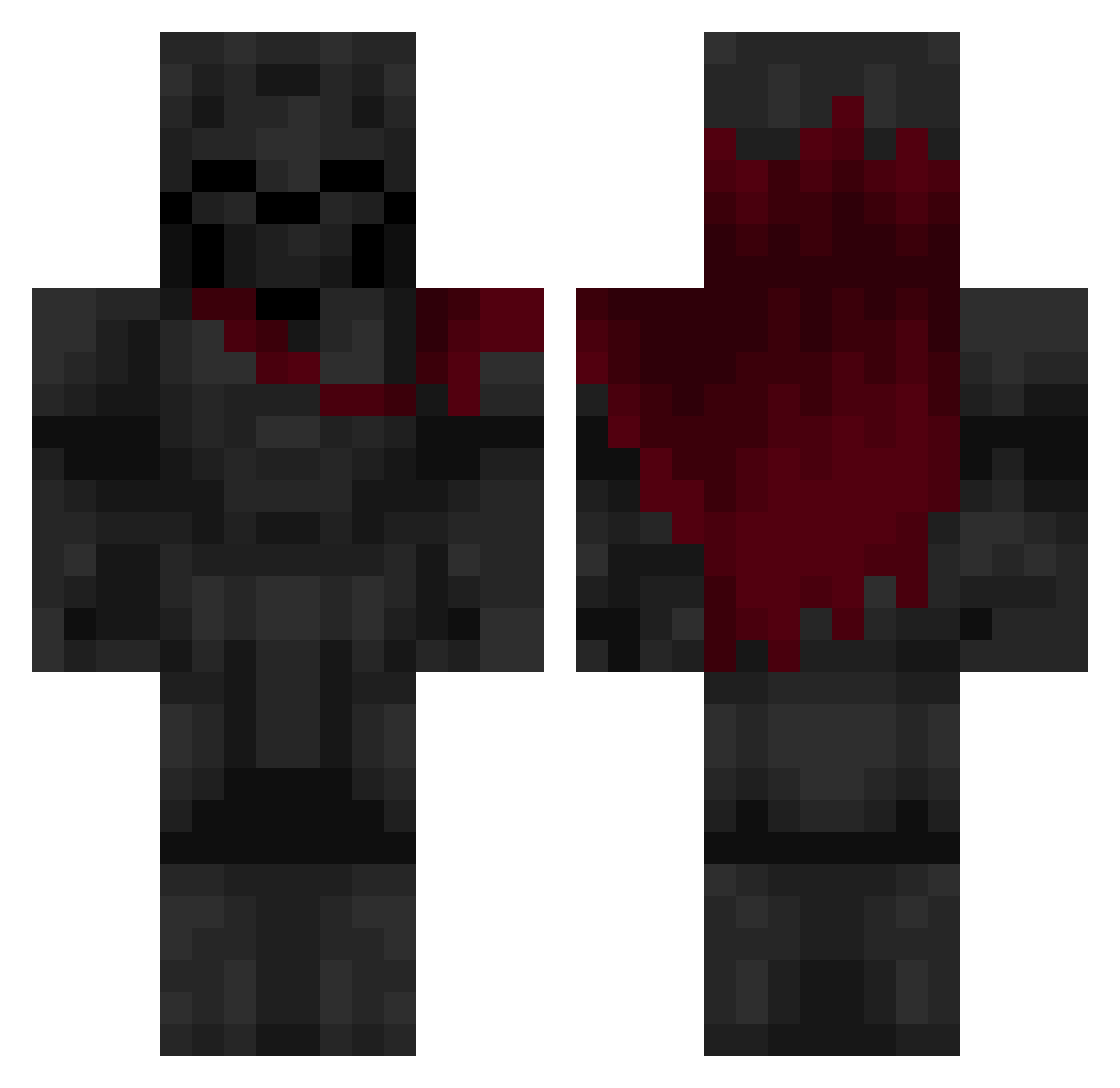
Current Minecraft skin of the player Ivan_van, loaded from the official Mojang API. Rotate the 3D model with your mouse or finger, then download the skin as a PNG file and use it in Minecraft: Bedrock Edition or Java Edition for free. When Ivan_van changes their skin, this page updates automatically and the old skin stays in the history below.
Other players with this skin (584)
Ivan_van was the 343rd player we have seen with this skin, first spotted on 26.09.2026. The same skin was seen on these players. Open a nickname to see their current skin and skin history.
 ACh1llPerson tyluvfood CrisMLG10 CristianoLBR Cotonete_ Schafercito cbrpnk012 plantvszombie35 Marthyn2004 Retconnected FBIOPP SEVATARIUS BulletDog02 Cools_Arms SqueakX N1K0L1K D3iVox ZOROBY14 Wusgoood Gryzile101 Silver227 YummyYam SemiSandro Sharpie_exe raf3333 Keruptud Eagnyr GH0STEDBYDUBO Looney_Astro HeyItzZoom OnGoingFame Failbell Chesko D4RKxLORD CerealWithWater4 Natan155 Acorniing tenazninja1 Finnben5800 Nathan830 xpp_XiRev_0804 RzKurt sk1b1d1_fr4nc3sc Thantic_ oDeafening cxmbos0 Fresh_Mathis RezziTheTeddy PsGh_ FormedPrince760 banbaji1324 unforetold_ Daughter_Dcc esivv D7MI27 starcrushr Tasema nugget297 Kadavers_ KingArgus
More Knight Minecraft skins
How to install the Ivan_van skin
- Press the Download button above to save the skin as a PNG file.
- Minecraft: Bedrock Edition (PE): open the Dressing Room from the main menu (or tap your character → Edit Character), go to Classic Skins → Owned, press the + (new skin) button, choose the downloaded PNG and pick the Classic (Steve) model. Works on PC and mobile; consoles cannot import custom skins.
- Minecraft: Java Edition: open the Minecraft Launcher, go to the Skins tab, click New Skin, load the PNG, pick the Classic (Steve) model and press Save & Use. You can also upload it at minecraft.net → Profile → Change Skin.
The skin does not show up after import - what should I do?
Restart Minecraft and open the Dressing Room again - imported skins sometimes appear only after a restart. Also make sure you selected the imported skin and picked the Classic (Steve) model.
Which model should I choose, Classic or Slim?
This skin is designed for the Classic (Steve) model. If you pick the wrong model, the arms of the skin will look stretched or squeezed.
Is the skin of Ivan_van free to download?
Yes. Press Download, save the PNG file and use it in Minecraft: Bedrock Edition or Java Edition - no payment or registration needed. The skin also works on multiplayer servers and Realms.
More skins
Looking for more? Go back to all Minecraft skins and check the top skins of the week, month and all time, or find any player's skin by nickname.