
Ingamename3 - Minecraft Skins & Skin History
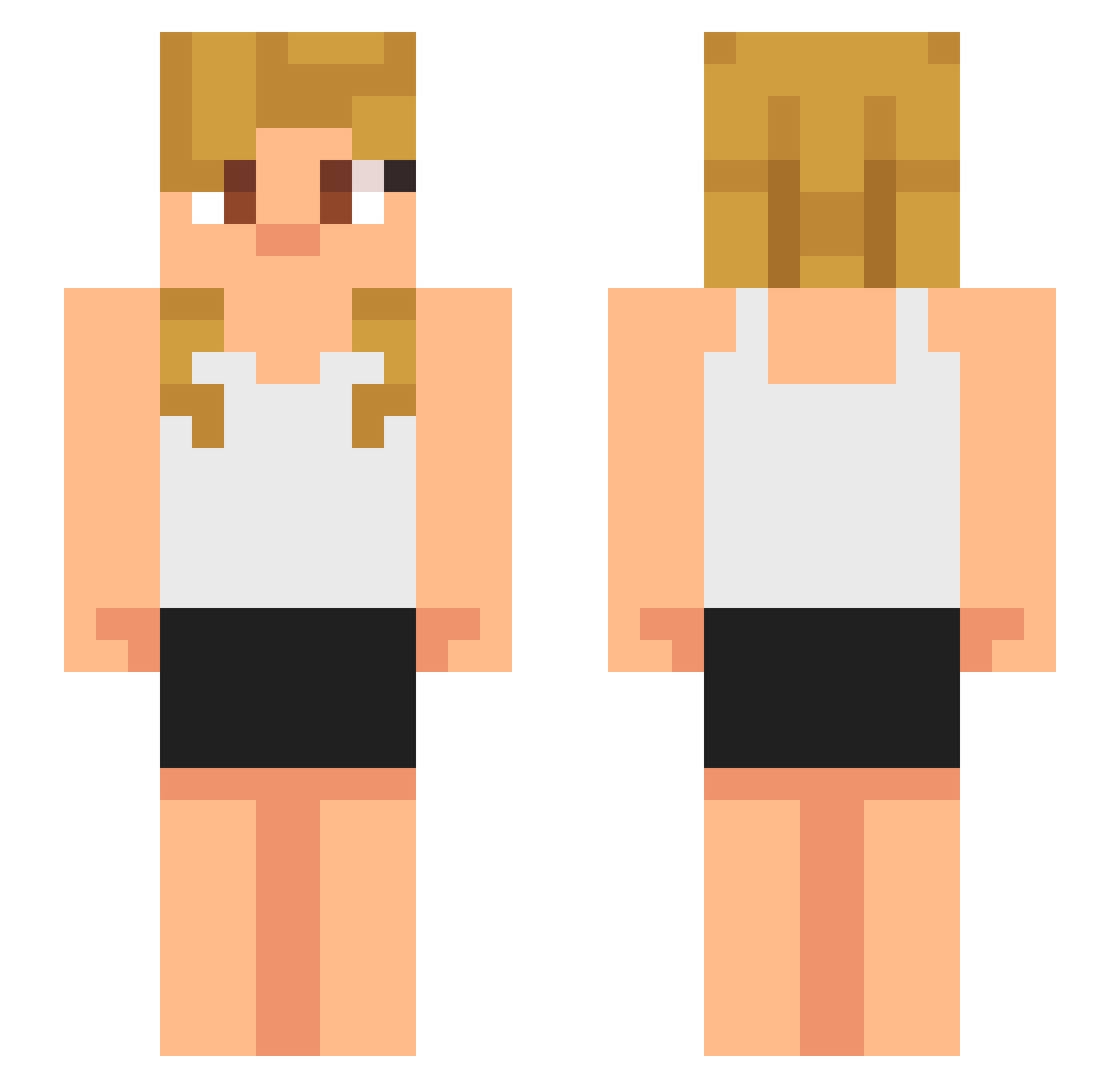
Current Minecraft skin of the player Ingamename3, loaded from the official Mojang API. Rotate the 3D model with your mouse or finger, then download the skin as a PNG file and use it in Minecraft: Bedrock Edition or Java Edition for free. When Ingamename3 changes their skin, this page updates automatically and the old skin stays in the history below.
Other players with this skin (633)
Ingamename3 was the 272nd player we have seen with this skin, first spotted on 08.09.2026. The same skin was seen on these players. Open a nickname to see their current skin and skin history.
 pota2547 Gamerboymalte420 Elwynn1 Dankmacho tonnkow babynados telber2
 BenjaxGT LilleTheWolf sirlambsauce871
 TheR3alFox cole34 ballsman2345 Nohawk008 Exipte MagazCamaz Bradenyoung Tubbynikka c00l_ Sliqhtytwisted isaacpatino26 Nin23mine Gonnzad bruhdudebro2 grycc Puchufleto24 RedTalon81 plstb MakenzieH8 Famulus375 MCProjects ruhmANDONT Blendy1 AssassinDaGoat luckyboy518 COCO_Krispy Jw1r_0 Biker32 Ettoram carlosmtz0925 nnniklas Yblack2912 CamelMan98 miraclxx12 Ninja_SwiftyYT PlayboCarti Sl3y__ zkorik BangFifo buding32123 colour2226 Jellyfishghosts kjhgfd22 AIETIL spyker_CZE Amberleon danigamer070 TheKingOfRNG ExtremeMidget RikochetKing
More Girl Minecraft skins
How to install the Ingamename3 skin
- Press the Download button above to save the skin as a PNG file.
- Minecraft: Bedrock Edition (PE): open the Dressing Room from the main menu (or tap your character → Edit Character), go to Classic Skins → Owned, press the + (new skin) button, choose the downloaded PNG and pick the Slim (Alex) model. Works on PC and mobile; consoles cannot import custom skins.
- Minecraft: Java Edition: open the Minecraft Launcher, go to the Skins tab, click New Skin, load the PNG, pick the Slim (Alex) model and press Save & Use. You can also upload it at minecraft.net → Profile → Change Skin.
The skin does not show up after import - what should I do?
Restart Minecraft and open the Dressing Room again - imported skins sometimes appear only after a restart. Also make sure you selected the imported skin and picked the Slim (Alex) model.
Which model should I choose, Classic or Slim?
This skin is designed for the Slim (Alex) model. If you pick the wrong model, the arms of the skin will look stretched or squeezed.
Is the skin of Ingamename3 free to download?
Yes. Press Download, save the PNG file and use it in Minecraft: Bedrock Edition or Java Edition - no payment or registration needed. The skin also works on multiplayer servers and Realms.
More skins
Looking for more? Go back to all Minecraft skins and check the top skins of the week, month and all time, or find any player's skin by nickname.