
Imran_Yi - Minecraft Skins & Skin History
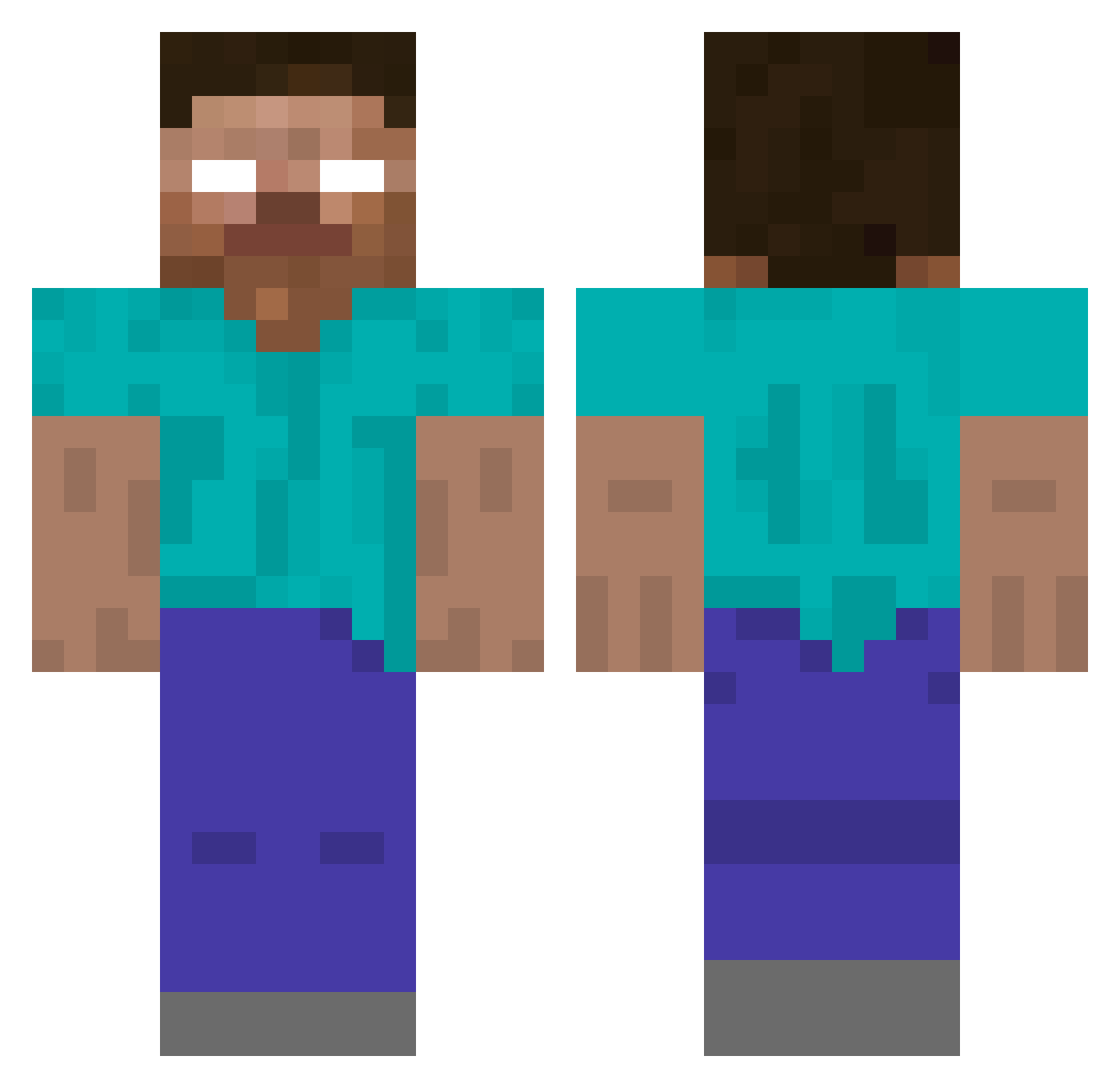
Current Minecraft skin of the player Imran_Yi, loaded from the official Mojang API. Rotate the 3D model with your mouse or finger, then download the skin as a PNG file and use it in Minecraft: Bedrock Edition or Java Edition for free. When Imran_Yi changes their skin, this page updates automatically and the old skin stays in the history below.
Other players with this skin (52)
Imran_Yi was the 32nd player we have seen with this skin, first spotted on 09.10.2026. The same skin was seen on these players. Open a nickname to see their current skin and skin history.
 huyujie Talanton TSCV OldDog100 ItzMondo Ryu_Kenichi yzh0824 wuhuada libaialg t32c Red512 BIGGEXS Taoaaaaa a1ex_666 HJZhao KuCaZ1 Lforlikn 9cmfog NOMORE232 Loginzz6 jiaozan123 Cx330lmf Heffrey_Nick Carloskiss Anzon187 ZenHoward HINBrone Deaver027 xiaoming22 WEGLZ 4rabh cuteqzy KILLrose666 chiyang17 zhanhao__15 Enzoth1 SMG0818YC Sir_LZH Man_hefan hjhhjhhjhhjhhjhh YIEWANG lashihencai
 haoran5 Litinaer subale godsmachine saten013 lzxsama1314 Fitzgeraldr zhb2011 zyq8888 ChovyBlueCat
More Herobrine Minecraft skins
How to install the Imran_Yi skin
- Press the Download button above to save the skin as a PNG file.
- Minecraft: Bedrock Edition (PE): open the Dressing Room from the main menu (or tap your character → Edit Character), go to Classic Skins → Owned, press the + (new skin) button, choose the downloaded PNG and pick the Classic (Steve) model. Works on PC and mobile; consoles cannot import custom skins.
- Minecraft: Java Edition: open the Minecraft Launcher, go to the Skins tab, click New Skin, load the PNG, pick the Classic (Steve) model and press Save & Use. You can also upload it at minecraft.net → Profile → Change Skin.
The skin does not show up after import - what should I do?
Restart Minecraft and open the Dressing Room again - imported skins sometimes appear only after a restart. Also make sure you selected the imported skin and picked the Classic (Steve) model.
Which model should I choose, Classic or Slim?
This skin is designed for the Classic (Steve) model. If you pick the wrong model, the arms of the skin will look stretched or squeezed.
Is the skin of Imran_Yi free to download?
Yes. Press Download, save the PNG file and use it in Minecraft: Bedrock Edition or Java Edition - no payment or registration needed. The skin also works on multiplayer servers and Realms.
More skins
Looking for more? Go back to all Minecraft skins and check the top skins of the week, month and all time, or find any player's skin by nickname.