
IObvious - Minecraft Skins & Skin History
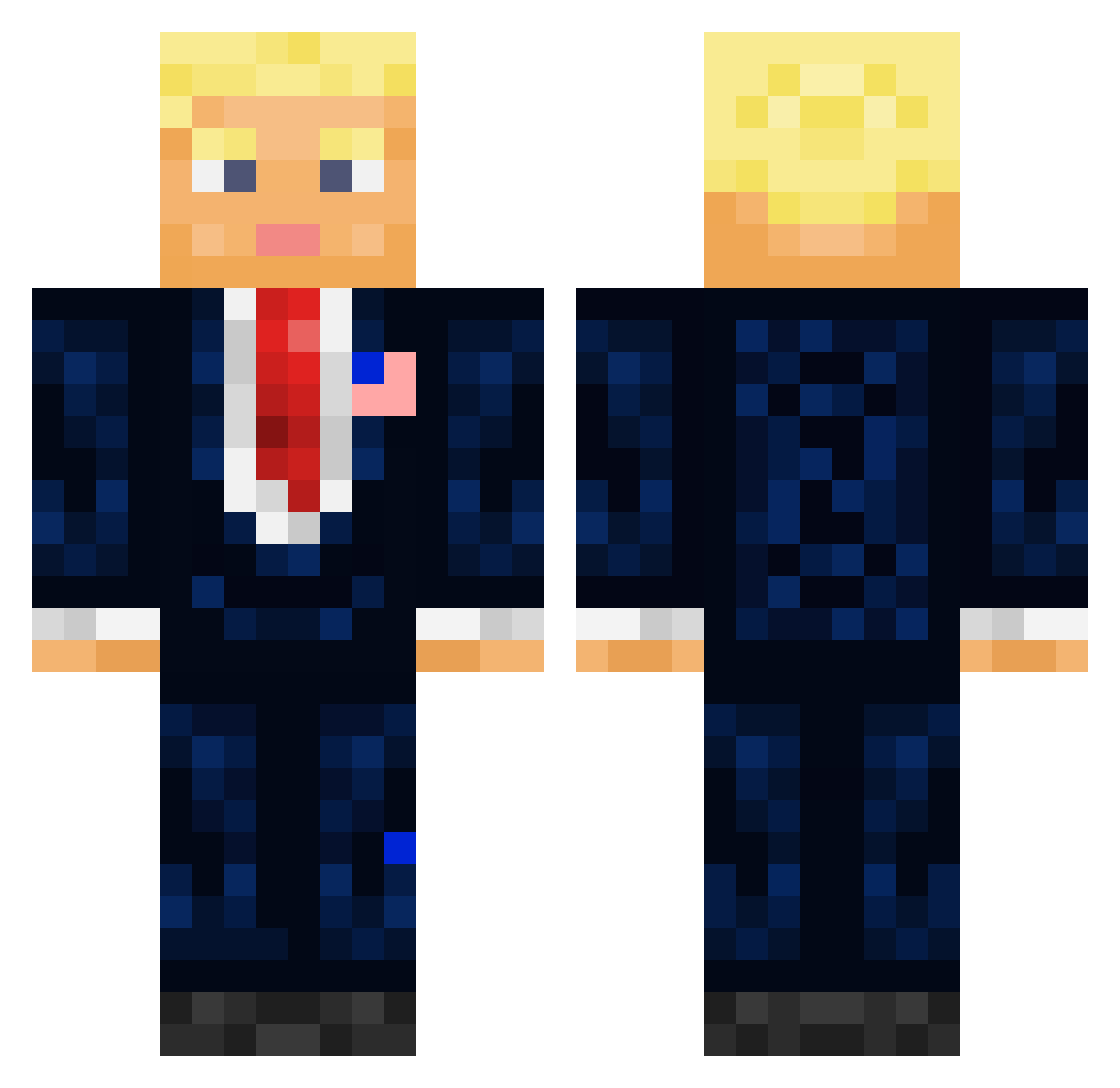
Current Minecraft skin of the player IObvious, loaded from the official Mojang API. Rotate the 3D model with your mouse or finger, then download the skin as a PNG file and use it in Minecraft: Bedrock Edition or Java Edition for free. When IObvious changes their skin, this page updates automatically and the old skin stays in the history below.
Other players with this skin (710)
IObvious was the 243rd player we have seen with this skin, first spotted on 02.09.2026. The same skin was seen on these players. Open a nickname to see their current skin and skin history.
 nebyneb Plamy yiyandingzhen984 Eatpie62 AmericanFlight11 Baybub LVMarb HydraGamer1221 6k1lky Julpro457 BiliBili2k WaizZ68 dylanischillin22 JuliusM007 Juansohn_ MattKMan12345 Senoralek313 RushIsRight Haxormon MR_Lucifer110 chiko97 WahlShow santiagobecerra2 Purple_Strike LessiveJix HeroOfCandyland Kastorsete Viores ElNaNaS XxCommandoSnipe Klammzy LoonyDolphin38 AlkTobi N1NE9 SexyMaxime Skrz_lol CueroAzafranao antoncio18 raphbeyris weso23 navbl mrdari609 L_Kyzulol overrunn Lankurix 2016ChinoHills AntiBoi08 Hazzzzzzzzzz Nyackyz Prestamista paulajw GlassesMan0 williskao Huahqi devilslayerxx JOOOO1 MarcosFrog69 Doerstel Mr_Woz Hochkopieren
More President Minecraft skins
How to install the IObvious skin
- Press the Download button above to save the skin as a PNG file.
- Minecraft: Bedrock Edition (PE): open the Dressing Room from the main menu (or tap your character → Edit Character), go to Classic Skins → Owned, press the + (new skin) button, choose the downloaded PNG and pick the Classic (Steve) model. Works on PC and mobile; consoles cannot import custom skins.
- Minecraft: Java Edition: open the Minecraft Launcher, go to the Skins tab, click New Skin, load the PNG, pick the Classic (Steve) model and press Save & Use. You can also upload it at minecraft.net → Profile → Change Skin.
The skin does not show up after import - what should I do?
Restart Minecraft and open the Dressing Room again - imported skins sometimes appear only after a restart. Also make sure you selected the imported skin and picked the Classic (Steve) model.
Which model should I choose, Classic or Slim?
This skin is designed for the Classic (Steve) model. If you pick the wrong model, the arms of the skin will look stretched or squeezed.
Is the skin of IObvious free to download?
Yes. Press Download, save the PNG file and use it in Minecraft: Bedrock Edition or Java Edition - no payment or registration needed. The skin also works on multiplayer servers and Realms.
More skins
Looking for more? Go back to all Minecraft skins and check the top skins of the week, month and all time, or find any player's skin by nickname.