
Hudden1015 - Minecraft Skins & Skin History
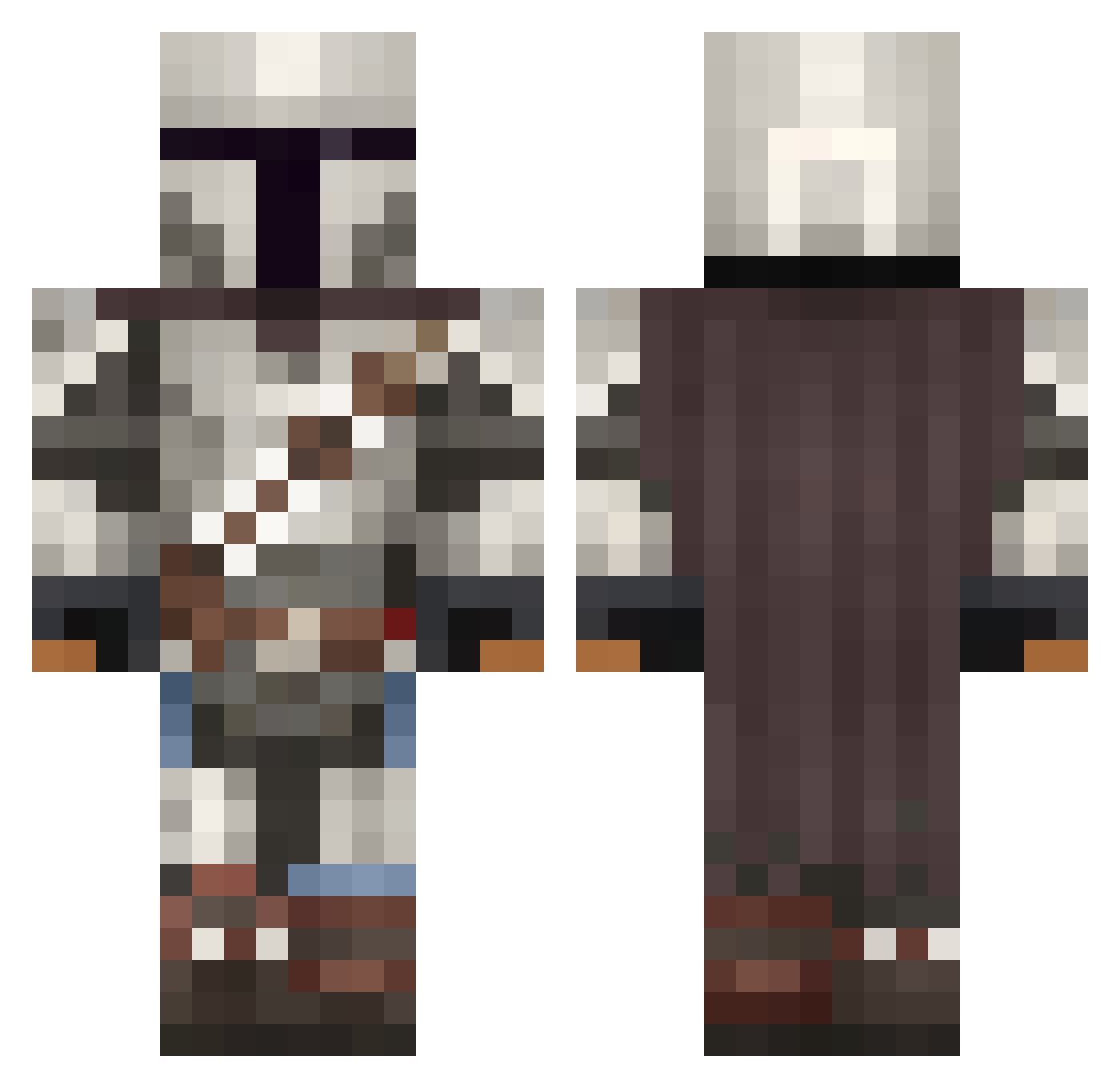
Current Minecraft skin of the player Hudden1015, loaded from the official Mojang API. Rotate the 3D model with your mouse or finger, then download the skin as a PNG file and use it in Minecraft: Bedrock Edition or Java Edition for free. When Hudden1015 changes their skin, this page updates automatically and the old skin stays in the history below.
Other players with this skin (1092)
Hudden1015 was the 324th player we have seen with this skin, first spotted on 29.08.2026. The same skin was seen on these players. Open a nickname to see their current skin and skin history.
 SydneyScarlett Kazuya92 Gelbundflauschig Silcox SirSebboo BakerBot08 BZuck5 Vadorpoggiale lewis2802 Labotsirck JsKrillS23 Vivvid Lane2045 Slinjarin MonroeDaBaller bolboy Mauer_Multipower Wilke1001 CadePete99 iGravityv Frizzante91 onetapman_ow Kuchen3000 Derpy_dash Ruskomsnusken 10nach_R0LEX scortell TKOA1 RamSkirata1337 nomathata mrnoobish Kokoi ReaperOfLykos tamtamtruman Ghryme Vt3c2 DrArcas MrBleu02
 Scarce F0lgu1 Metal_Starscr3am Naico070 Huberchen09 Gus7av02 M0novoice GarrafaSanchez10 Brohmaa Maniac_Man2774 Walker1919 Dippy011 oldmanmarner Gonk1233 SuccerPunch Vhyson PRO_AE123 BustaJiv liezel_ lungworms MannyPoppins thePuckhog57
More The Mandalorian Minecraft skins
See all 620 The Mandalorian skins
How to install the Hudden1015 skin
- Press the Download button above to save the skin as a PNG file.
- Minecraft: Bedrock Edition (PE): open the Dressing Room from the main menu (or tap your character → Edit Character), go to Classic Skins → Owned, press the + (new skin) button, choose the downloaded PNG and pick the Classic (Steve) model. Works on PC and mobile; consoles cannot import custom skins.
- Minecraft: Java Edition: open the Minecraft Launcher, go to the Skins tab, click New Skin, load the PNG, pick the Classic (Steve) model and press Save & Use. You can also upload it at minecraft.net → Profile → Change Skin.
The skin does not show up after import - what should I do?
Restart Minecraft and open the Dressing Room again - imported skins sometimes appear only after a restart. Also make sure you selected the imported skin and picked the Classic (Steve) model.
Which model should I choose, Classic or Slim?
This skin is designed for the Classic (Steve) model. If you pick the wrong model, the arms of the skin will look stretched or squeezed.
Is the skin of Hudden1015 free to download?
Yes. Press Download, save the PNG file and use it in Minecraft: Bedrock Edition or Java Edition - no payment or registration needed. The skin also works on multiplayer servers and Realms.
More skins
Looking for more? Go back to all Minecraft skins and check the top skins of the week, month and all time, or find any player's skin by nickname.