
Hua___Luo - Minecraft Skins & Skin History
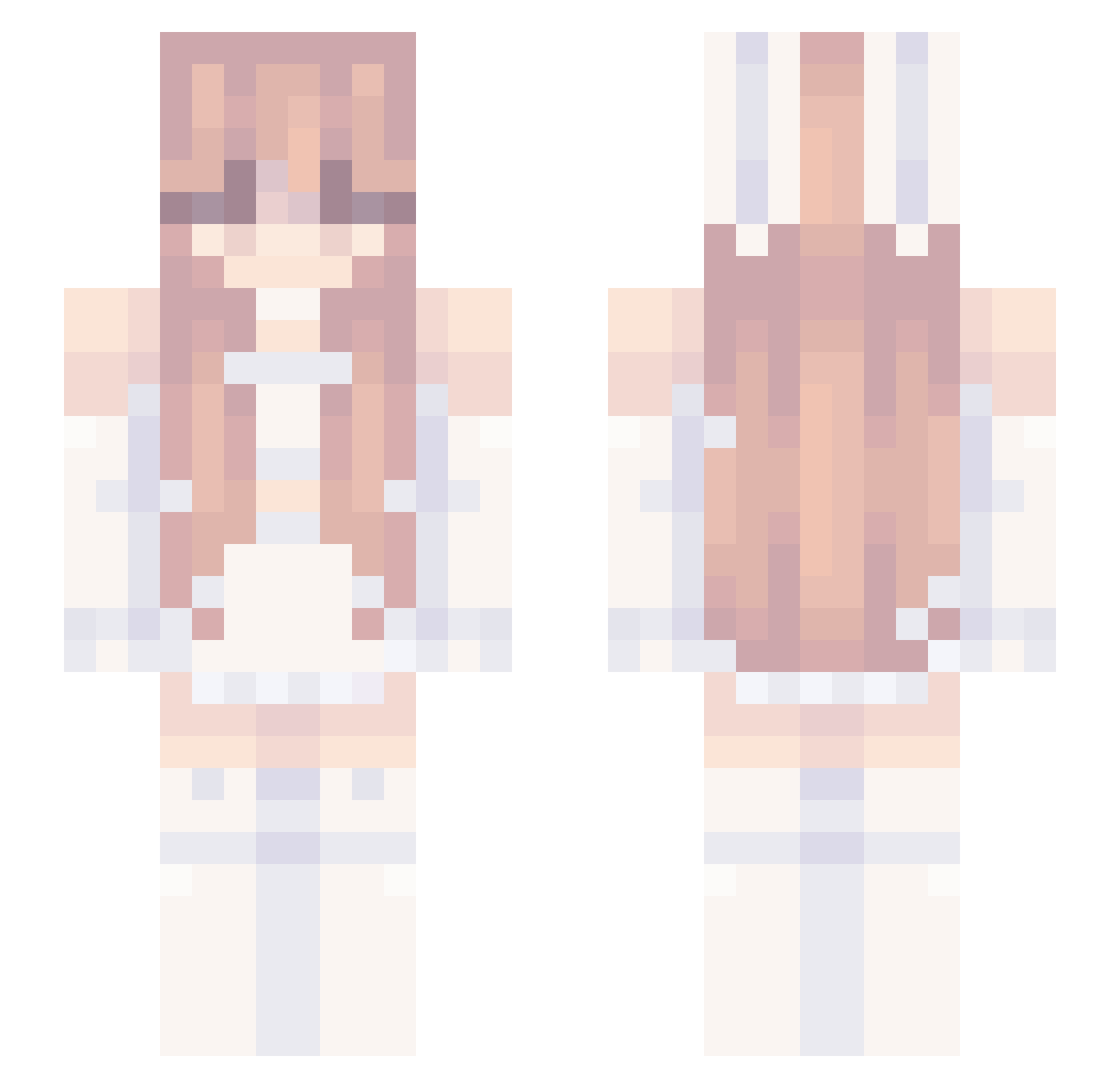
Current Minecraft skin of the player Hua___Luo, loaded from the official Mojang API. Rotate the 3D model with your mouse or finger, then download the skin as a PNG file and use it in Minecraft: Bedrock Edition or Java Edition for free. When Hua___Luo changes their skin, this page updates automatically and the old skin stays in the history below.
Other players with this skin (239)
Hua___Luo was the 153rd player we have seen with this skin, first spotted on 29.09.2026. The same skin was seen on these players. Open a nickname to see their current skin and skin history.
 ICEY2133 Yinjio creepelite Notagirlll HanLegal Kifro4 teruhi100 SmileyBurrito77 auroosc Lykia3 Kiinaa_ Beverley_Hart nknown6 Asuu_G5 Kommandant_Cat 3yoni Nyxezzi liyiaaa mr_guse polunja bananinon ebeb_ kinvjxx carebunny Hanako1 mollydxx Mlpaws AnaCris5595 maartitta YQC125 FraGz_91 Dragclicked SpongeBobGgz Kakalan21 SAMOROST33 zLimbo_ catreply ALEXISIX936 Diamond5941 jigglephysics69 Valriking _Startives Th3_M1ko pearbear1058 nameOAO Sysia287 idk10244 Mxthilda hoshinoidx smolplums Inventor1826 TheWreck120 MilliMausi300 seuteikeu F4irygemini Nicol_garcia_55 LadySw33tness ZWLSqueaky SaltedFishStar favoritechild112
More Bunny Ears Minecraft skins
How to install the Hua___Luo skin
- Press the Download button above to save the skin as a PNG file.
- Minecraft: Bedrock Edition (PE): open the Dressing Room from the main menu (or tap your character → Edit Character), go to Classic Skins → Owned, press the + (new skin) button, choose the downloaded PNG and pick the Slim (Alex) model. Works on PC and mobile; consoles cannot import custom skins.
- Minecraft: Java Edition: open the Minecraft Launcher, go to the Skins tab, click New Skin, load the PNG, pick the Slim (Alex) model and press Save & Use. You can also upload it at minecraft.net → Profile → Change Skin.
The skin does not show up after import - what should I do?
Restart Minecraft and open the Dressing Room again - imported skins sometimes appear only after a restart. Also make sure you selected the imported skin and picked the Slim (Alex) model.
Which model should I choose, Classic or Slim?
This skin is designed for the Slim (Alex) model. If you pick the wrong model, the arms of the skin will look stretched or squeezed.
Is the skin of Hua___Luo free to download?
Yes. Press Download, save the PNG file and use it in Minecraft: Bedrock Edition or Java Edition - no payment or registration needed. The skin also works on multiplayer servers and Realms.
More skins
Looking for more? Go back to all Minecraft skins and check the top skins of the week, month and all time, or find any player's skin by nickname.