
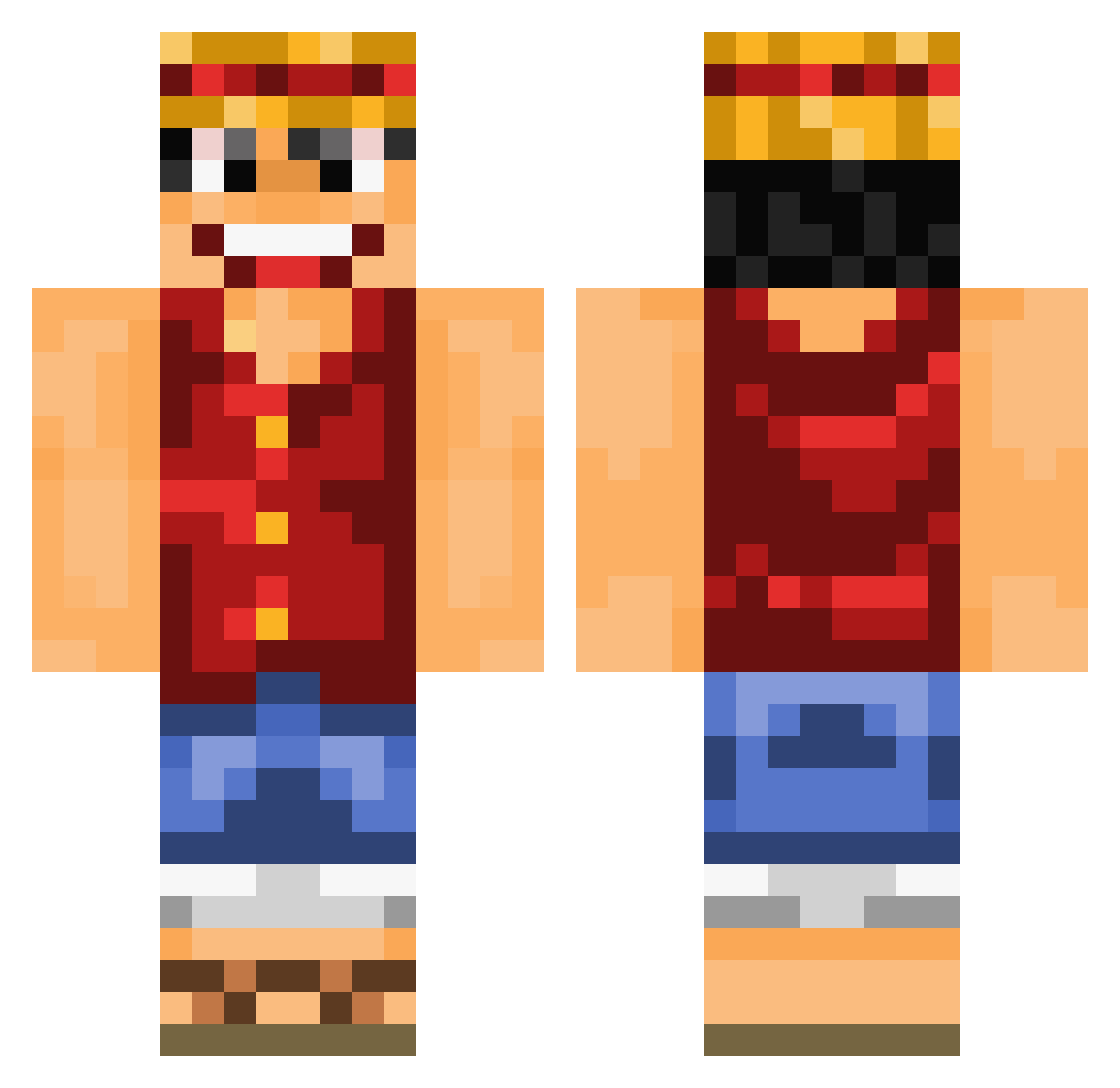
Current Minecraft skin of the player HongkingGod, loaded from the official Mojang API. Rotate the 3D model with your mouse or finger, then download the skin as a PNG file and use it in Minecraft: Bedrock Edition or Java Edition for free. When HongkingGod changes their skin, this page updates automatically and the old skin stays in the history below.
Other players with this skin (641)
HongkingGod was the 375th player we have seen with this skin, first spotted on 13.09.2026. The same skin was seen on these players. Open a nickname to see their current skin and skin history.
 zlh6666 tareq1994 Pruc124 xNobody1303 JeeaaN Wiwi94 gooooosik caosz yeii95 MrAlexSan00 totorgaming13 FastestManAlive_ Falithh craviec FAN2BEBBOUHHHH BarneyZach jikky86 SneakiezFNDT rayan29 Lenathx opeferagamer TheSexyKANGAROO IIXpotatoXII Nat_777 Dr_Donny_ Hamtarow Pretzel97 Mr_Lulatsch MarsMasterLP jia620 Magoss22 XiaoBaBa666 Rickp9 ThomasTrn geegerss Endxxx RazorZeusss Tacolord123321 Champion_Ish ZachIsble Dodua flambl Z_kfsq castco molten01 HuffelPuffel Edille11 jeayun5332 Kanerian_V Findiings MangeurDeChauves AtomiK2306 taeun1013 RomsPoms Parilumos DaptoOfficial sapinmufin victorp78 LiteG93 mitikmatt99
More Monkey D Luffy Minecraft skins
See all 773 Monkey D Luffy skins
How to install the HongkingGod skin
- Press the Download button above to save the skin as a PNG file.
- Minecraft: Bedrock Edition (PE): open the Dressing Room from the main menu (or tap your character → Edit Character), go to Classic Skins → Owned, press the + (new skin) button, choose the downloaded PNG and pick the Classic (Steve) model. Works on PC and mobile; consoles cannot import custom skins.
- Minecraft: Java Edition: open the Minecraft Launcher, go to the Skins tab, click New Skin, load the PNG, pick the Classic (Steve) model and press Save & Use. You can also upload it at minecraft.net → Profile → Change Skin.
The skin does not show up after import - what should I do?
Restart Minecraft and open the Dressing Room again - imported skins sometimes appear only after a restart. Also make sure you selected the imported skin and picked the Classic (Steve) model.
Which model should I choose, Classic or Slim?
This skin is designed for the Classic (Steve) model. If you pick the wrong model, the arms of the skin will look stretched or squeezed.
Is the skin of HongkingGod free to download?
Yes. Press Download, save the PNG file and use it in Minecraft: Bedrock Edition or Java Edition - no payment or registration needed. The skin also works on multiplayer servers and Realms.
More skins
Looking for more? Go back to all Minecraft skins and check the top skins of the week, month and all time, or find any player's skin by nickname.