
Himo41 - Minecraft Skins & Skin History
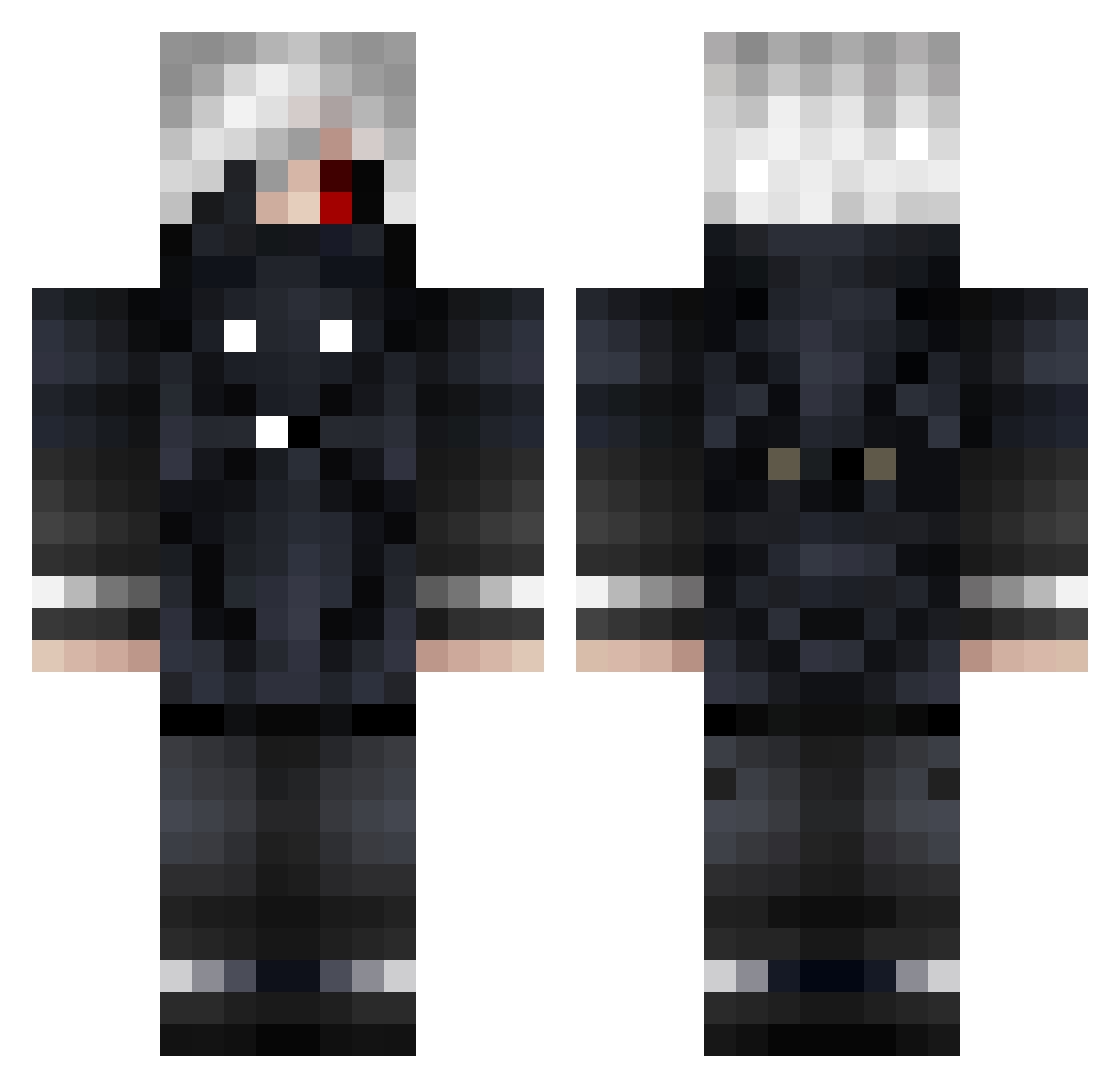
Current Minecraft skin of the player Himo41, loaded from the official Mojang API. Rotate the 3D model with your mouse or finger, then download the skin as a PNG file and use it in Minecraft: Bedrock Edition or Java Edition for free. When Himo41 changes their skin, this page updates automatically and the old skin stays in the history below.
Other players with this skin (830)
Himo41 was the 205th player we have seen with this skin, first spotted on 22.08.2026. The same skin was seen on these players. Open a nickname to see their current skin and skin history.
 RavenOmen A_Okami SkoVyr37 ZeroReborn Killer_Kaos ShakerBow LoveableRogue nja3 Roxas04 Hardius ThanaNel XToastmanX W0lfDi4m0nd asskaZ1 OHMYGAT SUGGAAAA 1MARTYlol lala321333 madiwilly zatto999 Raxore_ CorvoComChapeu ThalesVonDasos Pharaun93 SkKYDZz babyhandz16 jijkj MelonSplit MrMissAlot1 scrobxxx MethodicOfficial RafaDD Dag0su hussainKSA Coinflippers incuuursio Gytalin DamirLOVE Gachaholic AresBittnerLuisa GhoulishDesire Kurama993 Galaxyssss Jawad_Hamed Lizblizz12 DeZiiReLean JeroXo Half_Darkness LuisGamerpro1213 Bredii_ ToffiHD Numatix nullbyte001 deeeznats TimmyPOfficial Sirexxxs rotoculteur69 Vamper6 KidsHenry TokyoMani
More Mask Minecraft skins
How to install the Himo41 skin
- Press the Download button above to save the skin as a PNG file.
- Minecraft: Bedrock Edition (PE): open the Dressing Room from the main menu (or tap your character → Edit Character), go to Classic Skins → Owned, press the + (new skin) button, choose the downloaded PNG and pick the Classic (Steve) model. Works on PC and mobile; consoles cannot import custom skins.
- Minecraft: Java Edition: open the Minecraft Launcher, go to the Skins tab, click New Skin, load the PNG, pick the Classic (Steve) model and press Save & Use. You can also upload it at minecraft.net → Profile → Change Skin.
The skin does not show up after import - what should I do?
Restart Minecraft and open the Dressing Room again - imported skins sometimes appear only after a restart. Also make sure you selected the imported skin and picked the Classic (Steve) model.
Which model should I choose, Classic or Slim?
This skin is designed for the Classic (Steve) model. If you pick the wrong model, the arms of the skin will look stretched or squeezed.
Is the skin of Himo41 free to download?
Yes. Press Download, save the PNG file and use it in Minecraft: Bedrock Edition or Java Edition - no payment or registration needed. The skin also works on multiplayer servers and Realms.
More skins
Looking for more? Go back to all Minecraft skins and check the top skins of the week, month and all time, or find any player's skin by nickname.