
Highlandbasil11 - Minecraft Skins & Skin History
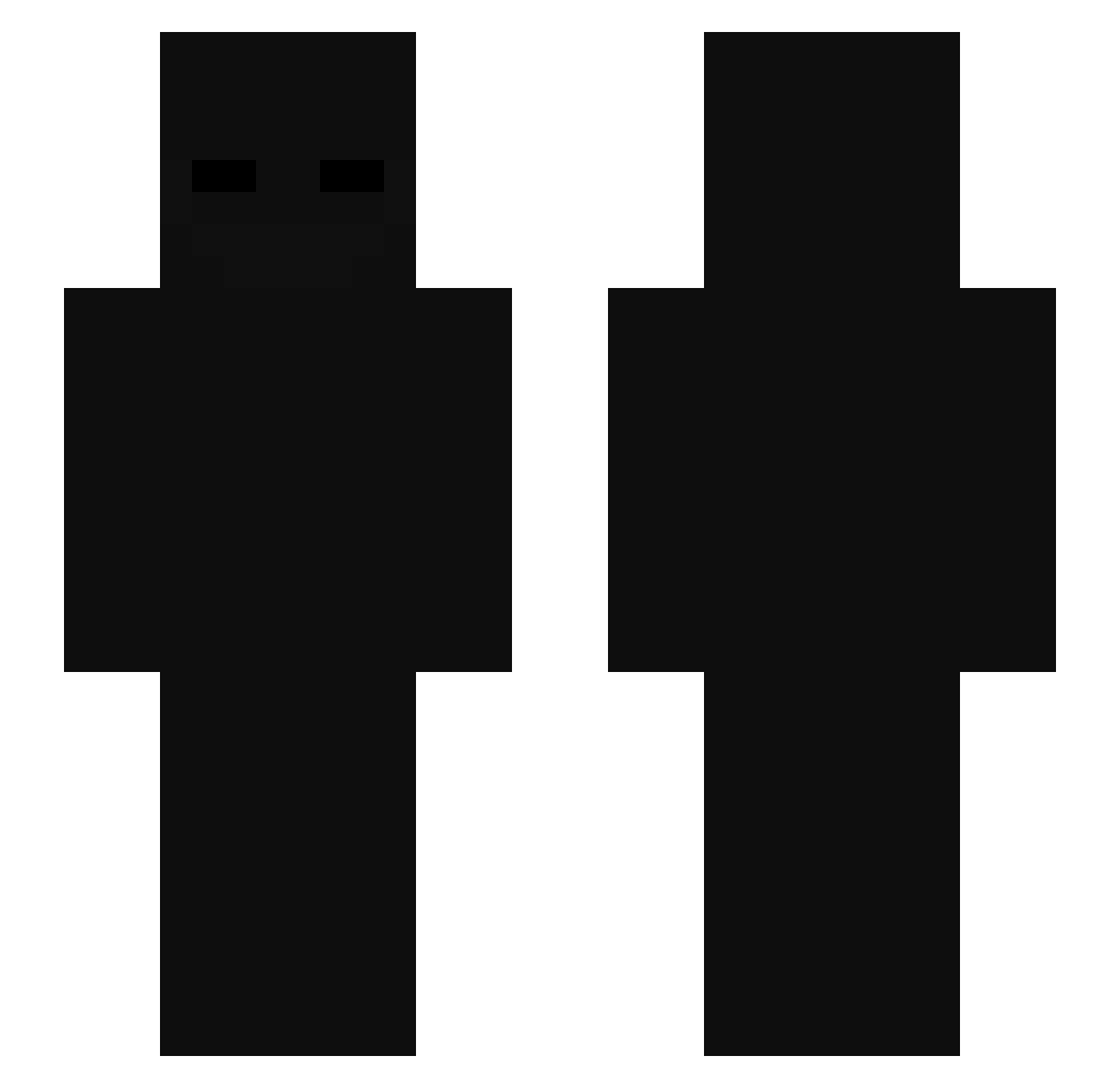
Current Minecraft skin of the player Highlandbasil11, loaded from the official Mojang API. Rotate the 3D model with your mouse or finger, then download the skin as a PNG file and use it in Minecraft: Bedrock Edition or Java Edition for free. When Highlandbasil11 changes their skin, this page updates automatically and the old skin stays in the history below.
Other players with this skin (102)
Highlandbasil11 was the 52nd player we have seen with this skin, first spotted on 26.09.2026. The same skin was seen on these players. Open a nickname to see their current skin and skin history.
 mtpchristian donALMUERZO mz0k xham36 Baba_Babo slonzin Scriiptty _mrbl3u dwokfolfwpfwl iTzChinoBling03 krejziRNG comzmo filip0302 Rentoholik QuanFengOT voce77 Sqpency xines76 Jr_Corleone Iq_NoN Acupuncturist Eltiaguin18 P18POP ZBNYANG komatsu827 tabwagner ITTZkamil Soloom N057ru5 NcL_23 Slayerfpss BrunoGaymer T1z1an Its_OEmer Bratek3000_ ItsMeMythic Bakugan_21 Betrayal567 M4ryMay Taxxyyy Wxve001 Dayden77 Dejviddd H4MI Alan75ttr RedNinja1903 vasekG Godproplayer2000 naruw Matheusyessir
 kronoschampion13 Lepetos jexd127 Sntoo7 rishypooooo daheque16 BabyShark1313 MrSirexOfficial dinizpereira Gusae1
Previous skins of Highlandbasil11
Skins that Highlandbasil11 wore before, newest first. Click a skin to open its page and download it.
More Enderman Minecraft skins
How to install the Highlandbasil11 skin
- Press the Download button above to save the skin as a PNG file.
- Minecraft: Bedrock Edition (PE): open the Dressing Room from the main menu (or tap your character → Edit Character), go to Classic Skins → Owned, press the + (new skin) button, choose the downloaded PNG and pick the Slim (Alex) model. Works on PC and mobile; consoles cannot import custom skins.
- Minecraft: Java Edition: open the Minecraft Launcher, go to the Skins tab, click New Skin, load the PNG, pick the Slim (Alex) model and press Save & Use. You can also upload it at minecraft.net → Profile → Change Skin.
The skin does not show up after import - what should I do?
Restart Minecraft and open the Dressing Room again - imported skins sometimes appear only after a restart. Also make sure you selected the imported skin and picked the Slim (Alex) model.
Which model should I choose, Classic or Slim?
This skin is designed for the Slim (Alex) model. If you pick the wrong model, the arms of the skin will look stretched or squeezed.
Is the skin of Highlandbasil11 free to download?
Yes. Press Download, save the PNG file and use it in Minecraft: Bedrock Edition or Java Edition - no payment or registration needed. The skin also works on multiplayer servers and Realms.
More skins
Looking for more? Go back to all Minecraft skins and check the top skins of the week, month and all time, or find any player's skin by nickname.