
Hextratic - Minecraft Skins & Skin History
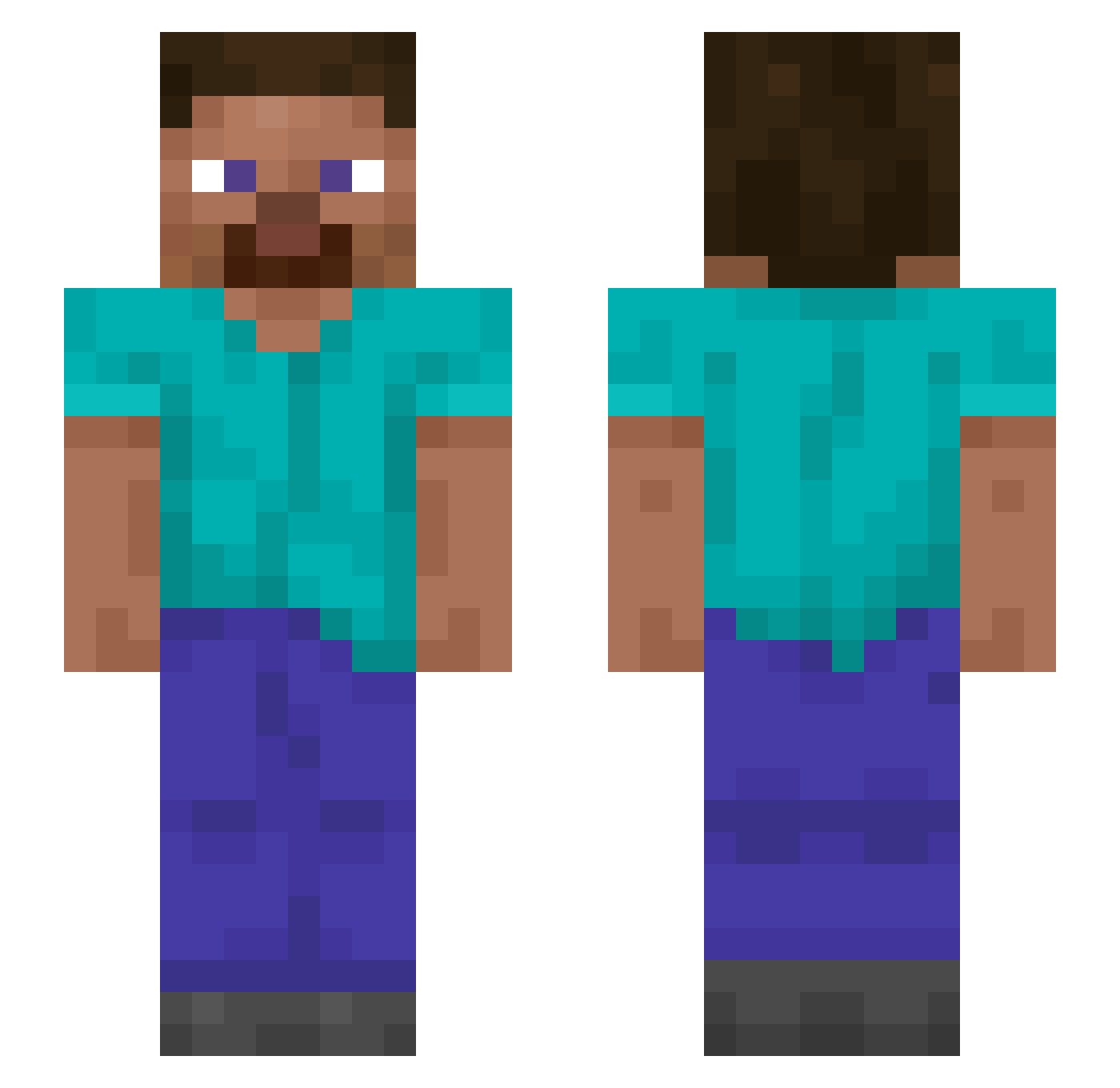
Current Minecraft skin of the player Hextratic, loaded from the official Mojang API. Rotate the 3D model with your mouse or finger, then download the skin as a PNG file and use it in Minecraft: Bedrock Edition or Java Edition for free. When Hextratic changes their skin, this page updates automatically and the old skin stays in the history below.
Other players with this skin (1309)
Hextratic was the 1259th player we have seen with this skin, first spotted on 30.10.2026. The same skin was seen on these players. Open a nickname to see their current skin and skin history.
 KerangAjaib Ayak26 Groved Glaive1_ juannee1025 anigh TucoTuco gxLindo Barracker ahliaaaaa capitande Titan_ARK AquaLiguid Ukobong savoury RESaddled _Niqht_ Maartenhuppel2 Jasiel_ Virsar Williebus Photoperiod TheBois 6ixela xXHornyXx Sjeuf Fehlzeiten GachiXD Farmost Nootna Franiox7688 RaDzik23 Bloodyimad Matheus_F26 ID_HANA Thenne Jeton Potentilla lPiroJoK LIS CoachEd Graymon2011 oleos Glucose arabidopsis marcor Rorelas Nonintellectuals vPaat 31515 Ad3lka PvExp TIP0NK beforeyouarrive brethel GERE156 _miloqu_ hxsterical Suropej Tschaenek
How to install the Hextratic skin
- Press the Download button above to save the skin as a PNG file.
- Minecraft: Bedrock Edition (PE): open the Dressing Room from the main menu (or tap your character → Edit Character), go to Classic Skins → Owned, press the + (new skin) button, choose the downloaded PNG and pick the Slim (Alex) model. Works on PC and mobile; consoles cannot import custom skins.
- Minecraft: Java Edition: open the Minecraft Launcher, go to the Skins tab, click New Skin, load the PNG, pick the Slim (Alex) model and press Save & Use. You can also upload it at minecraft.net → Profile → Change Skin.
The skin does not show up after import - what should I do?
Restart Minecraft and open the Dressing Room again - imported skins sometimes appear only after a restart. Also make sure you selected the imported skin and picked the Slim (Alex) model.
Which model should I choose, Classic or Slim?
This skin is designed for the Slim (Alex) model. If you pick the wrong model, the arms of the skin will look stretched or squeezed.
Is the skin of Hextratic free to download?
Yes. Press Download, save the PNG file and use it in Minecraft: Bedrock Edition or Java Edition - no payment or registration needed. The skin also works on multiplayer servers and Realms.
More skins
Looking for more? Go back to all Minecraft skins and check the top skins of the week, month and all time, or find any player's skin by nickname.