
Heeowl - Minecraft Skins & Skin History
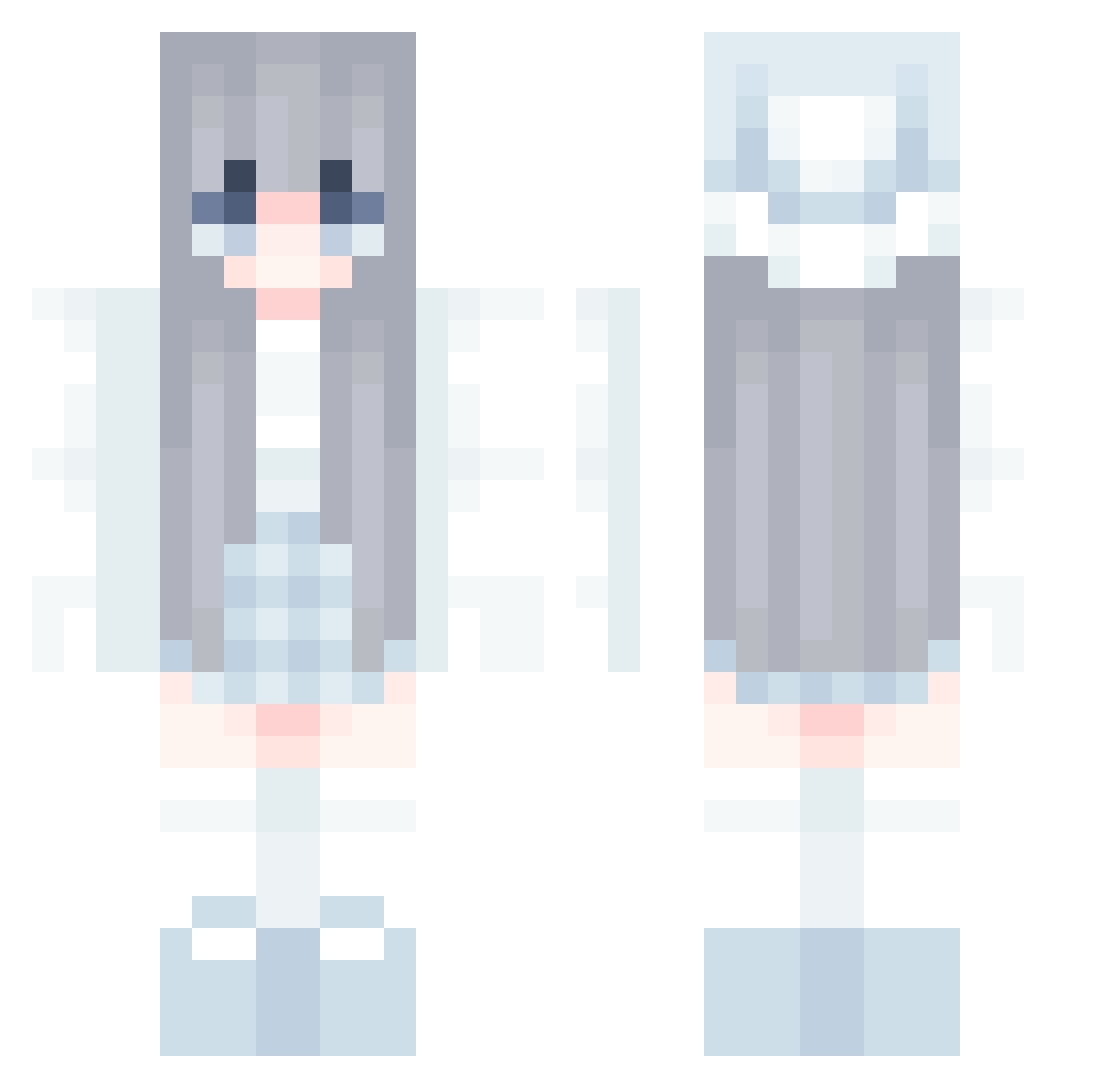
Current Minecraft skin of the player Heeowl, loaded from the official Mojang API. Rotate the 3D model with your mouse or finger, then download the skin as a PNG file and use it in Minecraft: Bedrock Edition or Java Edition for free. When Heeowl changes their skin, this page updates automatically and the old skin stays in the history below.
Other players with this skin (858)
Heeowl was the 108th player we have seen with this skin, first spotted on 07.08.2026. The same skin was seen on these players. Open a nickname to see their current skin and skin history.
 Nova_Javan bulun123 Lige35 coolslider7 Fernando30678 Yuzzz05 Valiente_0712 ciyo7 Luber0607 Kleine_Feex Raskin26 Enel47 HORIZON3689 LinkT6772
 AikaMeii TalasV2 Same_Soule DaCongMingWg FormidableW fatbbat Cho_A_ Xzw1 GH_BlueRiver stormmcfa01 foreverdoll1 Cupcake7401 doarang HuenHuenbb beaqu Phuvipat Paradission KeiFrost Noir0919 LOVESNOW1106 N0MINATE Lhhyy1 imnameim0126 Dracofire247 Questioners PronessEL Hazhune QWERTY0321 Hilem Curlier ItsAllmight Lena2561 cybercat2012 katakata612 HowLuckyYouAre yuquan0125 cettmw dulengmo 5XxscJH6291 Miomowa bco0p75 WhiteYea1 QHY7856 PanMuller Zero_324 PaoloBM
More Aesthetic Minecraft skins
How to install the Heeowl skin
- Press the Download button above to save the skin as a PNG file.
- Minecraft: Bedrock Edition (PE): open the Dressing Room from the main menu (or tap your character → Edit Character), go to Classic Skins → Owned, press the + (new skin) button, choose the downloaded PNG and pick the Classic (Steve) model. Works on PC and mobile; consoles cannot import custom skins.
- Minecraft: Java Edition: open the Minecraft Launcher, go to the Skins tab, click New Skin, load the PNG, pick the Classic (Steve) model and press Save & Use. You can also upload it at minecraft.net → Profile → Change Skin.
The skin does not show up after import - what should I do?
Restart Minecraft and open the Dressing Room again - imported skins sometimes appear only after a restart. Also make sure you selected the imported skin and picked the Classic (Steve) model.
Which model should I choose, Classic or Slim?
This skin is designed for the Classic (Steve) model. If you pick the wrong model, the arms of the skin will look stretched or squeezed.
Is the skin of Heeowl free to download?
Yes. Press Download, save the PNG file and use it in Minecraft: Bedrock Edition or Java Edition - no payment or registration needed. The skin also works on multiplayer servers and Realms.
More skins
Looking for more? Go back to all Minecraft skins and check the top skins of the week, month and all time, or find any player's skin by nickname.