
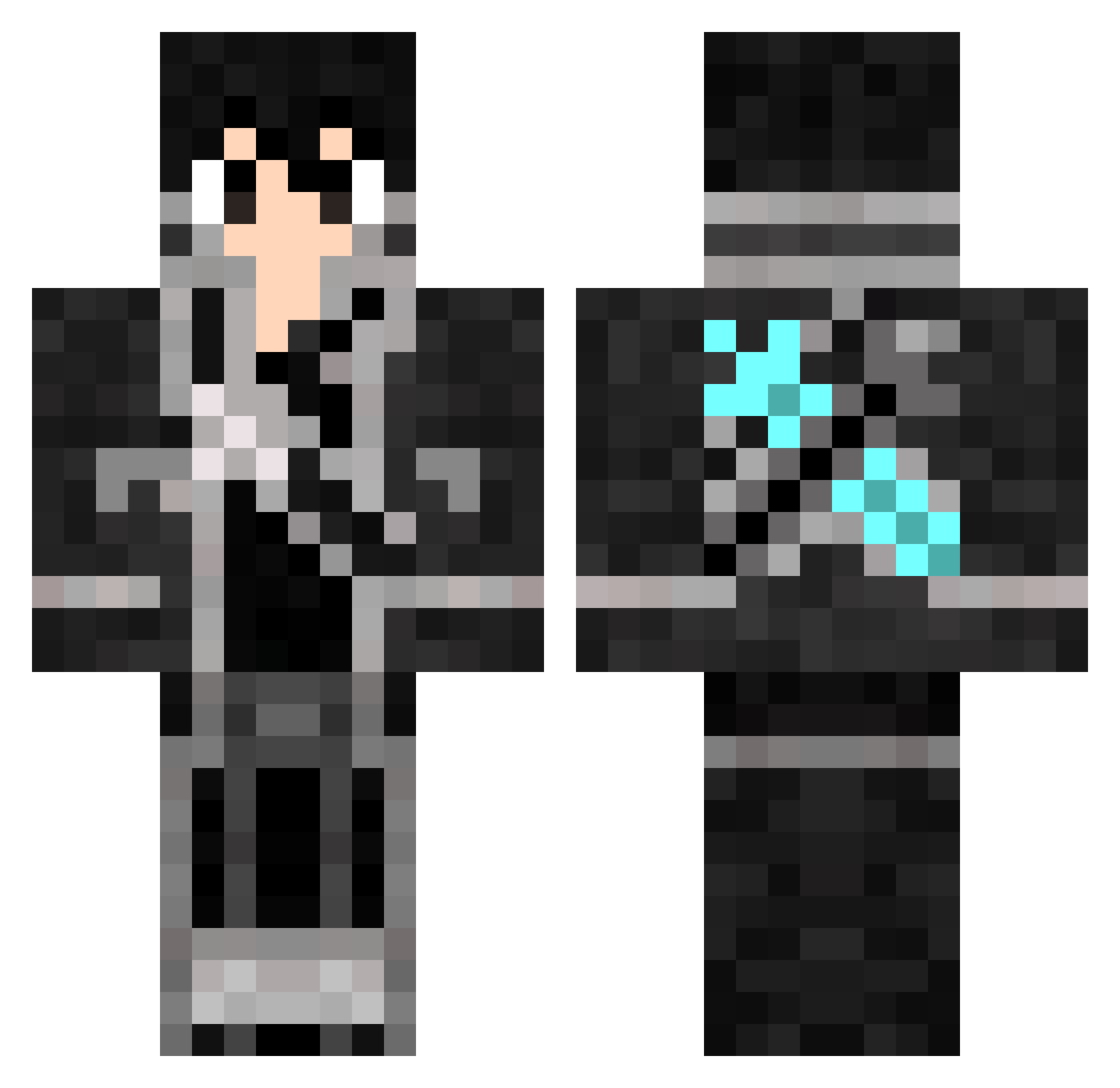
Current Minecraft skin of the player HardcoreClown, loaded from the official Mojang API. Rotate the 3D model with your mouse or finger, then download the skin as a PNG file and use it in Minecraft: Bedrock Edition or Java Edition for free. When HardcoreClown changes their skin, this page updates automatically and the old skin stays in the history below.
Other players with this skin (643)
HardcoreClown was the 520th player we have seen with this skin, first spotted on 01.10.2026. The same skin was seen on these players. Open a nickname to see their current skin and skin history.
 ERROOC BotaniaJay WadeHayashi aa004546 waevyn fl3x4r Th3Aft3rm4th Aweeeeeeeee suiyueya Kanekix satiir64 Rhynr Rick54576 kiritoshun87 xiaoboace Eptid Mik010 N0n0_7002 MinxinA shotae Maniek725 BkDuzoldyck Dylan_0219 PeterDaAgi Xanny_01 Ra2r zong_zi_xiaoxiao paperfishing LordMagna a157832 mutou2020 GibsJr Griver81 Siaoyu_Lin xiang0305 iFung RabbitCB victorchanel Dalgerm MxDxh SquidGameBTS Cali888 SandCrema SweetieDrops SiXEitti zelphe Robinwood34 Eldra4 ebara0 ADHRIT145 Chriscraft2900 Shadow44370 siikuinn LewisGate Drangoball Sparkl0Z Demolitron2077 CyberSubZero00 Jzrllh iiKQw
More Kirito Minecraft skins
How to install the HardcoreClown skin
- Press the Download button above to save the skin as a PNG file.
- Minecraft: Bedrock Edition (PE): open the Dressing Room from the main menu (or tap your character → Edit Character), go to Classic Skins → Owned, press the + (new skin) button, choose the downloaded PNG and pick the Classic (Steve) model. Works on PC and mobile; consoles cannot import custom skins.
- Minecraft: Java Edition: open the Minecraft Launcher, go to the Skins tab, click New Skin, load the PNG, pick the Classic (Steve) model and press Save & Use. You can also upload it at minecraft.net → Profile → Change Skin.
The skin does not show up after import - what should I do?
Restart Minecraft and open the Dressing Room again - imported skins sometimes appear only after a restart. Also make sure you selected the imported skin and picked the Classic (Steve) model.
Which model should I choose, Classic or Slim?
This skin is designed for the Classic (Steve) model. If you pick the wrong model, the arms of the skin will look stretched or squeezed.
Is the skin of HardcoreClown free to download?
Yes. Press Download, save the PNG file and use it in Minecraft: Bedrock Edition or Java Edition - no payment or registration needed. The skin also works on multiplayer servers and Realms.
More skins
Looking for more? Go back to all Minecraft skins and check the top skins of the week, month and all time, or find any player's skin by nickname.