
HY_i89Qtp - Minecraft Skins & Skin History
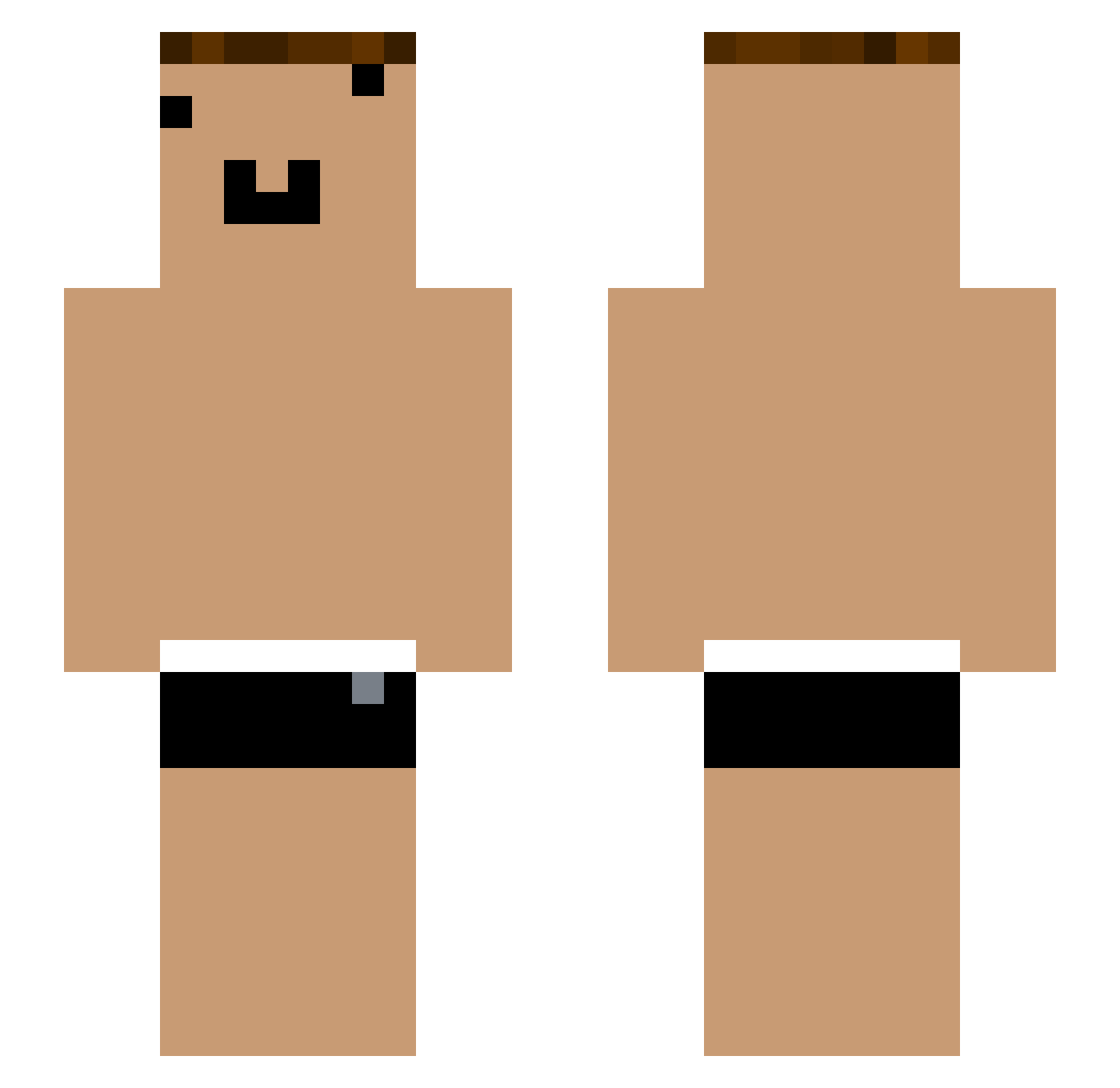
Current Minecraft skin of the player HY_i89Qtp, loaded from the official Mojang API. Rotate the 3D model with your mouse or finger, then download the skin as a PNG file and use it in Minecraft: Bedrock Edition or Java Edition for free. When HY_i89Qtp changes their skin, this page updates automatically and the old skin stays in the history below.
Other players with this skin (1054)
HY_i89Qtp was the 847th player we have seen with this skin, first spotted on 15.10.2026. The same skin was seen on these players. Open a nickname to see their current skin and skin history.
 Hefin86guilty137 XmhkC_ZrIkyP yYa_ch9wPi_06_22 Tzi_ElbcZ3_05_27 yYa_8wSA1X_06_15 yYa_stPGtP_04_17 Tzi_Wd7KKQ_07_01 Wandzel Sleep_KmTRHrz529 Tzi_FRaqbC_05_25 yYa_CMxfqc_05_04 yYa_fTYSl1_05_06 Tzi_456UnH_06_02 Tzi_EpTX5V_06_04 yYa_N4CxpA_05_05 yYa_wrblZz_05_07 XmhkC_UbvBDx Tzi_LpgTFu_06_11 Tzi_CI76rO_06_04 _xc1o8y hachi8626 yYa_0CEVXr_05_21 Tzi_sxf4yp_04_14 yYa_SDPWeN_06_17 Tzi_FRaqbC_05_15 Tzi_pYC98B_06_05 RAS505 yYa_xLDp7m_05_01 yYa_yCKDkb_05_08 Akina__wyOx68 yYa_5BvCVN_04_22 yYa_Gj03oH_04_18 yYa_N4CxpA_06_17 Tzi_45t7h8_04_21 Xmhk_k31TZ1 yYa_RlOcE3_05_09 yYa_b6uIU1_05_13 Wu_nXeFn9 yYa_FRaqbC_04_29 Cd_Gj03oH_05_27 Cd_8wSA1X_05_22 yYa_pYC98B_04_18 YouTouBe__Ebjkyq Reghtwood yYa_vqzAoa_05_01 po_AeRaNg YouTube_lQjGmz S0LVE38 ADIL3169 _eeFUtL yYa_Xee4fD_05_27 yYa_aGmvSV_04_21 ip_rzb461 yYa_02H67y_04_23 ku_dtc022 qwq1_YDqSkc Tzi_lyunxt_05_23 yYa_kkZIhT_04_09 yYa_Mum03y_05_22 ONE_8wSA1X_04_27
More Funny Face Minecraft skins
How to install the HY_i89Qtp skin
- Press the Download button above to save the skin as a PNG file.
- Minecraft: Bedrock Edition (PE): open the Dressing Room from the main menu (or tap your character → Edit Character), go to Classic Skins → Owned, press the + (new skin) button, choose the downloaded PNG and pick the Slim (Alex) model. Works on PC and mobile; consoles cannot import custom skins.
- Minecraft: Java Edition: open the Minecraft Launcher, go to the Skins tab, click New Skin, load the PNG, pick the Slim (Alex) model and press Save & Use. You can also upload it at minecraft.net → Profile → Change Skin.
The skin does not show up after import - what should I do?
Restart Minecraft and open the Dressing Room again - imported skins sometimes appear only after a restart. Also make sure you selected the imported skin and picked the Slim (Alex) model.
Which model should I choose, Classic or Slim?
This skin is designed for the Slim (Alex) model. If you pick the wrong model, the arms of the skin will look stretched or squeezed.
Is the skin of HY_i89Qtp free to download?
Yes. Press Download, save the PNG file and use it in Minecraft: Bedrock Edition or Java Edition - no payment or registration needed. The skin also works on multiplayer servers and Realms.
More skins
Looking for more? Go back to all Minecraft skins and check the top skins of the week, month and all time, or find any player's skin by nickname.