
H0E1 - Minecraft Skins & Skin History
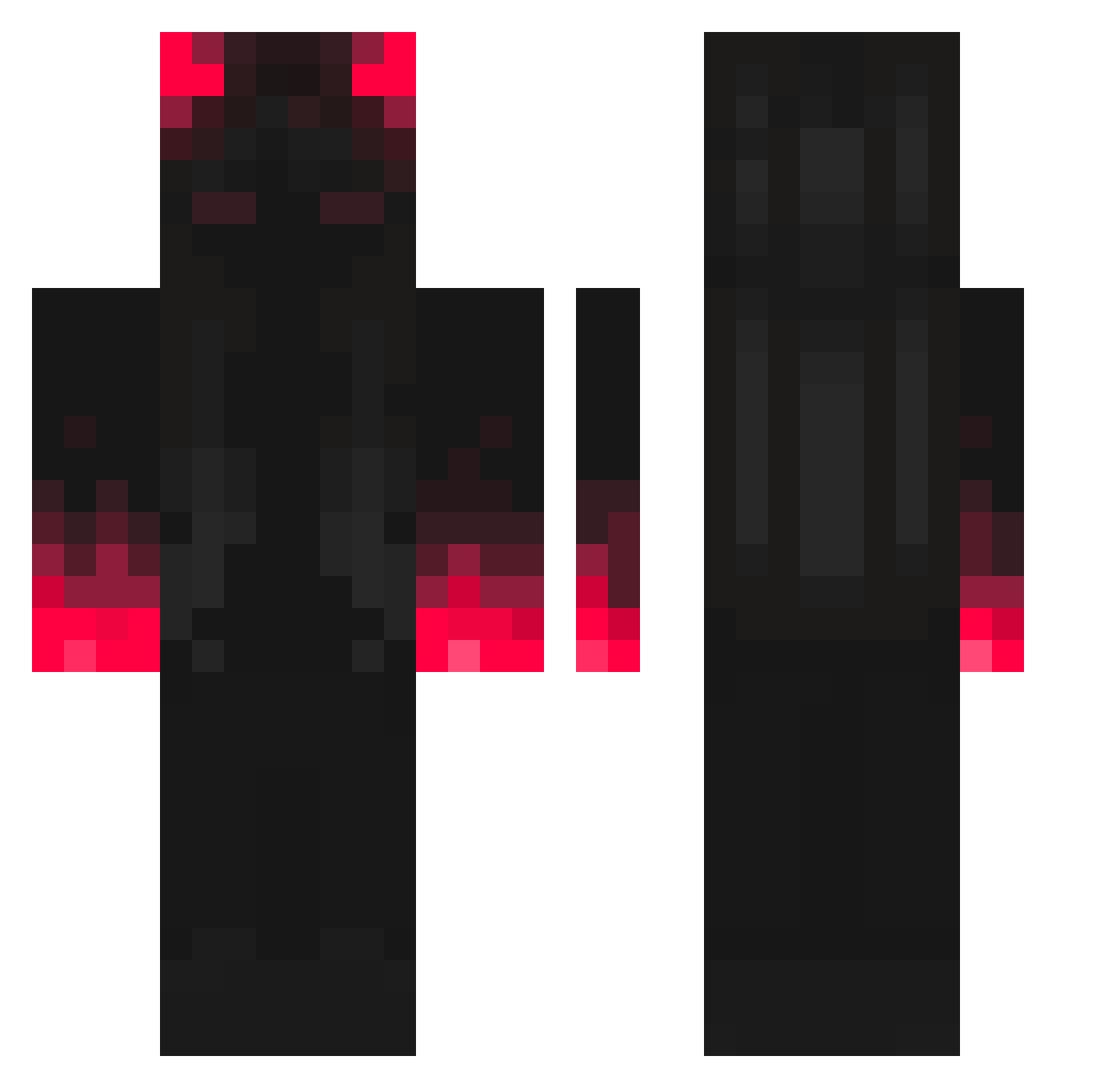
Current Minecraft skin of the player H0E1, loaded from the official Mojang API. Rotate the 3D model with your mouse or finger, then download the skin as a PNG file and use it in Minecraft: Bedrock Edition or Java Edition for free. When H0E1 changes their skin, this page updates automatically and the old skin stays in the history below.
Other players with this skin (307)
H0E1 was the 115th player we have seen with this skin, first spotted on 25.08.2026. The same skin was seen on these players. Open a nickname to see their current skin and skin history.
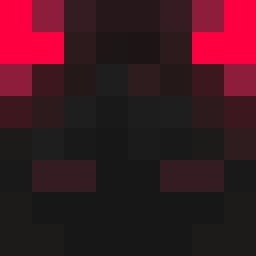 xFhelipeBR3 KaNeki_Mine NonEpikGamer Ruquit0 1Efehann HappyZpLaggo bibidu74 Hadachi ATZRsniper21 MacLiFe
 Xeyps kacpereq32 _Reasons ShortCrush _Mikolas StopItThanksxoxo glulgu2312 okraam The_BloodRed AbaddonPL _Shinzu_ borkan Tuarezzz ItzCaspers Foodzu vifhy DATAMEER JoseCuest 5117 minethesky SuccnbusROH WidowsDeath Vitroror Urbnpancake030 Cives01 Rajyk NonoBabouche whbo1 AEST_AnhGiang456 Zraiks LarryKaChota MaskedSambax Cyborgdude8 1DouBle runrunrunrunrun Tonyrx91 TyPhon_3 JulieAntics D9_L7N RULING_CAT1452 Jesseyyyy Dantelionn smokeG18 777aleplayer RhinaShield Praash21 NectroGT lCiNCO S4d_Sh1t MrThicccc
More Shadow Minecraft skins
How to install the H0E1 skin
- Press the Download button above to save the skin as a PNG file.
- Minecraft: Bedrock Edition (PE): open the Dressing Room from the main menu (or tap your character → Edit Character), go to Classic Skins → Owned, press the + (new skin) button, choose the downloaded PNG and pick the Classic (Steve) model. Works on PC and mobile; consoles cannot import custom skins.
- Minecraft: Java Edition: open the Minecraft Launcher, go to the Skins tab, click New Skin, load the PNG, pick the Classic (Steve) model and press Save & Use. You can also upload it at minecraft.net → Profile → Change Skin.
The skin does not show up after import - what should I do?
Restart Minecraft and open the Dressing Room again - imported skins sometimes appear only after a restart. Also make sure you selected the imported skin and picked the Classic (Steve) model.
Which model should I choose, Classic or Slim?
This skin is designed for the Classic (Steve) model. If you pick the wrong model, the arms of the skin will look stretched or squeezed.
Is the skin of H0E1 free to download?
Yes. Press Download, save the PNG file and use it in Minecraft: Bedrock Edition or Java Edition - no payment or registration needed. The skin also works on multiplayer servers and Realms.
More skins
Looking for more? Go back to all Minecraft skins and check the top skins of the week, month and all time, or find any player's skin by nickname.