
Grexito - Minecraft Skins & Skin History
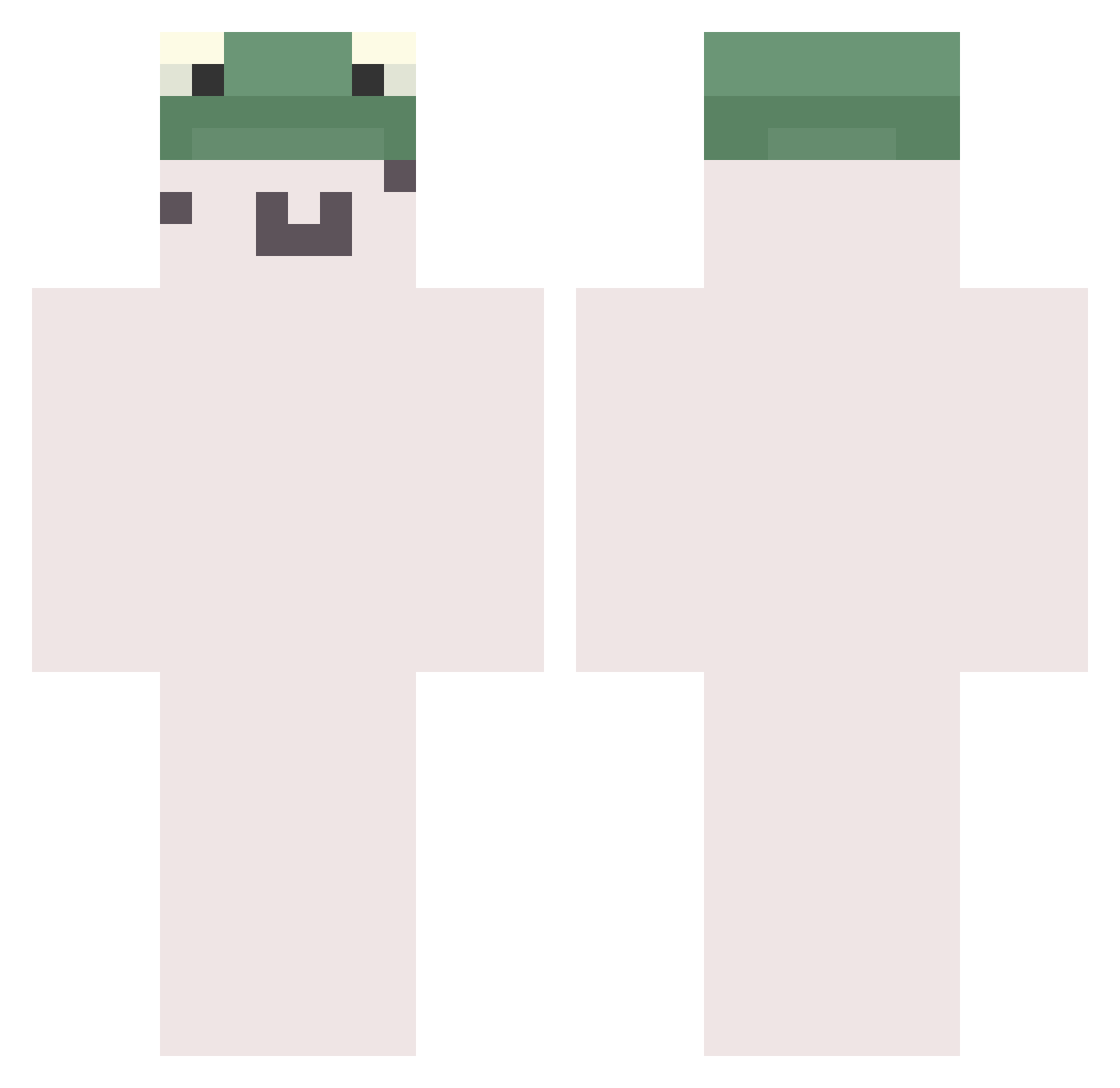
Current Minecraft skin of the player Grexito, loaded from the official Mojang API. Rotate the 3D model with your mouse or finger, then download the skin as a PNG file and use it in Minecraft: Bedrock Edition or Java Edition for free. When Grexito changes their skin, this page updates automatically and the old skin stays in the history below.
Other players with this skin (783)
Grexito was the 121st player we have seen with this skin, first spotted on 13.08.2026. The same skin was seen on these players. Open a nickname to see their current skin and skin history.
 VanguardSoup Overpoint SharpieFx Relqys2 YULIN030 dirtart0 Nezox727 TheDaniblood nuyui Naey not_c whenSilksong DOLU36 Atreamc Mini_Jhonson qp_s sspicydinosaur corycory31 ihira hedgepogz_ Insylum _Jesus_1 Potatotator
 skyfishwoter58 wiiiill xKisu lilB0SS Vynxt_ Snailspids Forsel1337 persikdota Dadayt2249 Flores__ Matejoszka ItzDuki_ shin04263 dorip jiheong Iamlunhui Worsing sebasgl6 boldmint EWcho666 ren016 BLAZE169 kyungyeol_ MC_shanhan AyooDen Rririnx lizunpiski verboseboot Icantcraftmine 2_YeonHwA_05 neuvv camilo012 yahel0063 BeNicer SAtaNCC Dungdung49 zYaang
More Kermit The Frog Minecraft skins
See all 436 Kermit The Frog skins
How to install the Grexito skin
- Press the Download button above to save the skin as a PNG file.
- Minecraft: Bedrock Edition (PE): open the Dressing Room from the main menu (or tap your character → Edit Character), go to Classic Skins → Owned, press the + (new skin) button, choose the downloaded PNG and pick the Classic (Steve) model. Works on PC and mobile; consoles cannot import custom skins.
- Minecraft: Java Edition: open the Minecraft Launcher, go to the Skins tab, click New Skin, load the PNG, pick the Classic (Steve) model and press Save & Use. You can also upload it at minecraft.net → Profile → Change Skin.
The skin does not show up after import - what should I do?
Restart Minecraft and open the Dressing Room again - imported skins sometimes appear only after a restart. Also make sure you selected the imported skin and picked the Classic (Steve) model.
Which model should I choose, Classic or Slim?
This skin is designed for the Classic (Steve) model. If you pick the wrong model, the arms of the skin will look stretched or squeezed.
Is the skin of Grexito free to download?
Yes. Press Download, save the PNG file and use it in Minecraft: Bedrock Edition or Java Edition - no payment or registration needed. The skin also works on multiplayer servers and Realms.
More skins
Looking for more? Go back to all Minecraft skins and check the top skins of the week, month and all time, or find any player's skin by nickname.