
Grejvn - Minecraft Skins & Skin History
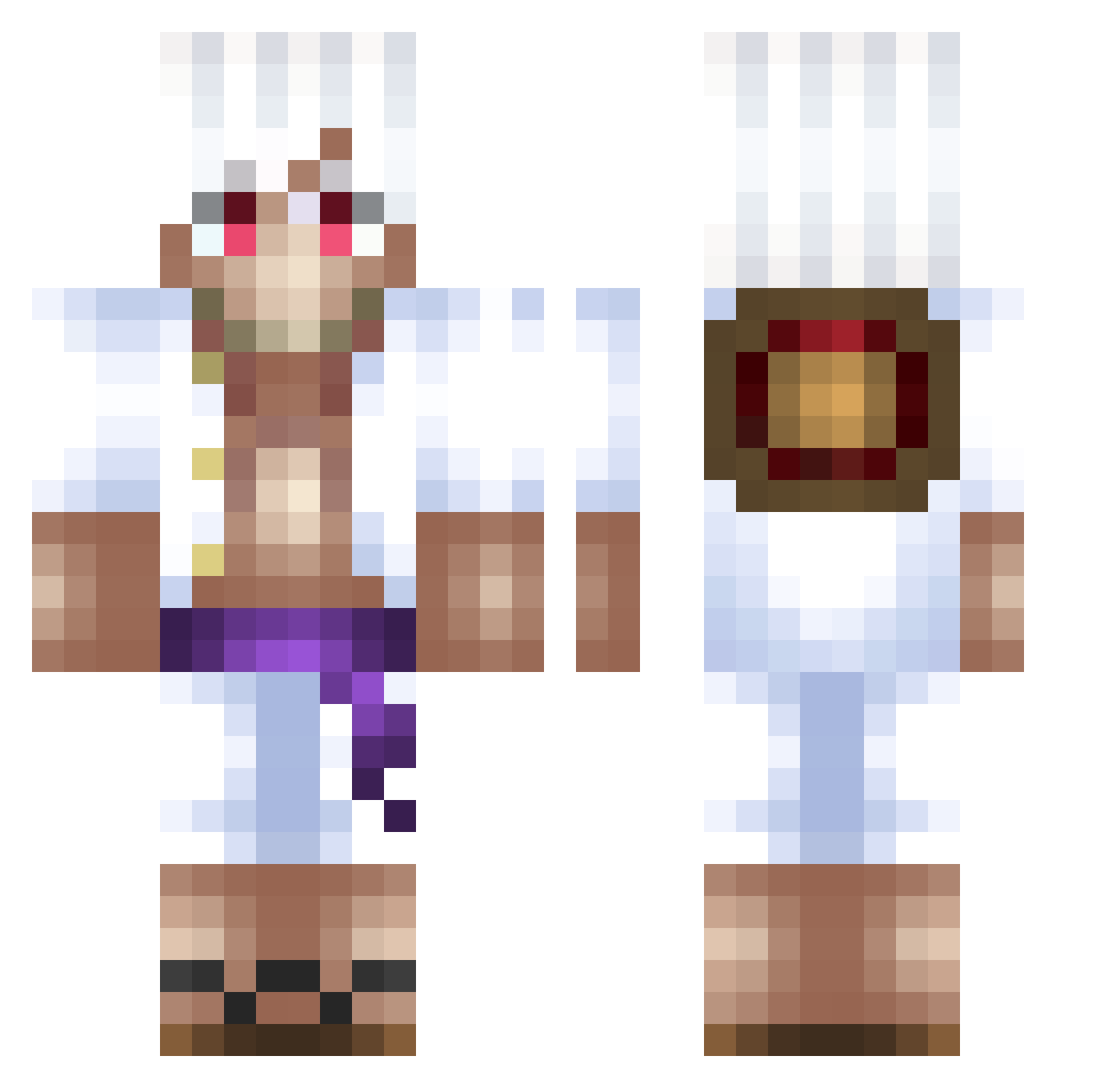
Current Minecraft skin of the player Grejvn, loaded from the official Mojang API. Rotate the 3D model with your mouse or finger, then download the skin as a PNG file and use it in Minecraft: Bedrock Edition or Java Edition for free. When Grejvn changes their skin, this page updates automatically and the old skin stays in the history below.
Other players with this skin (500)
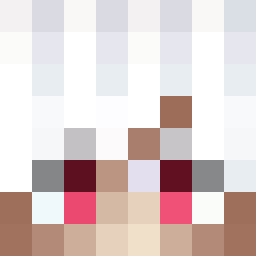
Grejvn was the 222nd player we have seen with this skin, first spotted on 14.09.2026. The same skin was seen on these players. Open a nickname to see their current skin and skin history.
 slbbb_ MugiwaraTaha sakurakko1234 Gurstf Sandyoman MoonLightDemon10 Left4Wafflez Zaylux XSinglesManX MOHAMEDQ itzajmi okphxze Shyio2107 1350ms Yag4izSlore DRZ266 Fabian10_mc Clock909 Kyrasami RuIian NaskoLaRue wangro13 Miguelfe mcTinch2 RuhPun JustWulf MAKUKITO Yannit000 Idellis ppnotez Josuu5E_mc_ Empita007 Cleliqo TheCreepyKnight fruit_monster K3limmovitch aperson1234567 Extalossa MaritoxX linkson22 KenKaneki8296 Dylan_vdk ScorchedBird443 Animagus12 BobaTeaUnenjoyer akubi0630 TheDerank Hunigiri666 AtsushiSenpai LeonidenStar bcgx muchan08 Ceza_7 Twix_aka Bxschii mingotg6 52cowboys Plateus mako913 Cheew
More Monkey D Luffy Minecraft skins
See all 925 Monkey D Luffy skins
How to install the Grejvn skin
- Press the Download button above to save the skin as a PNG file.
- Minecraft: Bedrock Edition (PE): open the Dressing Room from the main menu (or tap your character → Edit Character), go to Classic Skins → Owned, press the + (new skin) button, choose the downloaded PNG and pick the Classic (Steve) model. Works on PC and mobile; consoles cannot import custom skins.
- Minecraft: Java Edition: open the Minecraft Launcher, go to the Skins tab, click New Skin, load the PNG, pick the Classic (Steve) model and press Save & Use. You can also upload it at minecraft.net → Profile → Change Skin.
The skin does not show up after import - what should I do?
Restart Minecraft and open the Dressing Room again - imported skins sometimes appear only after a restart. Also make sure you selected the imported skin and picked the Classic (Steve) model.
Which model should I choose, Classic or Slim?
This skin is designed for the Classic (Steve) model. If you pick the wrong model, the arms of the skin will look stretched or squeezed.
Is the skin of Grejvn free to download?
Yes. Press Download, save the PNG file and use it in Minecraft: Bedrock Edition or Java Edition - no payment or registration needed. The skin also works on multiplayer servers and Realms.
More skins
Looking for more? Go back to all Minecraft skins and check the top skins of the week, month and all time, or find any player's skin by nickname.