
Goku07891 - Minecraft Skins & Skin History
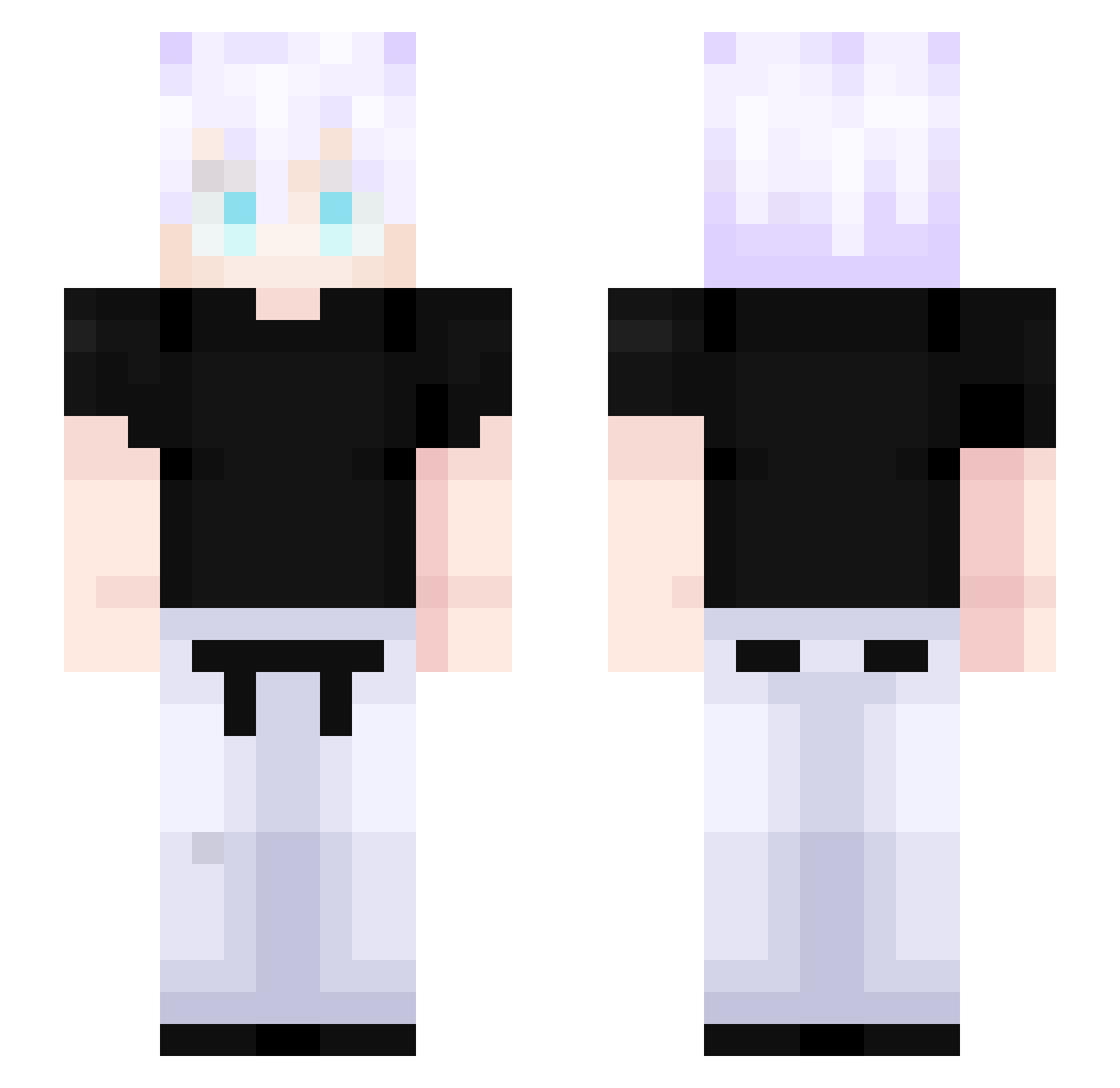
Current Minecraft skin of the player Goku07891, loaded from the official Mojang API. Rotate the 3D model with your mouse or finger, then download the skin as a PNG file and use it in Minecraft: Bedrock Edition or Java Edition for free. When Goku07891 changes their skin, this page updates automatically and the old skin stays in the history below.
Other players with this skin (527)
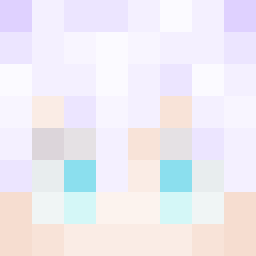
Goku07891 was the 367th player we have seen with this skin, first spotted on 13.10.2026. The same skin was seen on these players. Open a nickname to see their current skin and skin history.
 Maiikin Darrelll666 SoaresSW2 Escanor9076 C7Samurai darveXik_ Rohirim13 Revenant_BDG TheMadGamer3977 DA_NIGHT1102 easonlin_1007 Coloso10 Vex_k Personah xKzin Bogsan0 Fastbim Goe_Joe FELSS_ DGuzmann Lnw013 lBalancel Coalado LordBrunao RagingBullXD happyhappyhappyj bobbabatzy vhypnoticv Lordofgod enespower3 xande_xrca GenjutsuisEpic mandioca_play FalFim sadowman_14 ColdCory bentendo43 AVKA12345 _OfT3N_ Hydr3xV0l3 dabear00 shinguru TheoComH RikiTi91 MTDjoe Sizzykky jndhwnn YTheMaster2415 Rauwr_ UnusualAbilities I_Ryder_I Satorugoat12 groggog1 feber1 ehdgk1014 Ravenyet AidenB30 _Sxmidt daybit_ FadeIsBored
More Satoru Gojo Minecraft skins
See all 1375 Satoru Gojo skins
How to install the Goku07891 skin
- Press the Download button above to save the skin as a PNG file.
- Minecraft: Bedrock Edition (PE): open the Dressing Room from the main menu (or tap your character → Edit Character), go to Classic Skins → Owned, press the + (new skin) button, choose the downloaded PNG and pick the Slim (Alex) model. Works on PC and mobile; consoles cannot import custom skins.
- Minecraft: Java Edition: open the Minecraft Launcher, go to the Skins tab, click New Skin, load the PNG, pick the Slim (Alex) model and press Save & Use. You can also upload it at minecraft.net → Profile → Change Skin.
The skin does not show up after import - what should I do?
Restart Minecraft and open the Dressing Room again - imported skins sometimes appear only after a restart. Also make sure you selected the imported skin and picked the Slim (Alex) model.
Which model should I choose, Classic or Slim?
This skin is designed for the Slim (Alex) model. If you pick the wrong model, the arms of the skin will look stretched or squeezed.
Is the skin of Goku07891 free to download?
Yes. Press Download, save the PNG file and use it in Minecraft: Bedrock Edition or Java Edition - no payment or registration needed. The skin also works on multiplayer servers and Realms.
More skins
Looking for more? Go back to all Minecraft skins and check the top skins of the week, month and all time, or find any player's skin by nickname.