
GigaChadXDD - Minecraft Skins & Skin History
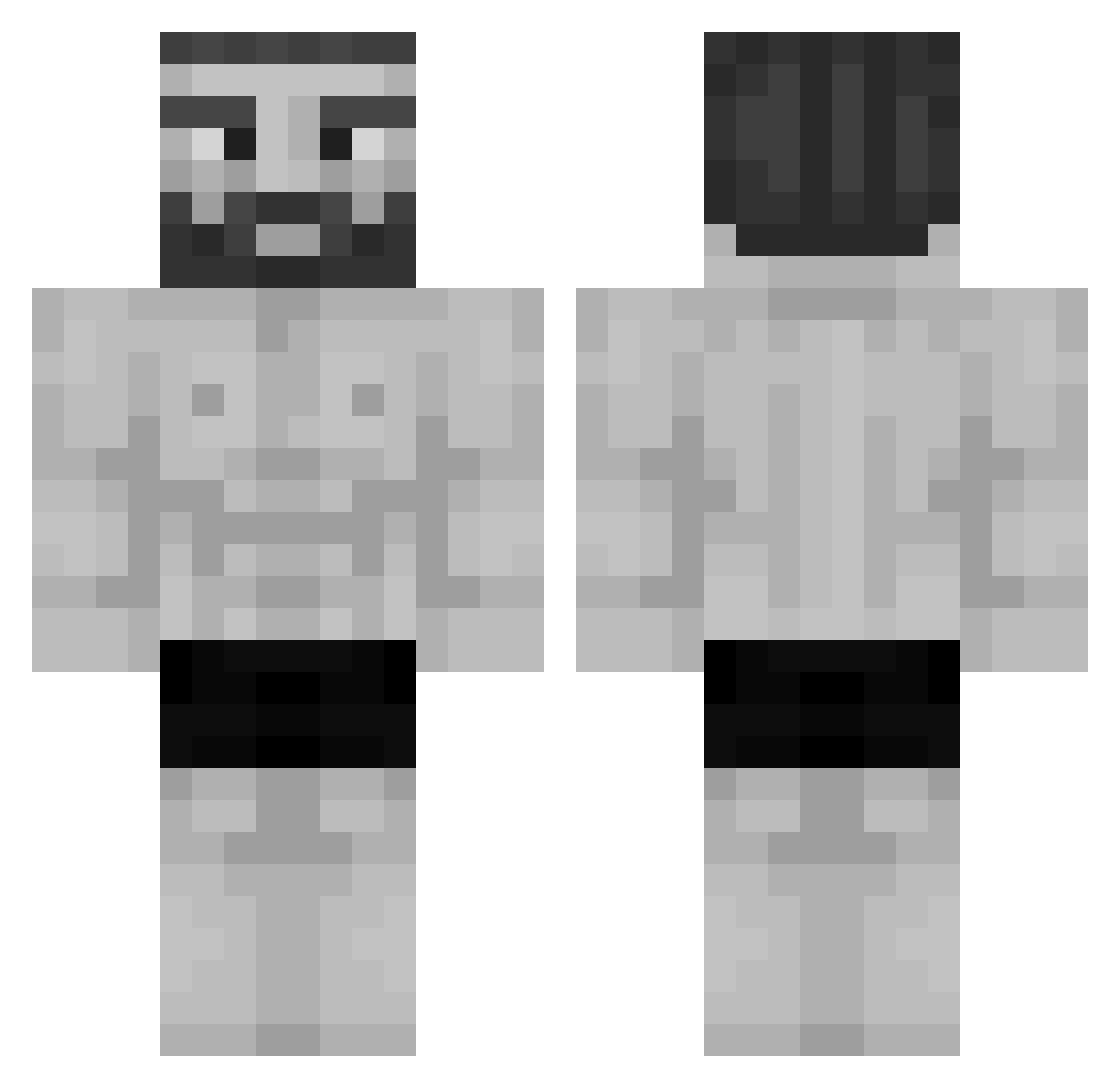
Current Minecraft skin of the player GigaChadXDD, loaded from the official Mojang API. Rotate the 3D model with your mouse or finger, then download the skin as a PNG file and use it in Minecraft: Bedrock Edition or Java Edition for free. When GigaChadXDD changes their skin, this page updates automatically and the old skin stays in the history below.
Other players with this skin (956)
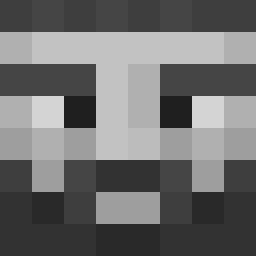
GigaChadXDD was the 211th player we have seen with this skin, first spotted on 12.08.2026. The same skin was seen on these players. Open a nickname to see their current skin and skin history.
 SamuelJet Hazretibo IamCookiee Vova_2111 Luci_02 x_Sn0wy_x crimino23 PancakesLite MiniAnteater902 FredoLeSoso Exem1st LeGrosBubu SlushieNinja Nooahk gigachadisachad Mallazarr irekgwalciciel FE4U XDiegoOMGX taklaking1658 MrKeey BMASON69 domdealm jguioto zGiamMy ZVA93 ZykoSarrar woong6153 Grunner_HD WhataWings SuperShinji3 ben_dinucci22 susulu kk3nnyy purplebiel Man_Met_Baard AuraSolutions mastronauta AtunSepa MGTitan hizox2a NichtNurDasHalbe CEBOKUN EvasiveLeaf9095 Captain_19 MasterOogwaysss MiniDzek Jitreq MrDrC0Ol Poqmos JurJurps won7575 Fr4ncho alpacaclypse Hxn_zz juan729 hoodbozz69 Mosiniak CRISTOX00 G10C
More Gigachad Minecraft skins
How to install the GigaChadXDD skin
- Press the Download button above to save the skin as a PNG file.
- Minecraft: Bedrock Edition (PE): open the Dressing Room from the main menu (or tap your character → Edit Character), go to Classic Skins → Owned, press the + (new skin) button, choose the downloaded PNG and pick the Classic (Steve) model. Works on PC and mobile; consoles cannot import custom skins.
- Minecraft: Java Edition: open the Minecraft Launcher, go to the Skins tab, click New Skin, load the PNG, pick the Classic (Steve) model and press Save & Use. You can also upload it at minecraft.net → Profile → Change Skin.
The skin does not show up after import - what should I do?
Restart Minecraft and open the Dressing Room again - imported skins sometimes appear only after a restart. Also make sure you selected the imported skin and picked the Classic (Steve) model.
Which model should I choose, Classic or Slim?
This skin is designed for the Classic (Steve) model. If you pick the wrong model, the arms of the skin will look stretched or squeezed.
Is the skin of GigaChadXDD free to download?
Yes. Press Download, save the PNG file and use it in Minecraft: Bedrock Edition or Java Edition - no payment or registration needed. The skin also works on multiplayer servers and Realms.
More skins
Looking for more? Go back to all Minecraft skins and check the top skins of the week, month and all time, or find any player's skin by nickname.