
Gianluca_1004 - Minecraft Skins & Skin History
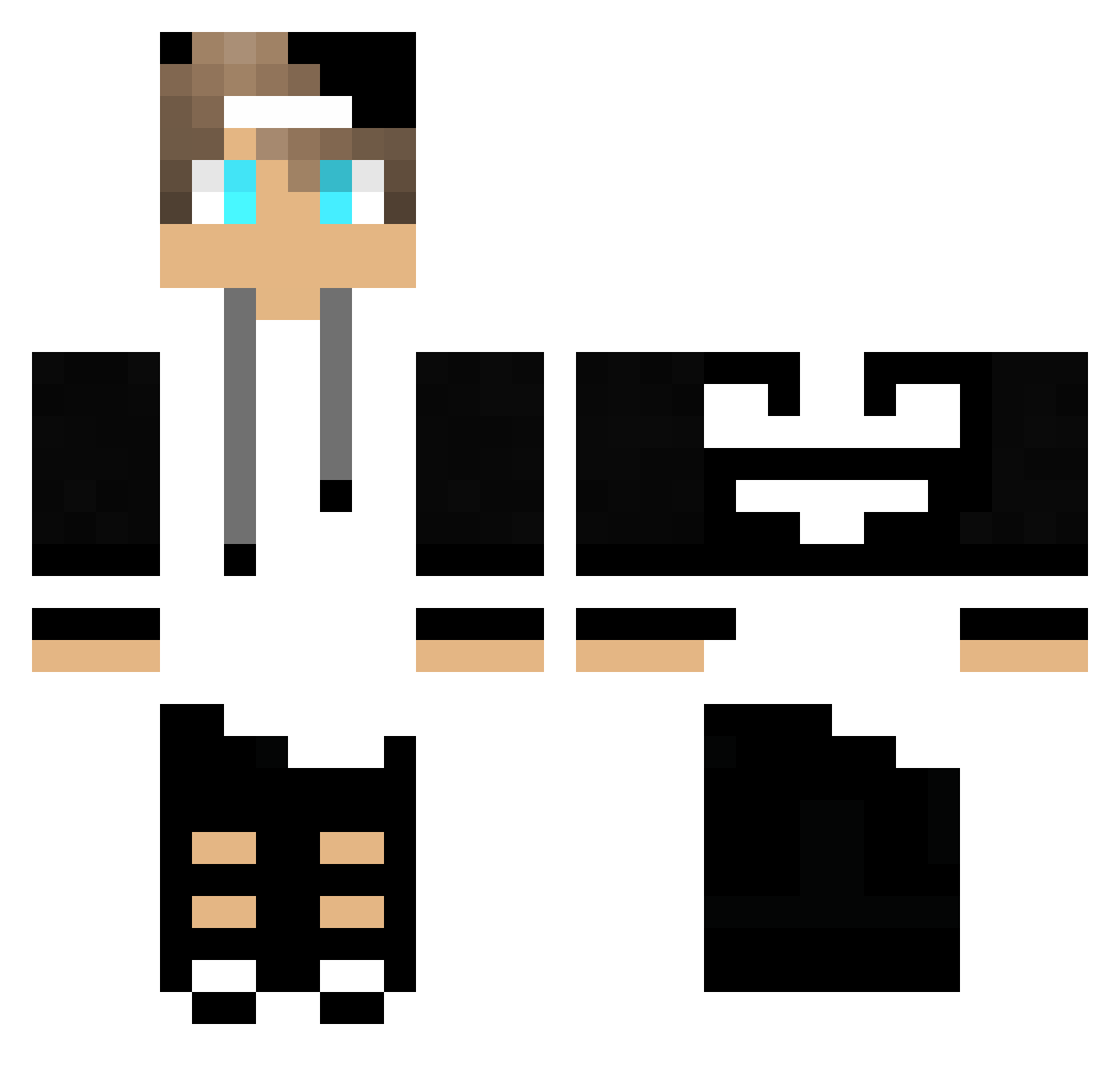
Current Minecraft skin of the player Gianluca_1004, loaded from the official Mojang API. Rotate the 3D model with your mouse or finger, then download the skin as a PNG file and use it in Minecraft: Bedrock Edition or Java Edition for free. When Gianluca_1004 changes their skin, this page updates automatically and the old skin stays in the history below.
Other players with this skin (246)
Gianluca_1004 was the 67th player we have seen with this skin, first spotted on 22.08.2026. The same skin was seen on these players. Open a nickname to see their current skin and skin history.
 fouduroi54 ryaniscool123 TheoMaster07 Stalowa_Pioncha flamebandit360 Mahdi_oo Thiago9550 ByDarex XxFirstLovexX xM4ciek Beast_Bug9304 speedway1234 Feedigan MatheusRillo mxtlida Aaron_3344 Kiko0813
 GerryScotti_ Yinonmilo yangame94 DucatZz HyperHorst72 Alice_123chicken JoaozinhoBarbosa ICeyhunI HellsAiden vitorHH Twitch_x7junior Hesoka6 BadreXGamer Gelones135 Ahmed_Harede MiscuitAtlas ArbelTubul WekSS supr3mok9 Anton_Plays Pol1tan Pataugeoire M7riuss VolpeXD Layer_8 001joni EleNeto10 Fepulin neto_yt Saazon GeraltOfRivia03 Geromepie Felipes Kriptic3410 patopick_pvp ItsReiji YusufUl34 LunarLuma Matu741 MRKaVa IronicAlmond PHG_paulin Juix0
More Cap Minecraft skins
How to install the Gianluca_1004 skin
- Press the Download button above to save the skin as a PNG file.
- Minecraft: Bedrock Edition (PE): open the Dressing Room from the main menu (or tap your character → Edit Character), go to Classic Skins → Owned, press the + (new skin) button, choose the downloaded PNG and pick the Classic (Steve) model. Works on PC and mobile; consoles cannot import custom skins.
- Minecraft: Java Edition: open the Minecraft Launcher, go to the Skins tab, click New Skin, load the PNG, pick the Classic (Steve) model and press Save & Use. You can also upload it at minecraft.net → Profile → Change Skin.
The skin does not show up after import - what should I do?
Restart Minecraft and open the Dressing Room again - imported skins sometimes appear only after a restart. Also make sure you selected the imported skin and picked the Classic (Steve) model.
Which model should I choose, Classic or Slim?
This skin is designed for the Classic (Steve) model. If you pick the wrong model, the arms of the skin will look stretched or squeezed.
Is the skin of Gianluca_1004 free to download?
Yes. Press Download, save the PNG file and use it in Minecraft: Bedrock Edition or Java Edition - no payment or registration needed. The skin also works on multiplayer servers and Realms.
More skins
Looking for more? Go back to all Minecraft skins and check the top skins of the week, month and all time, or find any player's skin by nickname.