
Geme7u7 - Minecraft Skins & Skin History
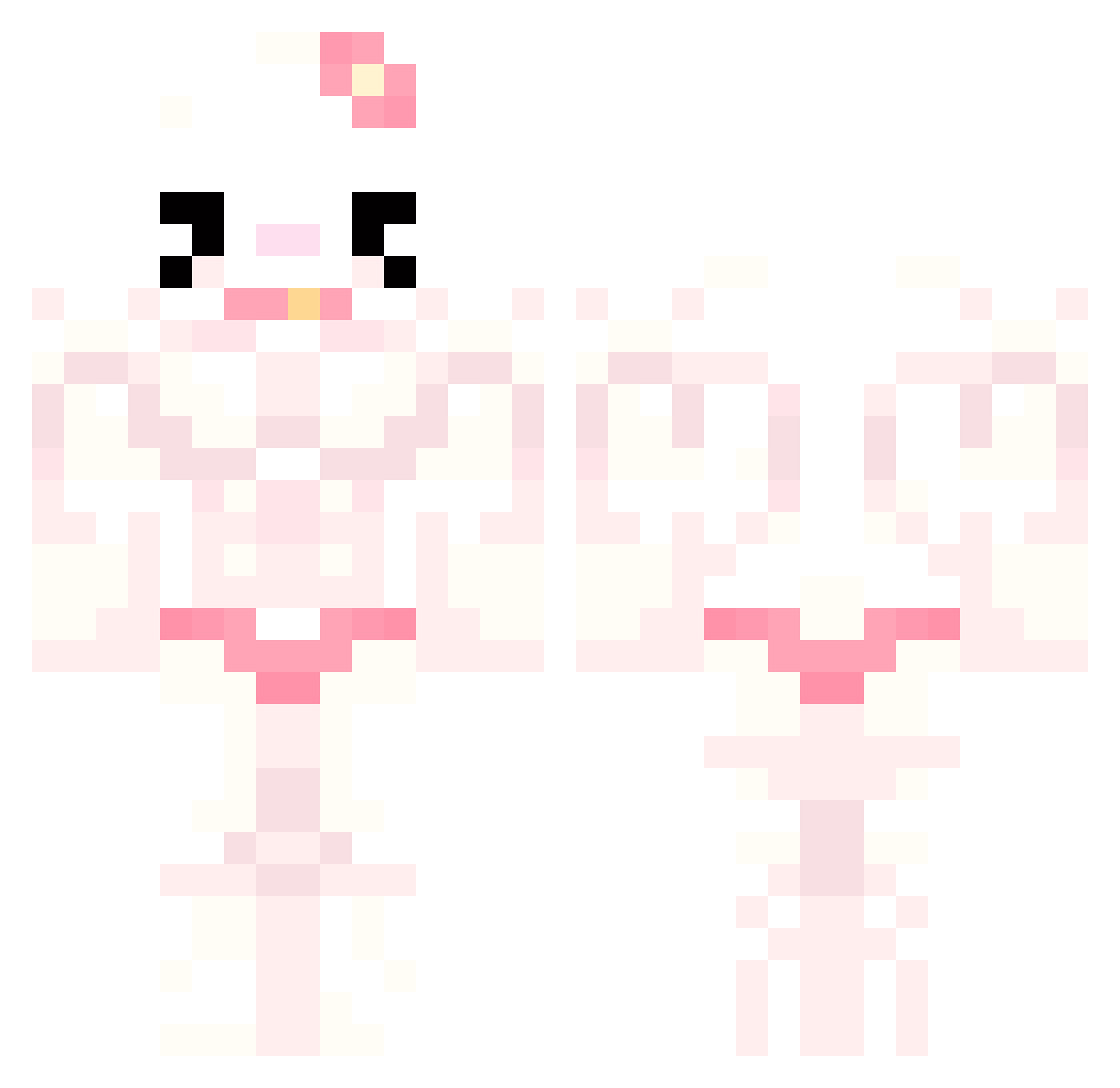
Current Minecraft skin of the player Geme7u7, loaded from the official Mojang API. Rotate the 3D model with your mouse or finger, then download the skin as a PNG file and use it in Minecraft: Bedrock Edition or Java Edition for free. When Geme7u7 changes their skin, this page updates automatically and the old skin stays in the history below.
Other players with this skin (777)
Geme7u7 was the 356th player we have seen with this skin, first spotted on 16.09.2026. The same skin was seen on these players. Open a nickname to see their current skin and skin history.
 suppsgg Sefer000 tmay22 alexw697 oabriii Le_mama Arin_2 Chiiiia Kangsewoong Ermunza eunji0v0 DarkNaSporte iK0_ Guindilla03 altongmon23 lenschgal KiwiFrcht chromehearts000 Ryrryr Ghostiieboo merrily_ jisoo1580 capncronchie Tyk01 marlon1307 legendpepsi 1955burger PrincessSupreme Im_banxz PHdZSmokey BongoCat007 DDUDDA1010 strawb33rryy Ins__ Flxwlezzll roxikoxi uksung06 visagolds davecheesewizard Anumn 333daphne333 Samsook Sooyyyy CHENzj kakio249 WudiYzx yarethh28 _night_flower JackPawn _Roberto_Pepsi_ lostinivory Gerrie9003 camyknow luciabella4 natto54 Andryyx hp1127 eezzuki pammych caludac
More Hello Kitty Minecraft skins
How to install the Geme7u7 skin
- Press the Download button above to save the skin as a PNG file.
- Minecraft: Bedrock Edition (PE): open the Dressing Room from the main menu (or tap your character → Edit Character), go to Classic Skins → Owned, press the + (new skin) button, choose the downloaded PNG and pick the Classic (Steve) model. Works on PC and mobile; consoles cannot import custom skins.
- Minecraft: Java Edition: open the Minecraft Launcher, go to the Skins tab, click New Skin, load the PNG, pick the Classic (Steve) model and press Save & Use. You can also upload it at minecraft.net → Profile → Change Skin.
The skin does not show up after import - what should I do?
Restart Minecraft and open the Dressing Room again - imported skins sometimes appear only after a restart. Also make sure you selected the imported skin and picked the Classic (Steve) model.
Which model should I choose, Classic or Slim?
This skin is designed for the Classic (Steve) model. If you pick the wrong model, the arms of the skin will look stretched or squeezed.
Is the skin of Geme7u7 free to download?
Yes. Press Download, save the PNG file and use it in Minecraft: Bedrock Edition or Java Edition - no payment or registration needed. The skin also works on multiplayer servers and Realms.
More skins
Looking for more? Go back to all Minecraft skins and check the top skins of the week, month and all time, or find any player's skin by nickname.