
Frontsau5 - Minecraft Skins & Skin History
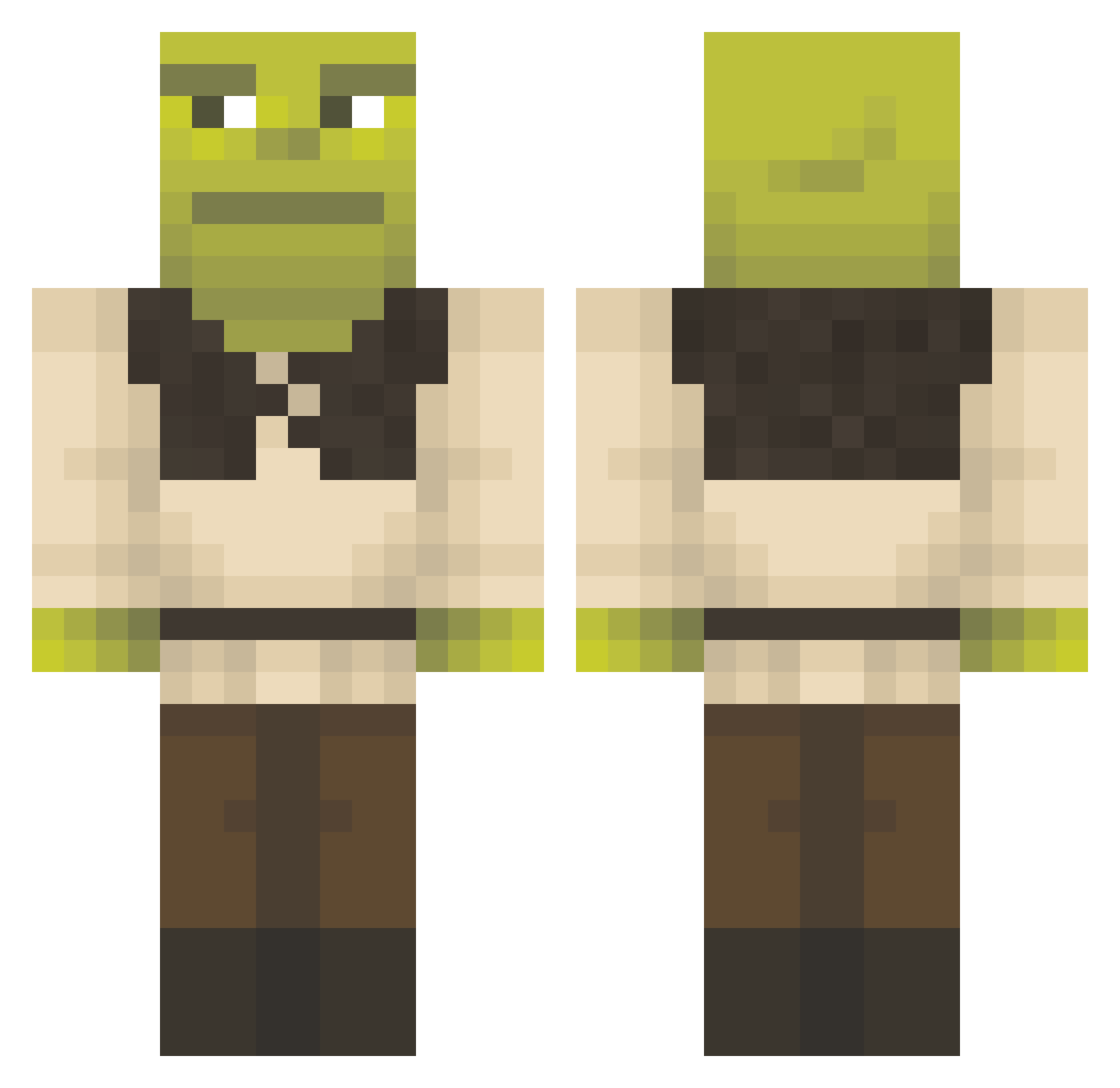
Current Minecraft skin of the player Frontsau5, loaded from the official Mojang API. Rotate the 3D model with your mouse or finger, then download the skin as a PNG file and use it in Minecraft: Bedrock Edition or Java Edition for free. When Frontsau5 changes their skin, this page updates automatically and the old skin stays in the history below.
Other players with this skin (1292)
Frontsau5 was the 1198th player we have seen with this skin, first spotted on 25.10.2026. The same skin was seen on these players. Open a nickname to see their current skin and skin history.
 Florisskills Dinonugs05 SupremeParxdox Babinanii M5rku4 Zert_fat zanganuss Severushigh HashBrown116 ramengukmul ecologiccc Sloppy07429 PadawanHunter66 Sctu69 Dani12344 Landjaeger_5 LoowzzZ sokzpomidorow Crvjlsebas OnlyCharliee _shrek420_ PanquequeOwO arm1222 De_chef VietBong516 Osamarizz_alotin Ephemerial GoldDigger208 dumbl3 frame98 z4ph Kezo22 Bjoerndahl zozokller M3l1os Germain04 Nyvram54 Bizzare82 mikakakakakakan Pand4Gamer BERGER4325 ShuxDC Stratur ArmenKass123 Flopedope maKirby LuxidsYT emre_zb ERCAN123 RCGMonarch K8oogie aaStackz ttobaal toopapi Aprute MrShartle beratbartu Gzraa AdolfClicker fphoog
More Shrek Minecraft skins
How to install the Frontsau5 skin
- Press the Download button above to save the skin as a PNG file.
- Minecraft: Bedrock Edition (PE): open the Dressing Room from the main menu (or tap your character → Edit Character), go to Classic Skins → Owned, press the + (new skin) button, choose the downloaded PNG and pick the Classic (Steve) model. Works on PC and mobile; consoles cannot import custom skins.
- Minecraft: Java Edition: open the Minecraft Launcher, go to the Skins tab, click New Skin, load the PNG, pick the Classic (Steve) model and press Save & Use. You can also upload it at minecraft.net → Profile → Change Skin.
The skin does not show up after import - what should I do?
Restart Minecraft and open the Dressing Room again - imported skins sometimes appear only after a restart. Also make sure you selected the imported skin and picked the Classic (Steve) model.
Which model should I choose, Classic or Slim?
This skin is designed for the Classic (Steve) model. If you pick the wrong model, the arms of the skin will look stretched or squeezed.
Is the skin of Frontsau5 free to download?
Yes. Press Download, save the PNG file and use it in Minecraft: Bedrock Edition or Java Edition - no payment or registration needed. The skin also works on multiplayer servers and Realms.
More skins
Looking for more? Go back to all Minecraft skins and check the top skins of the week, month and all time, or find any player's skin by nickname.