
Font5 - Minecraft Skins & Skin History
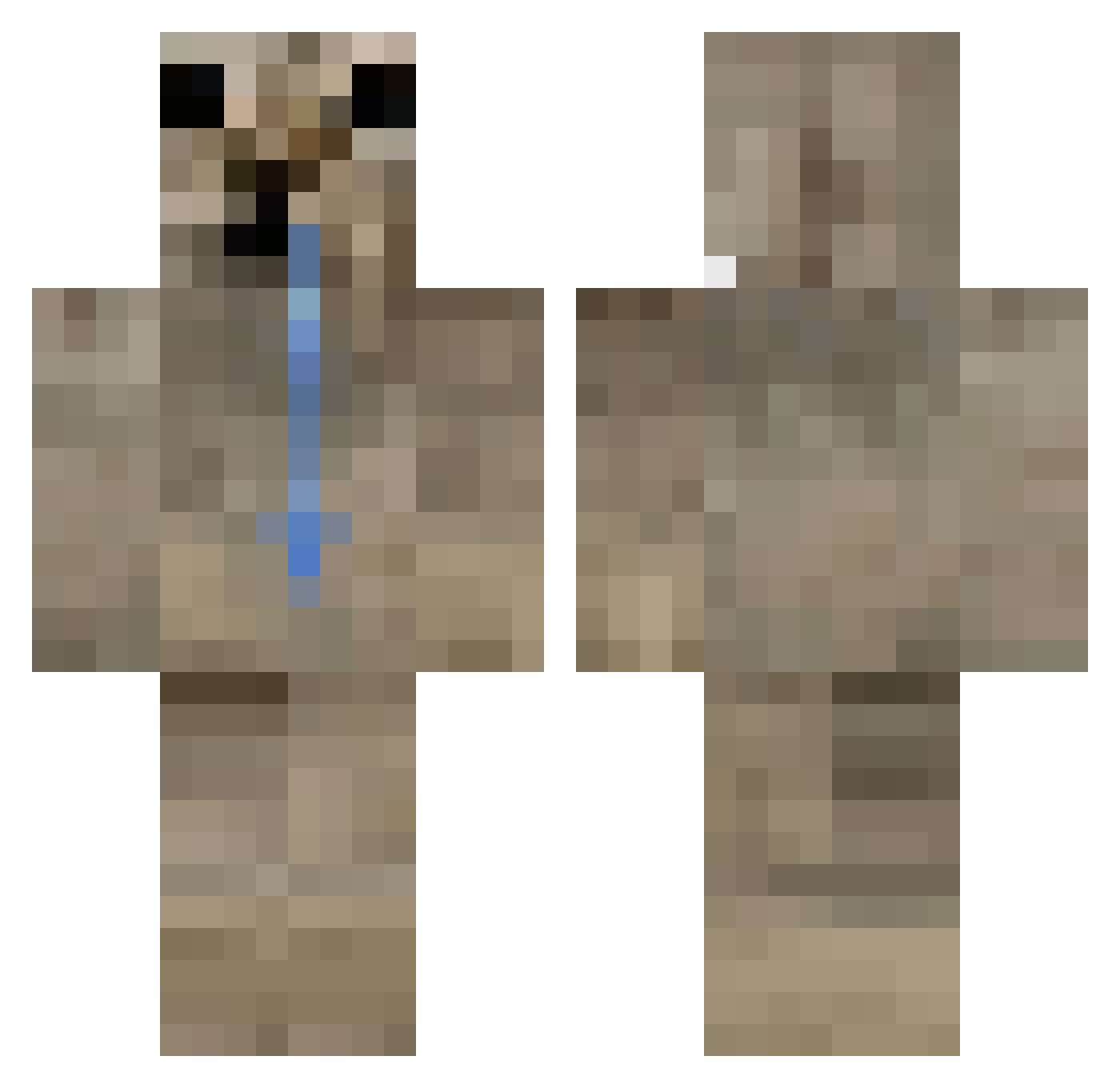
Current Minecraft skin of the player Font5, loaded from the official Mojang API. Rotate the 3D model with your mouse or finger, then download the skin as a PNG file and use it in Minecraft: Bedrock Edition or Java Edition for free. When Font5 changes their skin, this page updates automatically and the old skin stays in the history below.
Other players with this skin (407)
Font5 was the 368th player we have seen with this skin, first spotted on 24.10.2026. The same skin was seen on these players. Open a nickname to see their current skin and skin history.
 KJUBA123 not_lobato 07kd Restudying Puschlghg jorms_ lappuh MrDunderSztycor_ Lalon47 bicampeones TangMoz555 gary_299 k8lyn_com modullex LeoM67 crazymeowmeow ice_dragon_jakob wang120 solitarystate 1P3dzi0_ RedApple1031 DoctorKatze64 LaVale01 katx208 Xelff Darkowole wetpart LarryPvP_ IluvMay1 Glacitu obszczysciana SanRS oneofthepotaTOES sierra6922 xAbri Boney__ TITOMOYO muhabezuha JoaoRisos Powkz MsterDovah Barneydeadson Roman45_XD levittws SpiffyFern33314 TigerPoster Winterssommi Ketiii vinilool Purpleeyeboy Milanschnitzel10 MiDi194 foca1717 Dylightt wxstnxls alfred146 TebanR VertigoMaker Puberdade Amgar219
How to install the Font5 skin
- Press the Download button above to save the skin as a PNG file.
- Minecraft: Bedrock Edition (PE): open the Dressing Room from the main menu (or tap your character → Edit Character), go to Classic Skins → Owned, press the + (new skin) button, choose the downloaded PNG and pick the Classic (Steve) model. Works on PC and mobile; consoles cannot import custom skins.
- Minecraft: Java Edition: open the Minecraft Launcher, go to the Skins tab, click New Skin, load the PNG, pick the Classic (Steve) model and press Save & Use. You can also upload it at minecraft.net → Profile → Change Skin.
The skin does not show up after import - what should I do?
Restart Minecraft and open the Dressing Room again - imported skins sometimes appear only after a restart. Also make sure you selected the imported skin and picked the Classic (Steve) model.
Which model should I choose, Classic or Slim?
This skin is designed for the Classic (Steve) model. If you pick the wrong model, the arms of the skin will look stretched or squeezed.
Is the skin of Font5 free to download?
Yes. Press Download, save the PNG file and use it in Minecraft: Bedrock Edition or Java Edition - no payment or registration needed. The skin also works on multiplayer servers and Realms.
More skins
Looking for more? Go back to all Minecraft skins and check the top skins of the week, month and all time, or find any player's skin by nickname.