
Flibber13Flabber - Minecraft Skins & Skin History
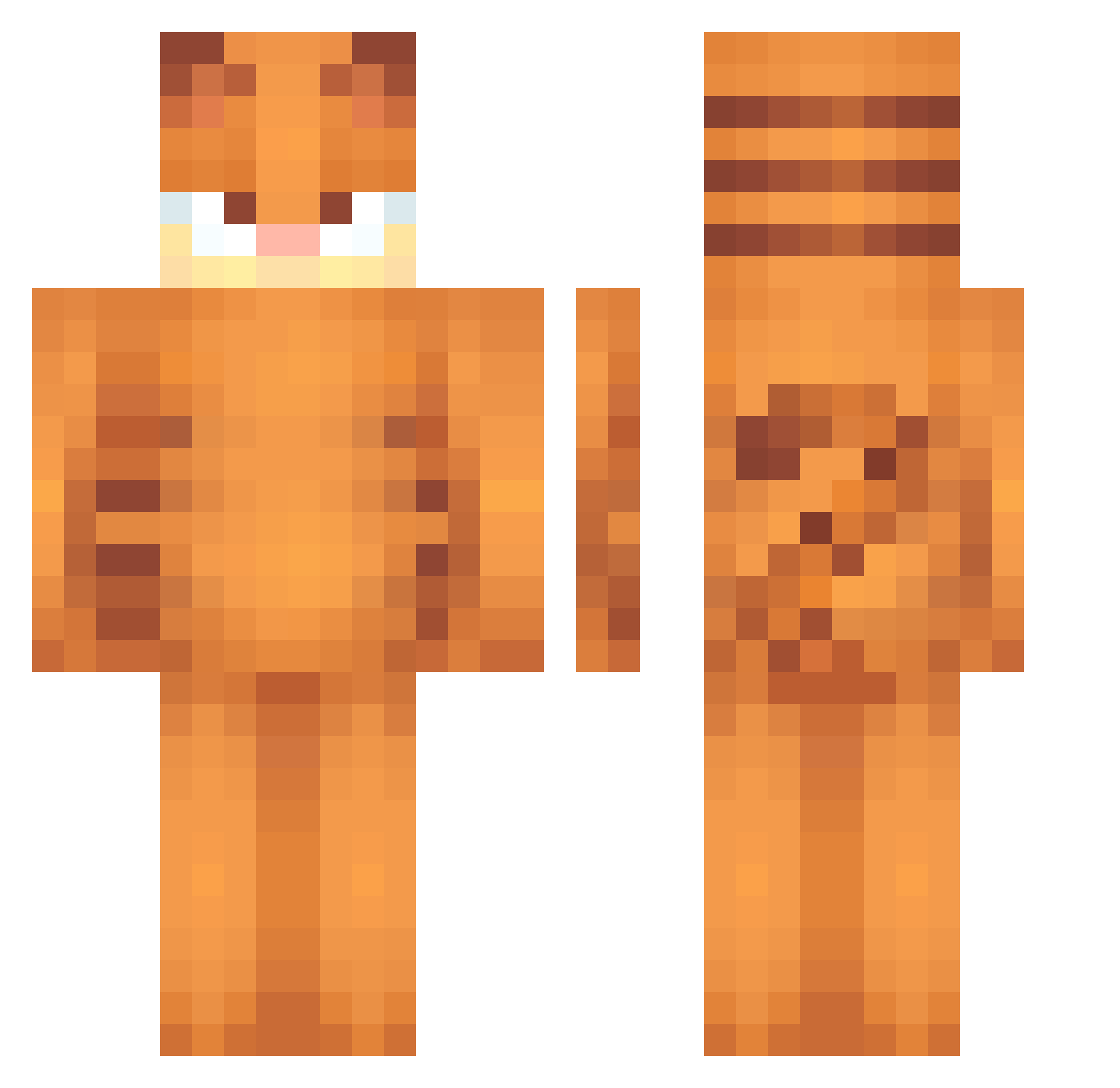
Current Minecraft skin of the player Flibber13Flabber, loaded from the official Mojang API. Rotate the 3D model with your mouse or finger, then download the skin as a PNG file and use it in Minecraft: Bedrock Edition or Java Edition for free. When Flibber13Flabber changes their skin, this page updates automatically and the old skin stays in the history below.
Other players with this skin (473)
Flibber13Flabber was the 153rd player we have seen with this skin, first spotted on 20.08.2026. The same skin was seen on these players. Open a nickname to see their current skin and skin history.
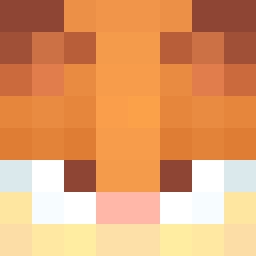 somerando699 SampsonJPEPS NotLOL485 Straki13 Sash93 Higher_Ground acorned ocexne351 PKAum Maarkarth luluns21 bal82 Piriloo wakithedestroyer BigCostaa
 ezrattic TheGrayMaster10 SDankified Rodwerth JohnPearl Lumiroo echichichi anna_is_kool PANAGOD_ sorrowsprite beccadunc mrvn5k Oxborrow likica3000 MrElts MrFluffyKat Gdd_66 zuzo07 OSVAGAMER44 Lems20081 glitch000 boycelestial kubakromskiuu8 yi2hor catgirlaetherix RimmyRemington PiotrusPL hanzhiyong Sylsan yeah54088 loiliee PeskyLocust652 Yordanovw kennon2276 Pilicose wafflemaker2009 ultraoli1x k3nny_44 acertijus FS25 XenonTheWolfagen Schadow14 Okami2004 Taykoo27 Zannyair
More Garfield Minecraft skins
How to install the Flibber13Flabber skin
- Press the Download button above to save the skin as a PNG file.
- Minecraft: Bedrock Edition (PE): open the Dressing Room from the main menu (or tap your character → Edit Character), go to Classic Skins → Owned, press the + (new skin) button, choose the downloaded PNG and pick the Classic (Steve) model. Works on PC and mobile; consoles cannot import custom skins.
- Minecraft: Java Edition: open the Minecraft Launcher, go to the Skins tab, click New Skin, load the PNG, pick the Classic (Steve) model and press Save & Use. You can also upload it at minecraft.net → Profile → Change Skin.
The skin does not show up after import - what should I do?
Restart Minecraft and open the Dressing Room again - imported skins sometimes appear only after a restart. Also make sure you selected the imported skin and picked the Classic (Steve) model.
Which model should I choose, Classic or Slim?
This skin is designed for the Classic (Steve) model. If you pick the wrong model, the arms of the skin will look stretched or squeezed.
Is the skin of Flibber13Flabber free to download?
Yes. Press Download, save the PNG file and use it in Minecraft: Bedrock Edition or Java Edition - no payment or registration needed. The skin also works on multiplayer servers and Realms.
More skins
Looking for more? Go back to all Minecraft skins and check the top skins of the week, month and all time, or find any player's skin by nickname.