
Flass_ - Minecraft Skins & Skin History
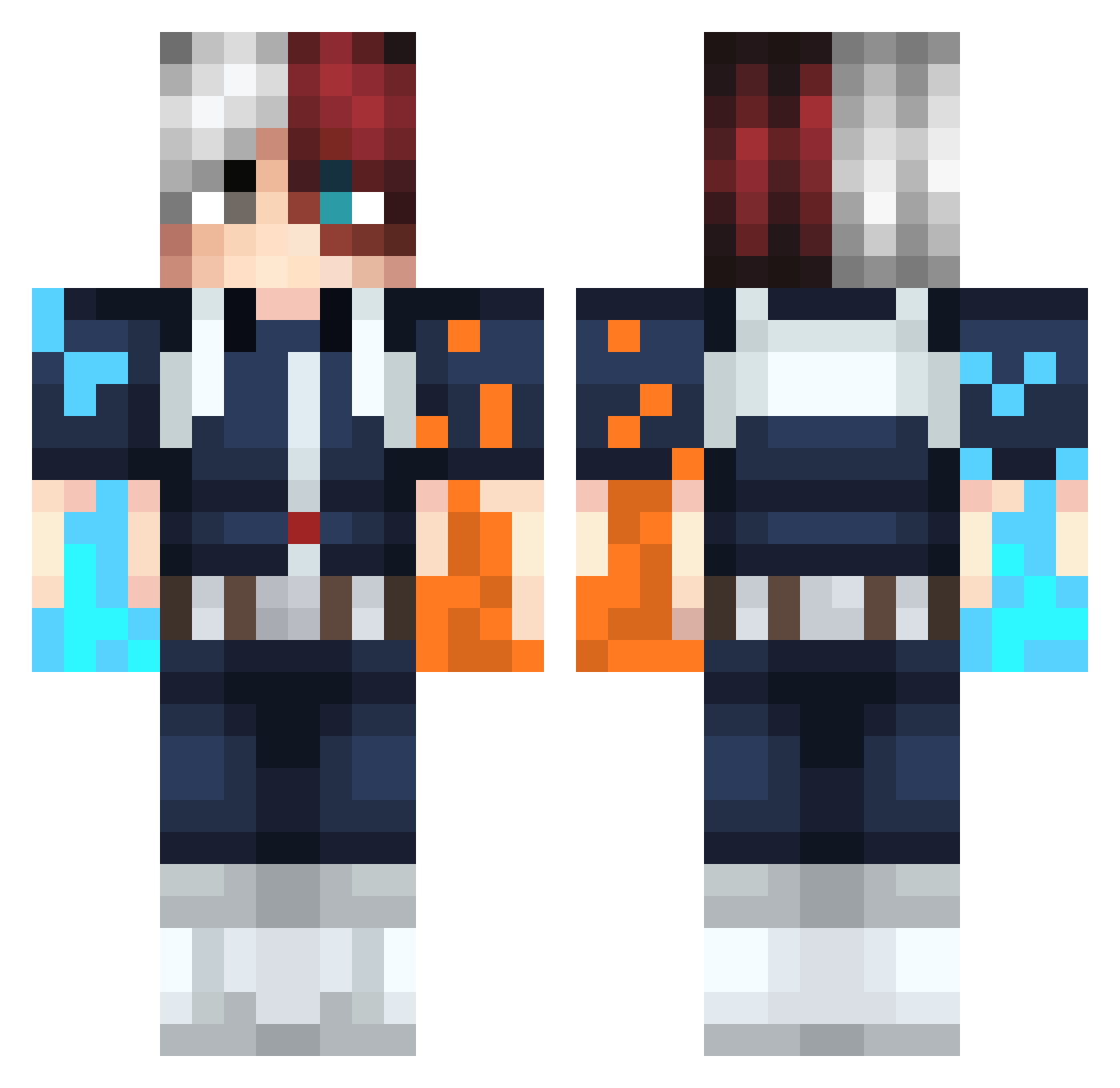
Current Minecraft skin of the player Flass_, loaded from the official Mojang API. Rotate the 3D model with your mouse or finger, then download the skin as a PNG file and use it in Minecraft: Bedrock Edition or Java Edition for free. When Flass_ changes their skin, this page updates automatically and the old skin stays in the history below.
Other players with this skin (291)
Flass_ was the 163rd player we have seen with this skin, first spotted on 30.09.2026. The same skin was seen on these players. Open a nickname to see their current skin and skin history.
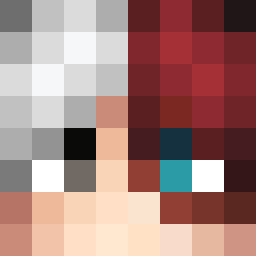 Felody Hextern ChristianArschha Panna_cottan R_Schox248 ElementalSayian 1mNico iTzLe0zes Prodigy0308 Voleur2Nuggets Dylantheskylight 9_year_old_Army xSeNa7v Bizerr22 Hcute JustIzuku Darkgamester Edurna LeChopsticks frostburncake OppositeDay_X ElChap0o0 OSU_ELITE Neqhy MarquezHD rundyiscool Sensory_Lantern Tree_RickelBeef daewoks ProneGem3955380 yakou2301 MyBloodyMars camipo Rip_Demon01 sarathomp denkou0110 Merguez_Flambee GH0T0 B3ANOS_ THEGAMETHRILLER TPSM69 Swerlz Covanz FuLlLoad_ laprodulol Vt0rB0y KiuBy0 Eren_CR7 NIRUi7_ frazzles97 Pelonete155 FluffykinzMaster TilSNeXuS87 Bubizspectral RubyMaky JalapenoBussin Anthony5311 Gloomi4Umi iWashiFR Freezero57
More Shoto Todoroki Minecraft skins
See all 295 Shoto Todoroki skins
How to install the Flass_ skin
- Press the Download button above to save the skin as a PNG file.
- Minecraft: Bedrock Edition (PE): open the Dressing Room from the main menu (or tap your character → Edit Character), go to Classic Skins → Owned, press the + (new skin) button, choose the downloaded PNG and pick the Classic (Steve) model. Works on PC and mobile; consoles cannot import custom skins.
- Minecraft: Java Edition: open the Minecraft Launcher, go to the Skins tab, click New Skin, load the PNG, pick the Classic (Steve) model and press Save & Use. You can also upload it at minecraft.net → Profile → Change Skin.
The skin does not show up after import - what should I do?
Restart Minecraft and open the Dressing Room again - imported skins sometimes appear only after a restart. Also make sure you selected the imported skin and picked the Classic (Steve) model.
Which model should I choose, Classic or Slim?
This skin is designed for the Classic (Steve) model. If you pick the wrong model, the arms of the skin will look stretched or squeezed.
Is the skin of Flass_ free to download?
Yes. Press Download, save the PNG file and use it in Minecraft: Bedrock Edition or Java Edition - no payment or registration needed. The skin also works on multiplayer servers and Realms.
More skins
Looking for more? Go back to all Minecraft skins and check the top skins of the week, month and all time, or find any player's skin by nickname.