
 Spoiledmilk459 CptMumm David_Moreira282 GeneralSwolo tsaijasonsd zero2_02 Acoldmilktea Undriik DextrousSnake orezxy YAahoDAo JDiesel05 Aotabas1 GalaxiesMenace Eduarderas NiwiZz Bensch00 EuSouHOMO 47Kazumi SenpaiSausey X03_Omega Victory_mathix78 VoidMarionette NightCrawler672 decimo001 _N4yu_ Dadaflo jakefal16 SlLVERS xOlly25x NChloe09 apexgamerbtw4 FireDrims Kanzu opabinia Sunyny KhronikYo Iccyyyyyy KILLUA6x denmelcamp val39 KodaShoto Clarinha_Gamer_ lejardin6 poruchi MenDefender_Br BlakChocky GenyzyH PManuel15 lambreta7 Reeleckss Nirot__ joseredo27 Athomize flameslayer0313 dik14 christian12003 Bedfluky Fernoob98 Leozad4
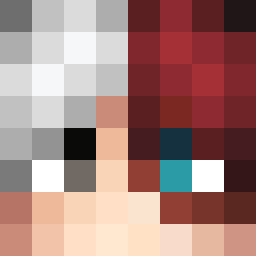
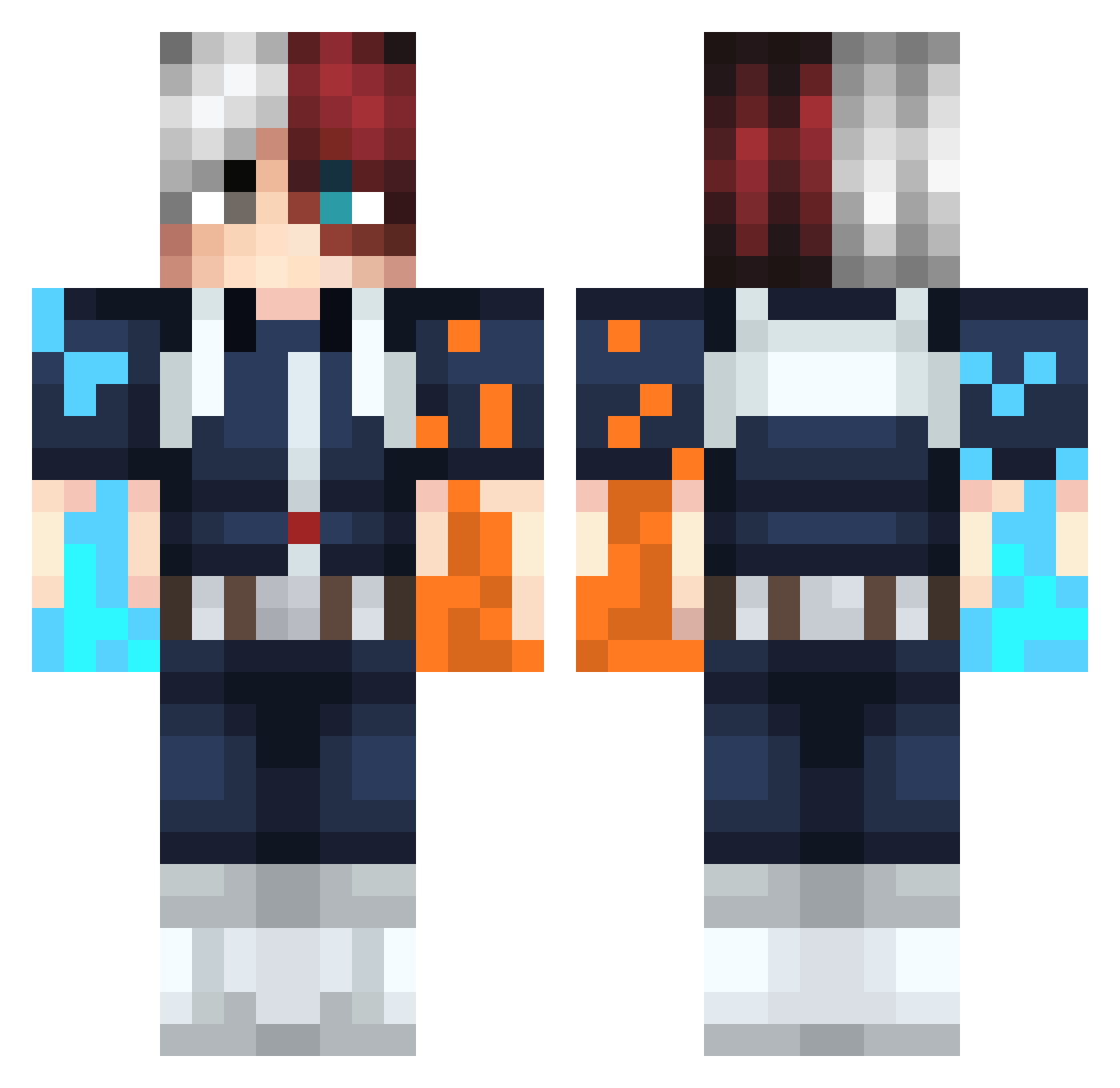
Minecraft skin of tnespiderman. Rotate the 3D model with your mouse or finger to view the skin from every angle, then download it as a PNG file and use it in Minecraft: Bedrock Edition or Java Edition for free. Rate the skin with stars to help other players find the best skins in our collection.
How to install the tnespiderman skin
- Press the Download button above to save the skin as a PNG file.
- Minecraft: Bedrock Edition (PE): open the Dressing Room from the main menu (or tap your character → Edit Character), go to Classic Skins → Owned, press the + (new skin) button, choose the downloaded PNG and pick the Classic (Steve) model. Works on PC and mobile; consoles cannot import custom skins.
- Minecraft: Java Edition: open the Minecraft Launcher, go to the Skins tab, click New Skin, load the PNG, pick the Classic (Steve) model and press Save & Use. You can also upload it at minecraft.net → Profile → Change Skin.
The skin does not show up after import - what should I do?
Restart Minecraft and open the Dressing Room again - imported skins sometimes appear only after a restart. Also make sure you selected the imported skin and picked the Classic (Steve) model.
Which model should I choose, Classic or Slim?
This skin is designed for the Classic (Steve) model. If you pick the wrong model, the arms of the skin will look stretched or squeezed.
Is this skin free to use?
Yes. Press Download, save the PNG file and use it in Minecraft: Bedrock Edition or Java Edition - no payment or registration needed. The skin also works on multiplayer servers and Realms.
More Shoto Todoroki Minecraft skins
See all 299 Shoto Todoroki skins
More skins
Looking for more? Go back to all Minecraft skins and check the top skins of the week, month and all time, or find any player's skin by nickname.