
FightingKang - Minecraft Skins & Skin History
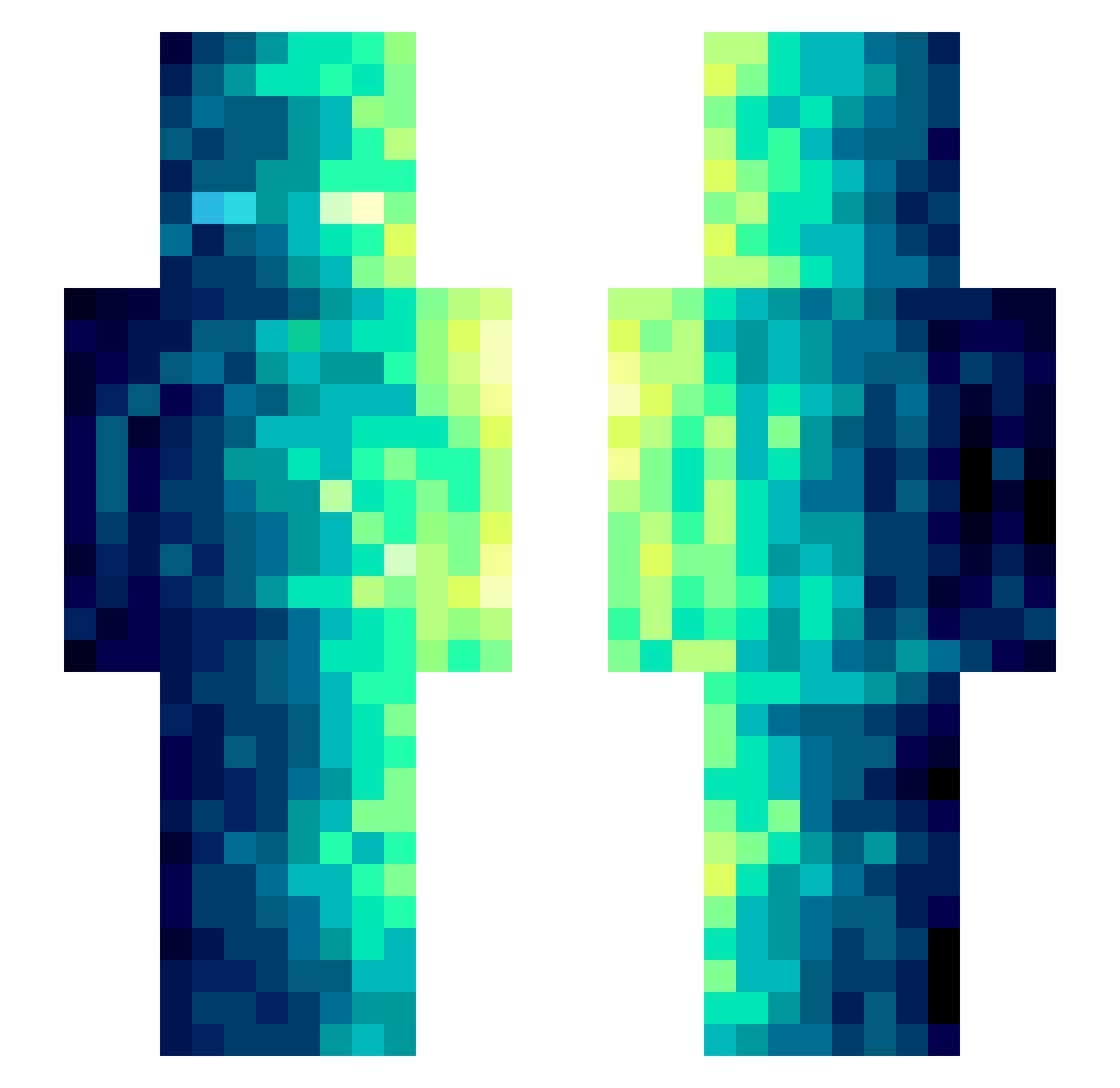
Current Minecraft skin of the player FightingKang, loaded from the official Mojang API. Rotate the 3D model with your mouse or finger, then download the skin as a PNG file and use it in Minecraft: Bedrock Edition or Java Edition for free. When FightingKang changes their skin, this page updates automatically and the old skin stays in the history below.
Other players with this skin (489)
FightingKang was the 339th player we have seen with this skin, first spotted on 12.10.2026. The same skin was seen on these players. Open a nickname to see their current skin and skin history.
 AS_Gamer_RO Raftopulos single3316 DBS_Flex sheeshkroete02 Ghidorahhh Zerrathu churroooooooo 12KRISTY_NISHA12 Summerdudes YamahaKurt XYQB Ice4115 lql2 DaddyThickems ReflexEra Banjomin999 _RuMe_ tybuty123 Sexxes Qfata ZERIPA Moince Dorytwin Svens_sohn ninjamastergabe Cabbe00 ferger1903 On1ooker pempemgug BackTheBadge BludiGame marshmallo1937 JusticeEmiya Shuibushi HUAI3 MineDL shouhu21 XPkan hhswv2 Ultramarines701 TheBossHmz NormalJohn23 shazthechamp UlveJake Touma_kA MuxiaoYun XGrizzyGrizzX Someu AbyssalRyftyl maoshifu eikeland257 _MackuZ_ ArnoDorian1 FailedComic yiyiyiyi123 laoXk Alga369 AMINGZI UmbrellaStar
How to install the FightingKang skin
- Press the Download button above to save the skin as a PNG file.
- Minecraft: Bedrock Edition (PE): open the Dressing Room from the main menu (or tap your character → Edit Character), go to Classic Skins → Owned, press the + (new skin) button, choose the downloaded PNG and pick the Slim (Alex) model. Works on PC and mobile; consoles cannot import custom skins.
- Minecraft: Java Edition: open the Minecraft Launcher, go to the Skins tab, click New Skin, load the PNG, pick the Slim (Alex) model and press Save & Use. You can also upload it at minecraft.net → Profile → Change Skin.
The skin does not show up after import - what should I do?
Restart Minecraft and open the Dressing Room again - imported skins sometimes appear only after a restart. Also make sure you selected the imported skin and picked the Slim (Alex) model.
Which model should I choose, Classic or Slim?
This skin is designed for the Slim (Alex) model. If you pick the wrong model, the arms of the skin will look stretched or squeezed.
Is the skin of FightingKang free to download?
Yes. Press Download, save the PNG file and use it in Minecraft: Bedrock Edition or Java Edition - no payment or registration needed. The skin also works on multiplayer servers and Realms.
More skins
Looking for more? Go back to all Minecraft skins and check the top skins of the week, month and all time, or find any player's skin by nickname.