
 Unhexbium PositiveMountain MARKEEL yian11 Tommycorti cellosarecool Gonaire Epicjojo05 Daniel436 bsunb4 ZyiZzZz Akaquax AVX7 HA3APA Unk147 Guan55 bzmdgz Kyle4659 tururutu Eiskrieg OrloviN IAaMSTEAK XDAKERX TheGraecus BarryTheDino_ haha4_4 TheFuri jeiqi hyx467 LS_iiii ShangSheng forgetme666 ELpixel__ zhuozhuoxd chiyun321 Minehail_8 Gagtooth Astiler NTRJBDA 951753qwe jooyup M_Mitsumine moongod123to Myreion RuleHair Goldspirt Liuliang666 Mitchell2x man_yi9527 Fistn Alexww LZX730555 unhild Lonous ProNinjaGamin0 Shuvar BobbyPats Heraclin Night_Esc Heliovore
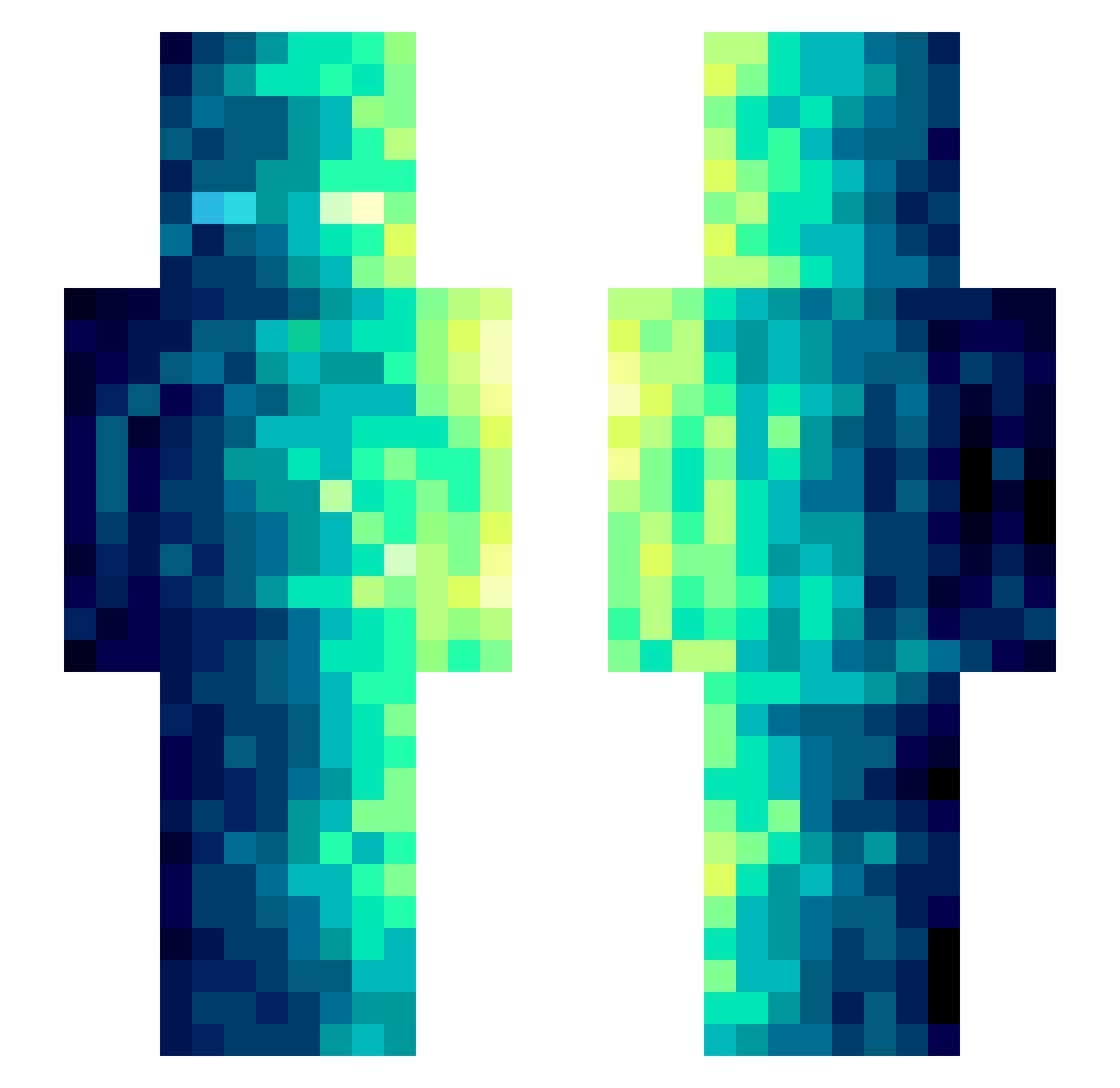
Minecraft skin of Charliex345. Rotate the 3D model with your mouse or finger to view the skin from every angle, then download it as a PNG file and use it in Minecraft: Bedrock Edition or Java Edition for free. Rate the skin with stars to help other players find the best skins in our collection.
How to install the Charliex345 skin
- Press the Download button above to save the skin as a PNG file.
- Minecraft: Bedrock Edition (PE): open the Dressing Room from the main menu (or tap your character → Edit Character), go to Classic Skins → Owned, press the + (new skin) button, choose the downloaded PNG and pick the Slim (Alex) model. Works on PC and mobile; consoles cannot import custom skins.
- Minecraft: Java Edition: open the Minecraft Launcher, go to the Skins tab, click New Skin, load the PNG, pick the Slim (Alex) model and press Save & Use. You can also upload it at minecraft.net → Profile → Change Skin.
The skin does not show up after import - what should I do?
Restart Minecraft and open the Dressing Room again - imported skins sometimes appear only after a restart. Also make sure you selected the imported skin and picked the Slim (Alex) model.
Which model should I choose, Classic or Slim?
This skin is designed for the Slim (Alex) model. If you pick the wrong model, the arms of the skin will look stretched or squeezed.
Is this skin free to use?
Yes. Press Download, save the PNG file and use it in Minecraft: Bedrock Edition or Java Edition - no payment or registration needed. The skin also works on multiplayer servers and Realms.
More skins
Looking for more? Go back to all Minecraft skins and check the top skins of the week, month and all time, or find any player's skin by nickname.