
Fenetres - Minecraft Skins & Skin History
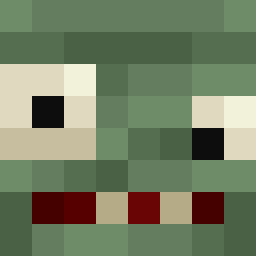
Current Minecraft skin of the player Fenetres, loaded from the official Mojang API. Rotate the 3D model with your mouse or finger, then download the skin as a PNG file and use it in Minecraft: Bedrock Edition or Java Edition for free. When Fenetres changes their skin, this page updates automatically and the old skin stays in the history below.
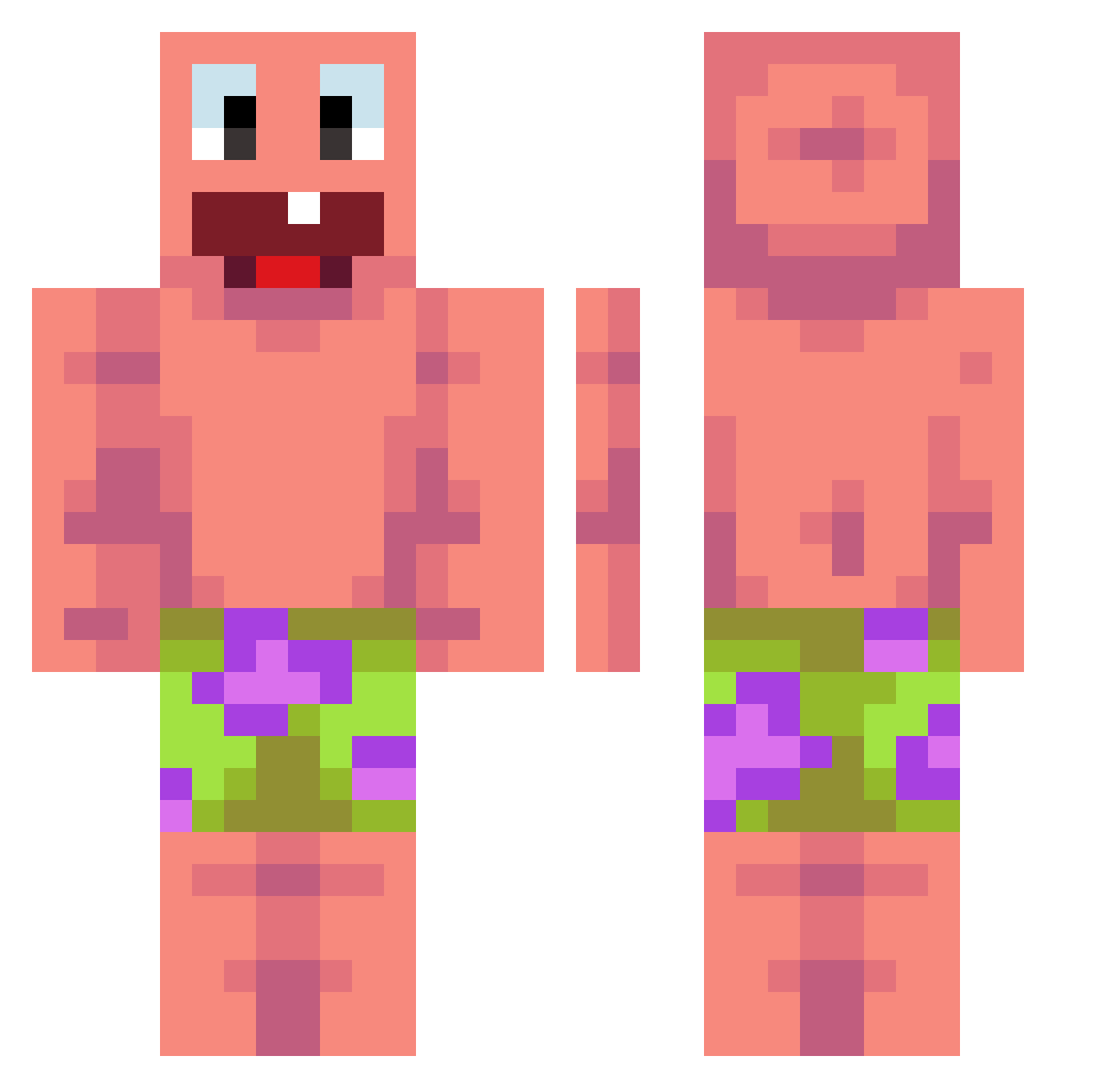
Other players with this skin (476)
Fenetres was the 103rd player we have seen with this skin, first spotted on 15.08.2026. The same skin was seen on these players. Open a nickname to see their current skin and skin history.
 lilpooll Tedde201108
 q33rk
q33rk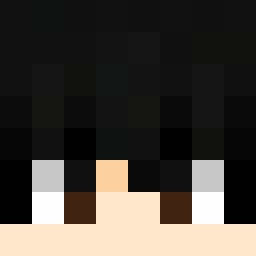 IronShay1 Yashiiiski VSRU iEXPECTATIONSi DanishKazuki Hell_TractorMK1 Qwerty_48 Gelzin1 guizin_819 BigTony6663 goodbox1
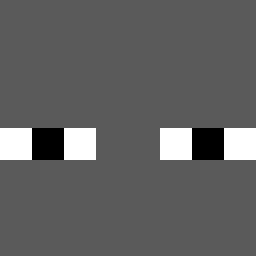 Peterboi321 SZLASZ Hisako509 jamonese Momma_Dukes67 Brodyc500 LinYao012 sussyman Bekbrett
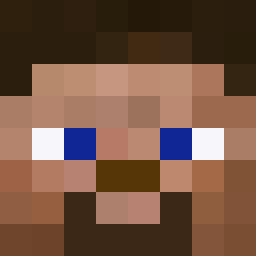 Nerdo798
 kykylet Itzzdeath veloiaa digiren12
 MeeKolok LukederCoole13 fploli cryp71x UCARZAVRANJE GladGoldfish23 SoleSurviver130 kriszzz 7msha rudy83136 Bartoli4444 Raudyyy Minigunmini1 angelitoxdlolmil dawsonlp07 junk61 damowang1 PARKJUNGWOO41 CNYFS 6pkl barcelazil 5432QUYSKA123_YT gunwoo110808 kki_u Jontem69 KylianG Avocado58 totolas moka1111 Razo0r cooljeffy123 Roma_3399
More Patrick Star Minecraft skins
See all 646 Patrick Star skins
How to install the Fenetres skin
- Press the Download button above to save the skin as a PNG file.
- Minecraft: Bedrock Edition (PE): open the Dressing Room from the main menu (or tap your character → Edit Character), go to Classic Skins → Owned, press the + (new skin) button, choose the downloaded PNG and pick the Classic (Steve) model. Works on PC and mobile; consoles cannot import custom skins.
- Minecraft: Java Edition: open the Minecraft Launcher, go to the Skins tab, click New Skin, load the PNG, pick the Classic (Steve) model and press Save & Use. You can also upload it at minecraft.net → Profile → Change Skin.
The skin does not show up after import - what should I do?
Restart Minecraft and open the Dressing Room again - imported skins sometimes appear only after a restart. Also make sure you selected the imported skin and picked the Classic (Steve) model.
Which model should I choose, Classic or Slim?
This skin is designed for the Classic (Steve) model. If you pick the wrong model, the arms of the skin will look stretched or squeezed.
Is the skin of Fenetres free to download?
Yes. Press Download, save the PNG file and use it in Minecraft: Bedrock Edition or Java Edition - no payment or registration needed. The skin also works on multiplayer servers and Realms.
More skins
Looking for more? Go back to all Minecraft skins and check the top skins of the week, month and all time, or find any player's skin by nickname.