
Bartoli4444 - Minecraft Skins & Skin History
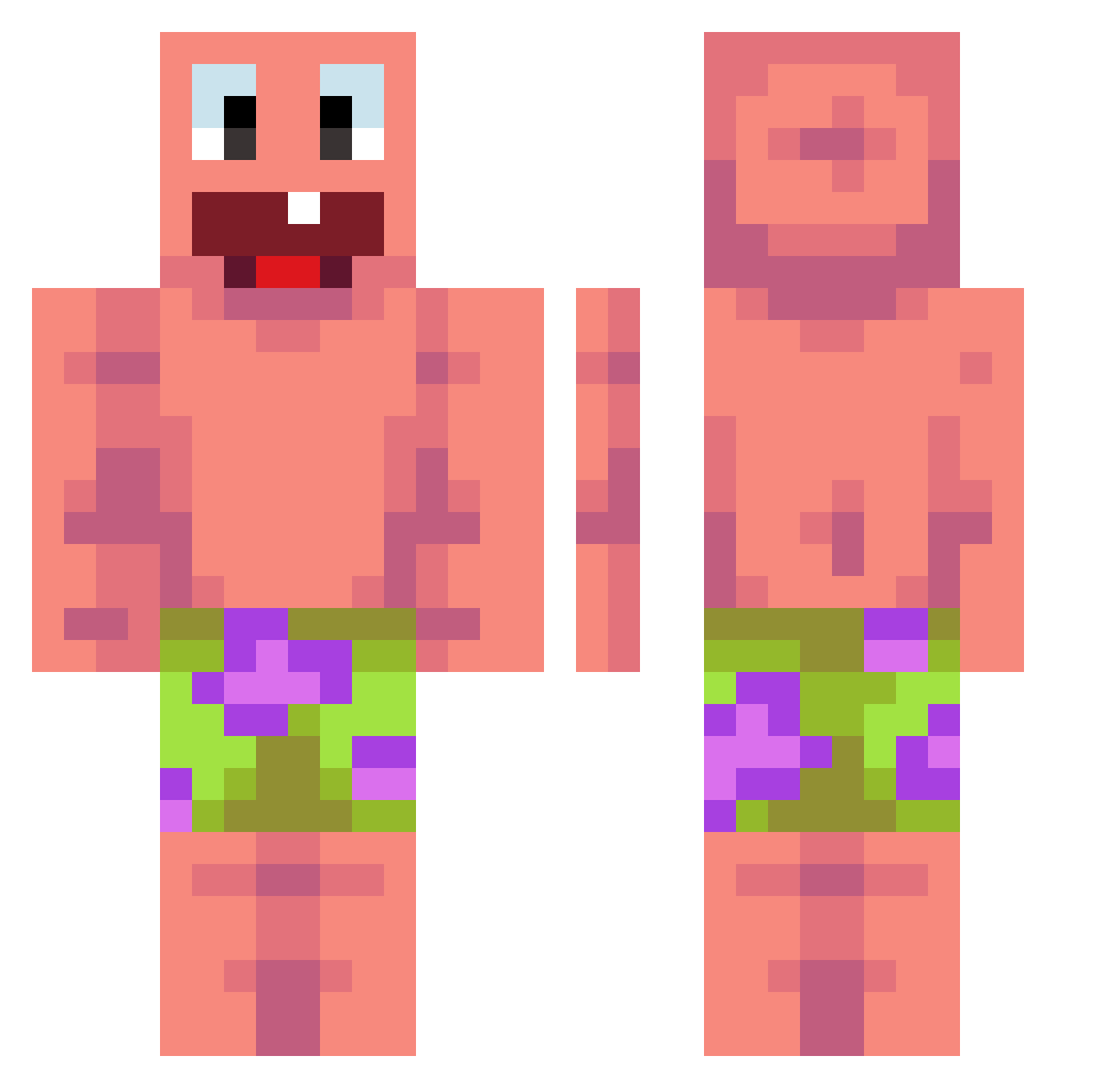
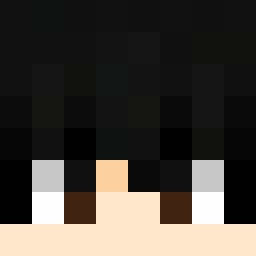
Current Minecraft skin of the player Bartoli4444, loaded from the official Mojang API. Rotate the 3D model with your mouse or finger, then download the skin as a PNG file and use it in Minecraft: Bedrock Edition or Java Edition for free. When Bartoli4444 changes their skin, this page updates automatically and the old skin stays in the history below.
Other players with this skin (476)
Bartoli4444 was the 78th player we have seen with this skin, first spotted on 10.08.2026. The same skin was seen on these players. Open a nickname to see their current skin and skin history.
 Raudyyy damowang1 SoleSurviver130 CNYFS 6pkl UCARZAVRANJE cryp71x KylianG Avocado58 cooljeffy123 Roma_3399
 MeeKolok veloiaa Itzzdeath
 Nerdo798 aroadc Bekbrett
 labubuteam_911 sussyman DKs17 LinYao012 Brodyc500 Des_velo_en_lair yolofamalik1 NutritionFacts3 Momma_Dukes67 jamonese Hisako509 asalasas Phasesaber_ SZLASZ Dani12121 zDorian
 Domon2010 RyukShin60 Ducchino goodbox1 BigTony6663 guizin_819 PoopBoyFarti1556 Gelzin1 danielshi2525 Hell_TractorMK1 Pave_jeppe VSRU Yashiiiski SimoKrc ToyoToya
 q33rk lilpooll Fenetres Tedde201108
 IronShay1 iEXPECTATIONSi DanishKazuki beboi5163 Qwerty_48 Kax0z
 Peterboi321 HardFARDwick
More Patrick Star Minecraft skins
See all 646 Patrick Star skins
How to install the Bartoli4444 skin
- Press the Download button above to save the skin as a PNG file.
- Minecraft: Bedrock Edition (PE): open the Dressing Room from the main menu (or tap your character → Edit Character), go to Classic Skins → Owned, press the + (new skin) button, choose the downloaded PNG and pick the Classic (Steve) model. Works on PC and mobile; consoles cannot import custom skins.
- Minecraft: Java Edition: open the Minecraft Launcher, go to the Skins tab, click New Skin, load the PNG, pick the Classic (Steve) model and press Save & Use. You can also upload it at minecraft.net → Profile → Change Skin.
The skin does not show up after import - what should I do?
Restart Minecraft and open the Dressing Room again - imported skins sometimes appear only after a restart. Also make sure you selected the imported skin and picked the Classic (Steve) model.
Which model should I choose, Classic or Slim?
This skin is designed for the Classic (Steve) model. If you pick the wrong model, the arms of the skin will look stretched or squeezed.
Is the skin of Bartoli4444 free to download?
Yes. Press Download, save the PNG file and use it in Minecraft: Bedrock Edition or Java Edition - no payment or registration needed. The skin also works on multiplayer servers and Realms.
More skins
Looking for more? Go back to all Minecraft skins and check the top skins of the week, month and all time, or find any player's skin by nickname.