
Fe1styx - Minecraft Skins & Skin History
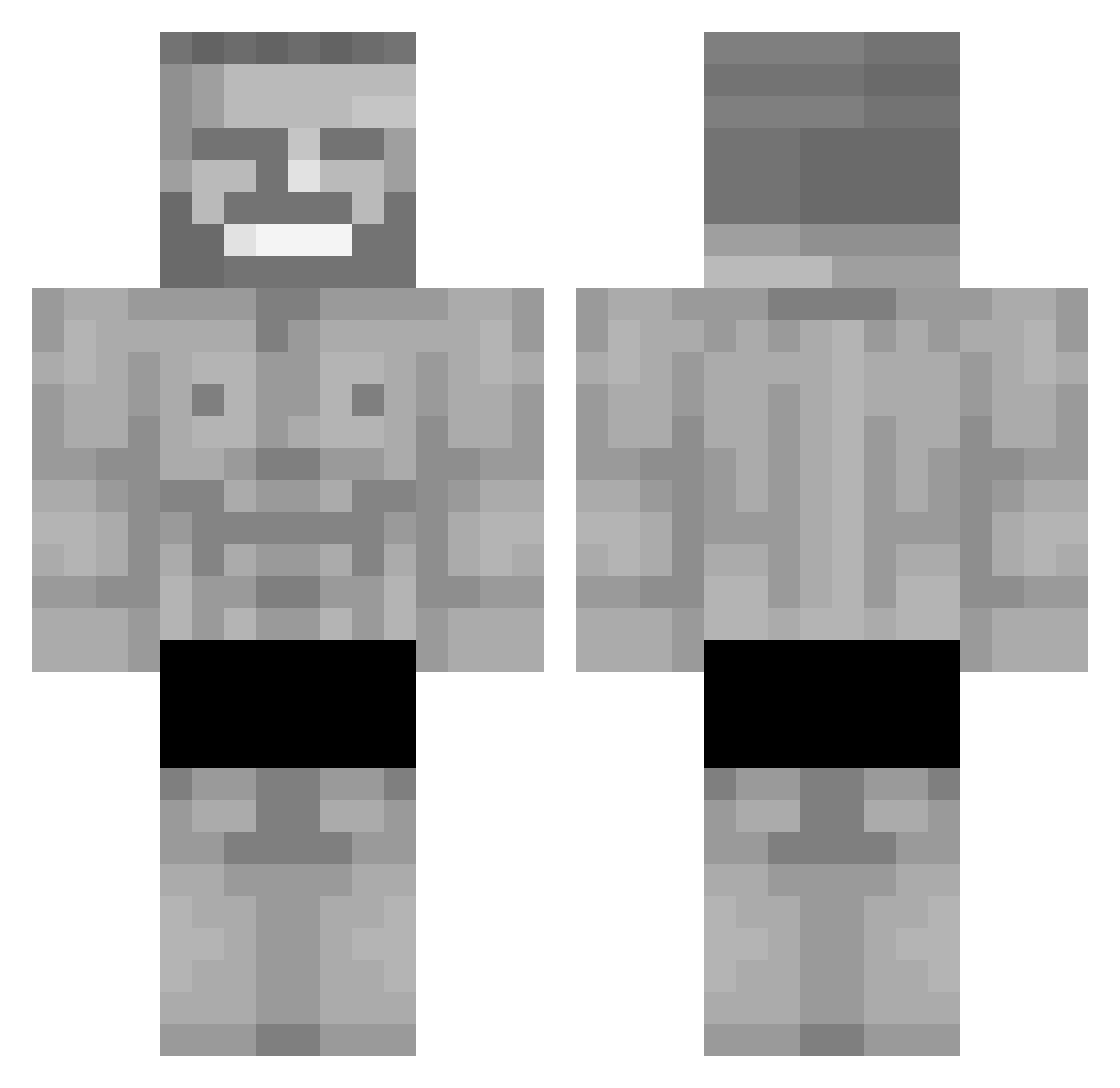
Current Minecraft skin of the player Fe1styx, loaded from the official Mojang API. Rotate the 3D model with your mouse or finger, then download the skin as a PNG file and use it in Minecraft: Bedrock Edition or Java Edition for free. When Fe1styx changes their skin, this page updates automatically and the old skin stays in the history below.
Other players with this skin (297)
Fe1styx was the 225th player we have seen with this skin, first spotted on 07.10.2026. The same skin was seen on these players. Open a nickname to see their current skin and skin history.
 Philipzockt Gian_marco Cam00n LEEEEEEEEEEEEEEO Ptaku23 Milo8007 miaugg Maraeeng KAD45 RAGE_444 cx_u WamenNoodle1 Flurzecss alexgo12 Koomzy2905 Senauj bakir31 AtLuckys Crankiee1337 NANFERRETTI Kingjosepi2015 KVASisGOOD ermaxa ExecutedHero Fugazh Cupif Kuba5959 ToFa7 nrast BigDaddyDada H0b05am m1ronius SuperNitroman69 Manolo5047 KappalotOG1 The_Bigos_ DeltaHairlines azzip12 iron_fart babolimugopro Levikeksz LucianoPetardini Haikuzell Samu191212 IAxiosI essencelol DasNachbar seekinthemegirls crayzTR stagekevi mark228fair1 Ugeon_ MightyMafia12 lukanavaro MagicGer afly897 Abo7Meez Mr_Breast_ javelogrelo Manzaniii
More Gigachad Minecraft skins
How to install the Fe1styx skin
- Press the Download button above to save the skin as a PNG file.
- Minecraft: Bedrock Edition (PE): open the Dressing Room from the main menu (or tap your character → Edit Character), go to Classic Skins → Owned, press the + (new skin) button, choose the downloaded PNG and pick the Classic (Steve) model. Works on PC and mobile; consoles cannot import custom skins.
- Minecraft: Java Edition: open the Minecraft Launcher, go to the Skins tab, click New Skin, load the PNG, pick the Classic (Steve) model and press Save & Use. You can also upload it at minecraft.net → Profile → Change Skin.
The skin does not show up after import - what should I do?
Restart Minecraft and open the Dressing Room again - imported skins sometimes appear only after a restart. Also make sure you selected the imported skin and picked the Classic (Steve) model.
Which model should I choose, Classic or Slim?
This skin is designed for the Classic (Steve) model. If you pick the wrong model, the arms of the skin will look stretched or squeezed.
Is the skin of Fe1styx free to download?
Yes. Press Download, save the PNG file and use it in Minecraft: Bedrock Edition or Java Edition - no payment or registration needed. The skin also works on multiplayer servers and Realms.
More skins
Looking for more? Go back to all Minecraft skins and check the top skins of the week, month and all time, or find any player's skin by nickname.