
Fanzy12 - Minecraft Skins & Skin History
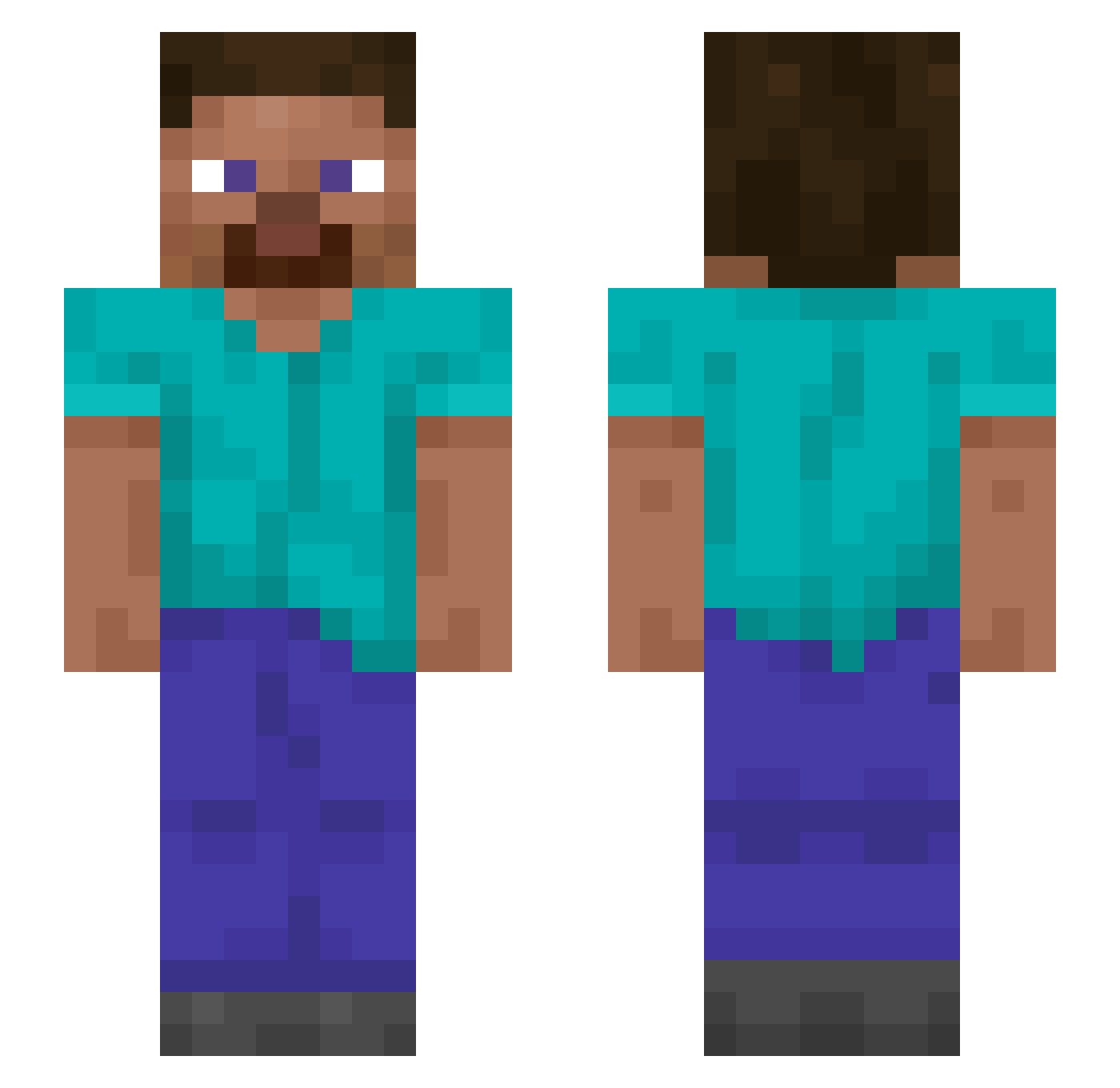
Current Minecraft skin of the player Fanzy12, loaded from the official Mojang API. Rotate the 3D model with your mouse or finger, then download the skin as a PNG file and use it in Minecraft: Bedrock Edition or Java Edition for free. When Fanzy12 changes their skin, this page updates automatically and the old skin stays in the history below.
Other players with this skin (1316)
Fanzy12 was the 1076th player we have seen with this skin, first spotted on 19.10.2026. The same skin was seen on these players. Open a nickname to see their current skin and skin history.
 Efficiente Bombing Buffe Worksome Biosensor benoslav Amorphi MRcheeseman101 SPLMC015 Exa99 qghosty Triglyceride Plucks Undependability Sadden KurokawaIvan notbausser Shipcraft meduzzard MRSGRAY Saulin012 Defuzes parzival244 riotokun0417 ttayw7 Spongiest Curman OlKeithyBoy WadCutter ALDD_888 fednog Dolomize Copen Eorror404 Bark ByeAshton stormflyyt hexokinase reflect_GIFU lol_no03 Cherry_KC YayoUrbina InVoide korRate0410 thinclad aChewyBar Palmin NoHumanJustBot psalmy BerryUY nonylene li1_lu suspiciousness Dragonius01 lisha Bluety_IV bozoss CucumberON suhoangel04 tieyza
How to install the Fanzy12 skin
- Press the Download button above to save the skin as a PNG file.
- Minecraft: Bedrock Edition (PE): open the Dressing Room from the main menu (or tap your character → Edit Character), go to Classic Skins → Owned, press the + (new skin) button, choose the downloaded PNG and pick the Slim (Alex) model. Works on PC and mobile; consoles cannot import custom skins.
- Minecraft: Java Edition: open the Minecraft Launcher, go to the Skins tab, click New Skin, load the PNG, pick the Slim (Alex) model and press Save & Use. You can also upload it at minecraft.net → Profile → Change Skin.
The skin does not show up after import - what should I do?
Restart Minecraft and open the Dressing Room again - imported skins sometimes appear only after a restart. Also make sure you selected the imported skin and picked the Slim (Alex) model.
Which model should I choose, Classic or Slim?
This skin is designed for the Slim (Alex) model. If you pick the wrong model, the arms of the skin will look stretched or squeezed.
Is the skin of Fanzy12 free to download?
Yes. Press Download, save the PNG file and use it in Minecraft: Bedrock Edition or Java Edition - no payment or registration needed. The skin also works on multiplayer servers and Realms.
More skins
Looking for more? Go back to all Minecraft skins and check the top skins of the week, month and all time, or find any player's skin by nickname.