
Fabulous_Tale - Minecraft Skins & Skin History
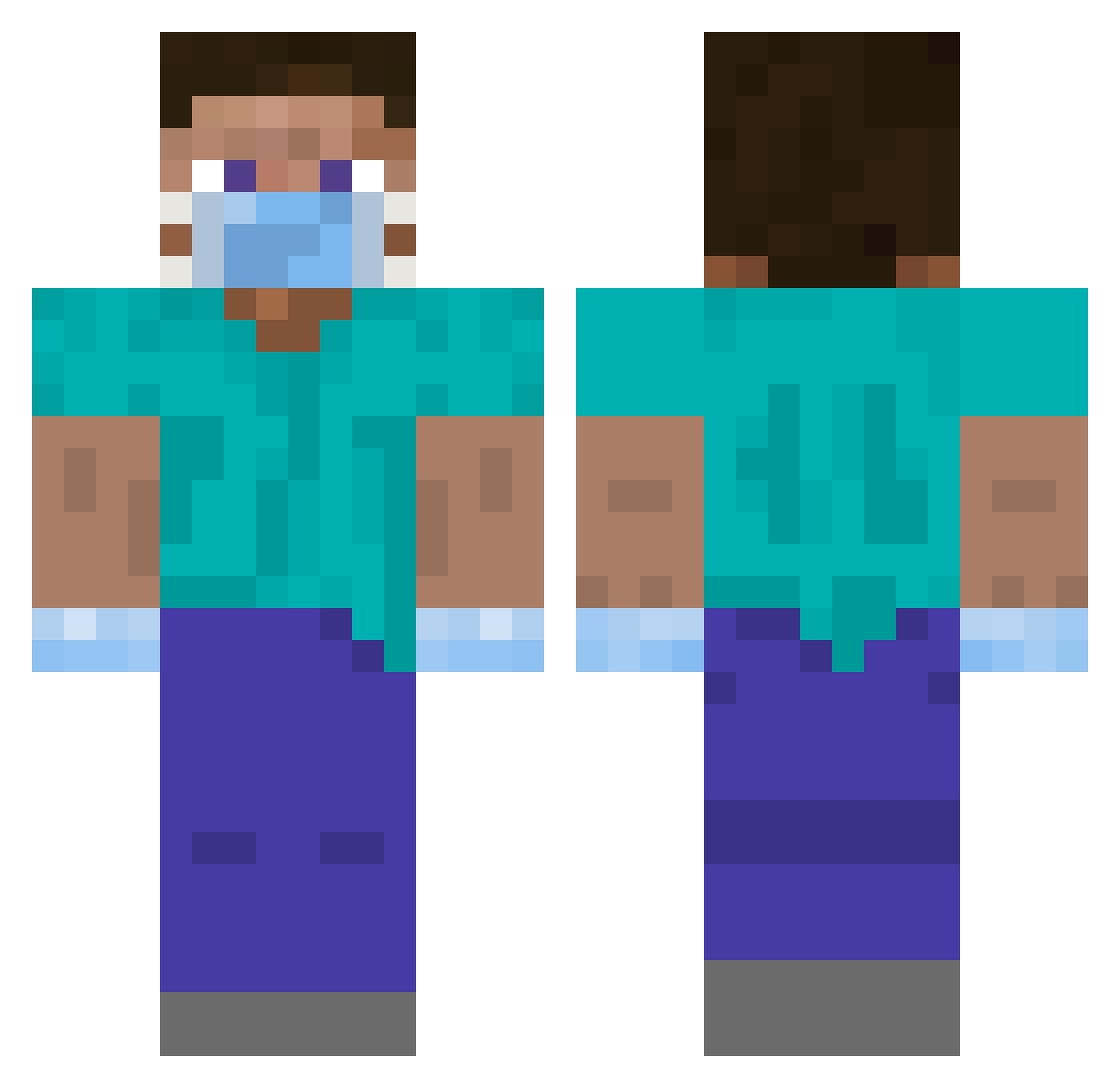
Current Minecraft skin of the player Fabulous_Tale, loaded from the official Mojang API. Rotate the 3D model with your mouse or finger, then download the skin as a PNG file and use it in Minecraft: Bedrock Edition or Java Edition for free. When Fabulous_Tale changes their skin, this page updates automatically and the old skin stays in the history below.
Other players with this skin (375)
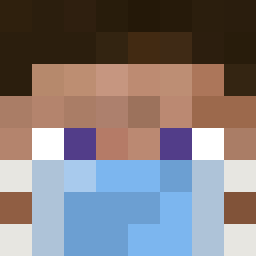
Fabulous_Tale was the 320th player we have seen with this skin, first spotted on 19.10.2026. The same skin was seen on these players. Open a nickname to see their current skin and skin history.
 NJsoccer03 edisgod ElChinoHuevo MYBIK elatrofa namecox papkasse69 ZeDaManga OfficialHK JoeMonster100 Klatix Fenyxzxz aHo_3n Lawsome BatteryAcid999 Deeozyy rapi67 Zdancol1_QwQ Bergeture iHateMinecraft Stupid_Yin Fourreto Mycoh ing_vajgl Murad228666 anrd LHayaBuZa 000mathias000 JakeExtra LudvikOter vvv333 zi_chen2048 DimitriCrackerz lGamaerl Kinq82 Neaar watermelon0210 buildbox233 germolina93 lil_capri_sunn Roseburrow Dedou06620 longcovid skyfine neung_nae ira0x0 Robur03 DrNogui janlukdi Lil_Yarou Bonchae FourEyes2002 Jorgedn98 b0neshock Icecreamdino3 mjd7 Its_Leo007 Ab_Cryptic xPakos Randish
More Surgeon Minecraft skins
How to install the Fabulous_Tale skin
- Press the Download button above to save the skin as a PNG file.
- Minecraft: Bedrock Edition (PE): open the Dressing Room from the main menu (or tap your character → Edit Character), go to Classic Skins → Owned, press the + (new skin) button, choose the downloaded PNG and pick the Classic (Steve) model. Works on PC and mobile; consoles cannot import custom skins.
- Minecraft: Java Edition: open the Minecraft Launcher, go to the Skins tab, click New Skin, load the PNG, pick the Classic (Steve) model and press Save & Use. You can also upload it at minecraft.net → Profile → Change Skin.
The skin does not show up after import - what should I do?
Restart Minecraft and open the Dressing Room again - imported skins sometimes appear only after a restart. Also make sure you selected the imported skin and picked the Classic (Steve) model.
Which model should I choose, Classic or Slim?
This skin is designed for the Classic (Steve) model. If you pick the wrong model, the arms of the skin will look stretched or squeezed.
Is the skin of Fabulous_Tale free to download?
Yes. Press Download, save the PNG file and use it in Minecraft: Bedrock Edition or Java Edition - no payment or registration needed. The skin also works on multiplayer servers and Realms.
More skins
Looking for more? Go back to all Minecraft skins and check the top skins of the week, month and all time, or find any player's skin by nickname.