
FILO104 - Minecraft Skins & Skin History
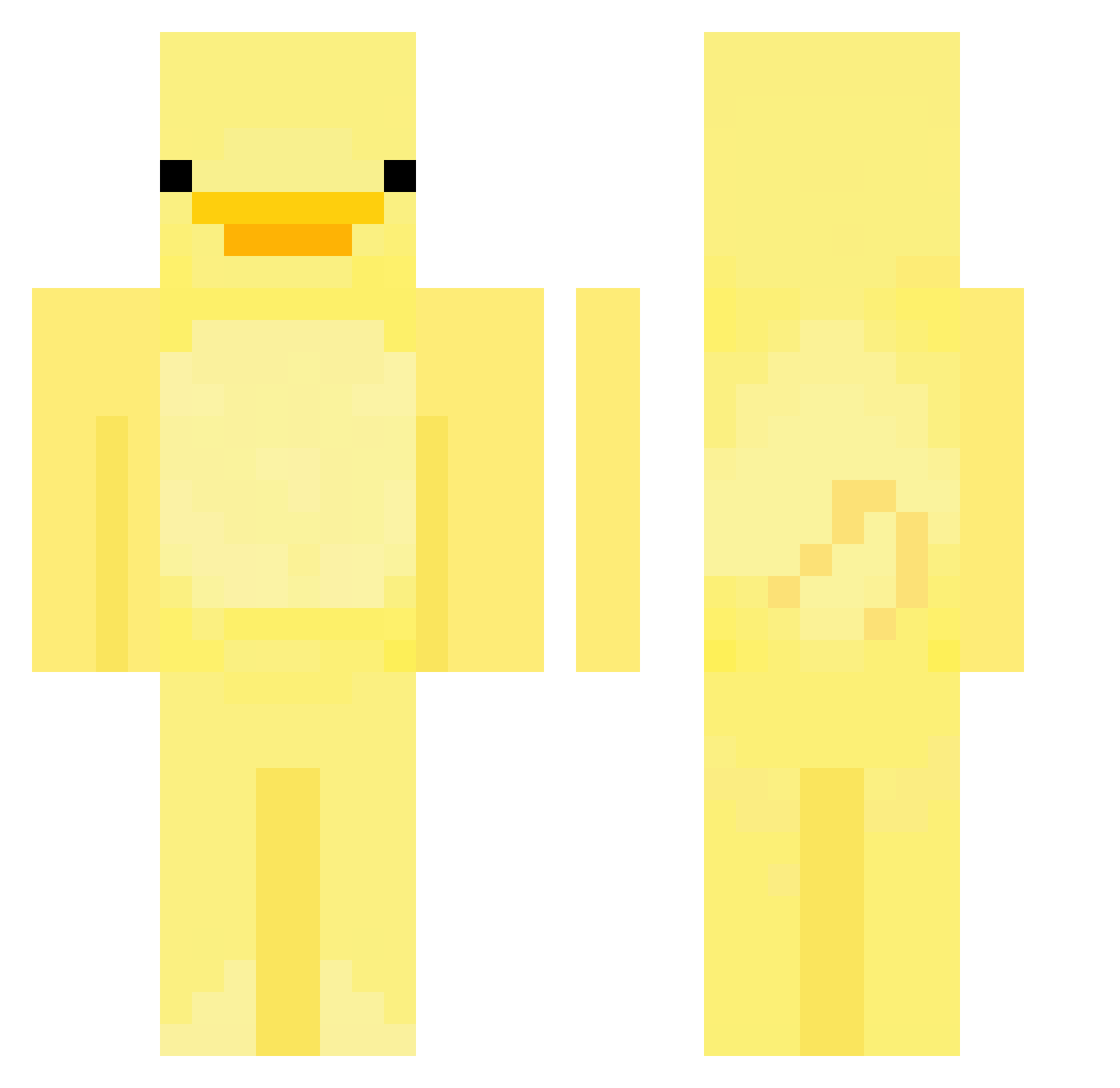
Current Minecraft skin of the player FILO104, loaded from the official Mojang API. Rotate the 3D model with your mouse or finger, then download the skin as a PNG file and use it in Minecraft: Bedrock Edition or Java Edition for free. When FILO104 changes their skin, this page updates automatically and the old skin stays in the history below.
Other players with this skin (552)
FILO104 was the 41st player we have seen with this skin, first spotted on 30.07.2026. The same skin was seen on these players. Open a nickname to see their current skin and skin history.
 MqBow SuperSmash777 realDarren LahmPhil catxldo_ FamiliarDuck saltyymc CruzGGC _jujubeanz theonlyone747 Northy2 Eevi05 Cheebiezzz Fatbirdy Dorsiaga_ suiiiii7 soulcvt lesauwu tknm1226 Creeperboy11112 NeonKitty69 10vr_ appleslicerr swaxyyyy chuieo BananaDrone KimBug02 Lore____ CONN4444 GoStraighT_T thiqqachu MiningMaggs MINEDEVV BBlackBean Januanley GoodNoskin WAMEGE SnugglDW Ottude DisgraceDiscard __Misha__ OptiKal_PuP DoubleSugarOO cythorne im_yong sumkp majamajek ayohqvoc Gabrysko12 tya951 TediTokov1 ablaze3dp JN688 SneezyTina QuackmireAdmiral Plutarch Flabsiswiss mdnn1225 rlawldns RealAugie
More Bird Minecraft skins
How to install the FILO104 skin
- Press the Download button above to save the skin as a PNG file.
- Minecraft: Bedrock Edition (PE): open the Dressing Room from the main menu (or tap your character → Edit Character), go to Classic Skins → Owned, press the + (new skin) button, choose the downloaded PNG and pick the Classic (Steve) model. Works on PC and mobile; consoles cannot import custom skins.
- Minecraft: Java Edition: open the Minecraft Launcher, go to the Skins tab, click New Skin, load the PNG, pick the Classic (Steve) model and press Save & Use. You can also upload it at minecraft.net → Profile → Change Skin.
The skin does not show up after import - what should I do?
Restart Minecraft and open the Dressing Room again - imported skins sometimes appear only after a restart. Also make sure you selected the imported skin and picked the Classic (Steve) model.
Which model should I choose, Classic or Slim?
This skin is designed for the Classic (Steve) model. If you pick the wrong model, the arms of the skin will look stretched or squeezed.
Is the skin of FILO104 free to download?
Yes. Press Download, save the PNG file and use it in Minecraft: Bedrock Edition or Java Edition - no payment or registration needed. The skin also works on multiplayer servers and Realms.
More skins
Looking for more? Go back to all Minecraft skins and check the top skins of the week, month and all time, or find any player's skin by nickname.