
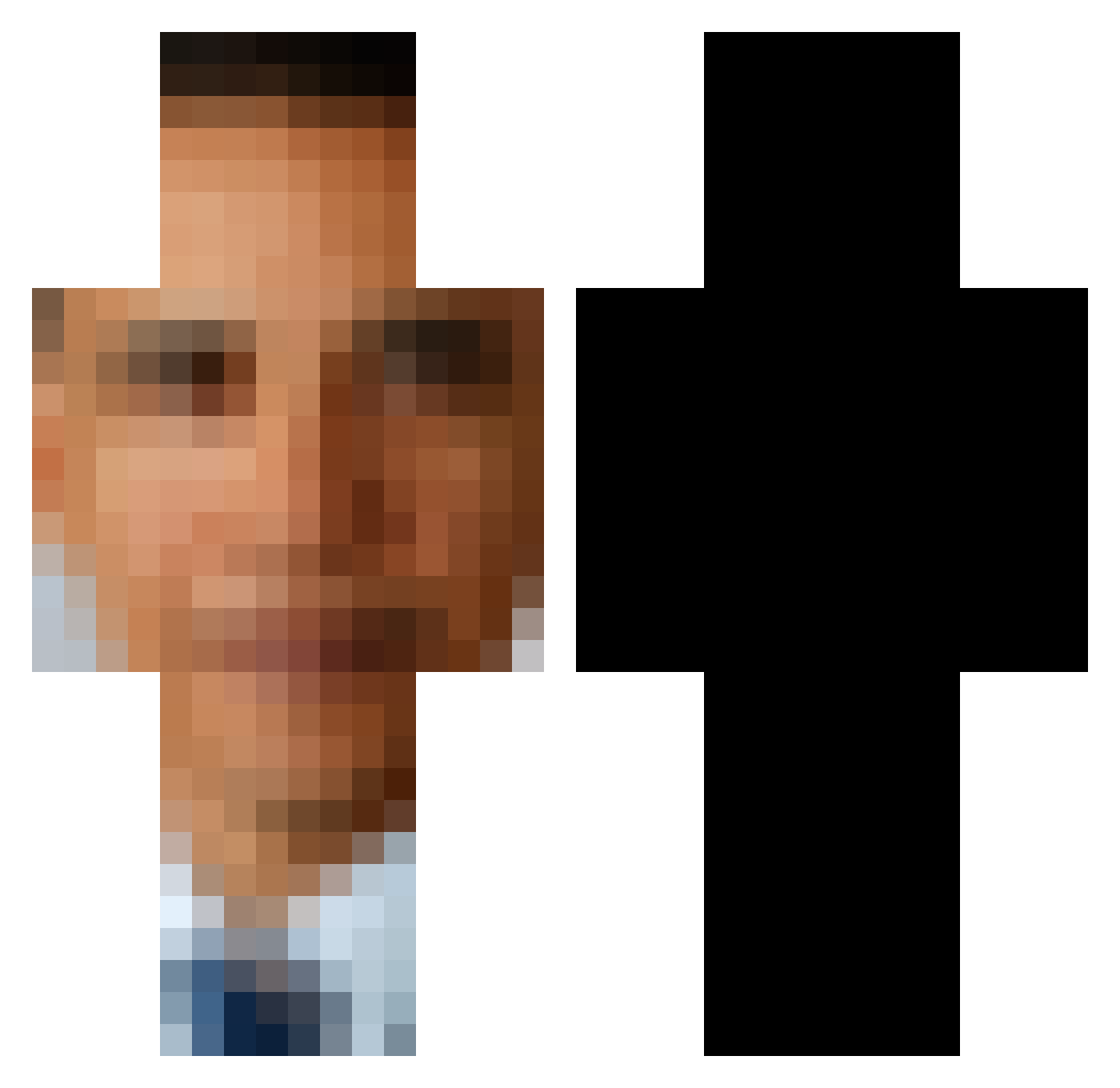
Current Minecraft skin of the player ExpertRhino1600, loaded from the official Mojang API. Rotate the 3D model with your mouse or finger, then download the skin as a PNG file and use it in Minecraft: Bedrock Edition or Java Edition for free. When ExpertRhino1600 changes their skin, this page updates automatically and the old skin stays in the history below.
Other players with this skin (477)
ExpertRhino1600 was the 67th player we have seen with this skin, first spotted on 05.08.2026. The same skin was seen on these players. Open a nickname to see their current skin and skin history.
 count_raviolii MyNameIs_Ham CluetasticJr UltimoKitten _ii_Toxic_ii_ OleZark
 Snugglemaster franciszek2137 WInJiz313 GoatFrontier irlratgoblin plebbel_ MetaMettalix chaengrang_ RatFiendHD m1d45 xCosmosss Raikasnisti sindraaa Hokahh MikeWaz24 Vodka4Breakfast FT16 wasdif SweatyAnimePits
 and_or_not11 JoshuaGx EXTIT GoofyGoobington ItsToxicmunch SUPERMELKO biggishplacebo3 Th0t_Memed43 BeerPressure_ xsardoneto Dudufsantos Uncle_Fred14 uros08 Saddoors SeamenDeamen The_Gnome69 orphanIauncher PaulindasMeia Zizzu TheSmilingOne
 ZLOYTop_Tank znop_ ADHDlord99 Draggy37 CadburyDuck chemy02 BeqiDi Subbyzero1598 Edweeeezy OffThepercs44 fly1nghat thewatermalon Mrpro_X_ oazsa
 Agianless
More Barack Obama Minecraft skins
See all 223 Barack Obama skins
How to install the ExpertRhino1600 skin
- Press the Download button above to save the skin as a PNG file.
- Minecraft: Bedrock Edition (PE): open the Dressing Room from the main menu (or tap your character → Edit Character), go to Classic Skins → Owned, press the + (new skin) button, choose the downloaded PNG and pick the Classic (Steve) model. Works on PC and mobile; consoles cannot import custom skins.
- Minecraft: Java Edition: open the Minecraft Launcher, go to the Skins tab, click New Skin, load the PNG, pick the Classic (Steve) model and press Save & Use. You can also upload it at minecraft.net → Profile → Change Skin.
The skin does not show up after import - what should I do?
Restart Minecraft and open the Dressing Room again - imported skins sometimes appear only after a restart. Also make sure you selected the imported skin and picked the Classic (Steve) model.
Which model should I choose, Classic or Slim?
This skin is designed for the Classic (Steve) model. If you pick the wrong model, the arms of the skin will look stretched or squeezed.
Is the skin of ExpertRhino1600 free to download?
Yes. Press Download, save the PNG file and use it in Minecraft: Bedrock Edition or Java Edition - no payment or registration needed. The skin also works on multiplayer servers and Realms.
More skins
Looking for more? Go back to all Minecraft skins and check the top skins of the week, month and all time, or find any player's skin by nickname.