
EvSokol - Minecraft Skins & Skin History
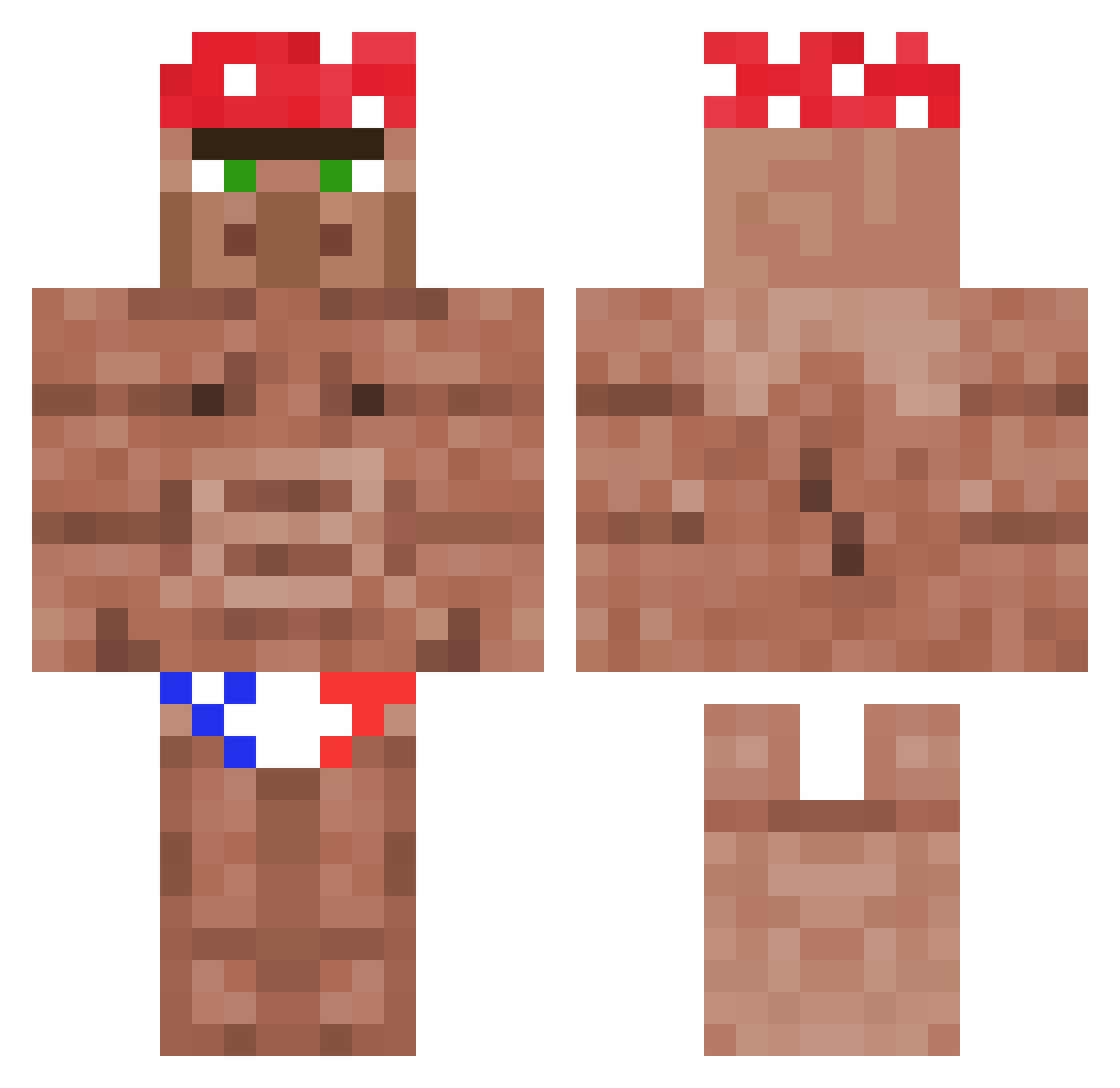
Current Minecraft skin of the player EvSokol, loaded from the official Mojang API. Rotate the 3D model with your mouse or finger, then download the skin as a PNG file and use it in Minecraft: Bedrock Edition or Java Edition for free. When EvSokol changes their skin, this page updates automatically and the old skin stays in the history below.
Other players with this skin (1124)
EvSokol was the 633rd player we have seen with this skin, first spotted on 26.09.2026. The same skin was seen on these players. Open a nickname to see their current skin and skin history.
 Yoshi2054 1Cuph ItzHoma Velvet_Elvis bluetoast1 przydworzyce Beothucus momiswet ru_ruru_ru Dr_Sad slyeye_75 Jokas19 AllStar400 Jwoot34 Im_Bad_At_FN 40PctTitanium Aut1smo_ Night_Koala Zbyszko_3_Waginy DeMuddaSeiGsicht seanie345 MrLeslieChow_ toxicbadgerz12 Weiss048 ScubaMello Gull_drekin Nikos_BlackMango Urexialboar dememaru Tdogispog Konksilicious nahkarukkanen ___Ni___ GoldenAlan56 Boogie302 PeuSoup HDgadior TobizzzXD Gremeks CaptainFireLeon Stachu665 TheYoungDr lapijitabailaaa nonebits Lenopto Gureguri ChadFTW Argus_Void SaumonSaurel07 CKOTE2 strawhatjayy wspCj CobaltScrolls reesthomas Tim_728 AustinSniper Fortnit3 FiestyLeopard ErkHalo117 tulenchikus
More Ricardo Milos Minecraft skins
See all 96 Ricardo Milos skins
How to install the EvSokol skin
- Press the Download button above to save the skin as a PNG file.
- Minecraft: Bedrock Edition (PE): open the Dressing Room from the main menu (or tap your character → Edit Character), go to Classic Skins → Owned, press the + (new skin) button, choose the downloaded PNG and pick the Classic (Steve) model. Works on PC and mobile; consoles cannot import custom skins.
- Minecraft: Java Edition: open the Minecraft Launcher, go to the Skins tab, click New Skin, load the PNG, pick the Classic (Steve) model and press Save & Use. You can also upload it at minecraft.net → Profile → Change Skin.
The skin does not show up after import - what should I do?
Restart Minecraft and open the Dressing Room again - imported skins sometimes appear only after a restart. Also make sure you selected the imported skin and picked the Classic (Steve) model.
Which model should I choose, Classic or Slim?
This skin is designed for the Classic (Steve) model. If you pick the wrong model, the arms of the skin will look stretched or squeezed.
Is the skin of EvSokol free to download?
Yes. Press Download, save the PNG file and use it in Minecraft: Bedrock Edition or Java Edition - no payment or registration needed. The skin also works on multiplayer servers and Realms.
More skins
Looking for more? Go back to all Minecraft skins and check the top skins of the week, month and all time, or find any player's skin by nickname.