
Eternityy34 - Minecraft Skins & Skin History
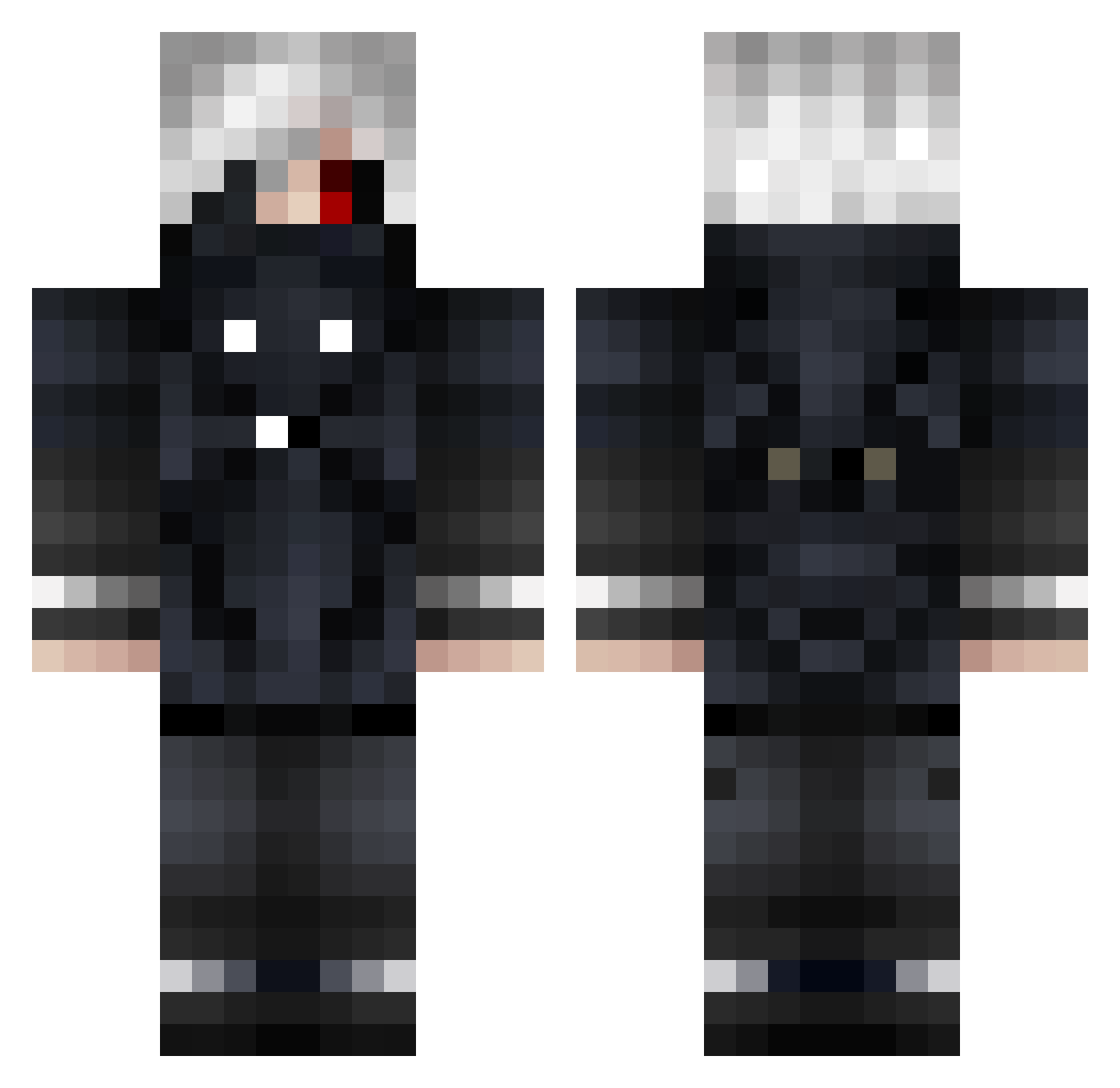
Current Minecraft skin of the player Eternityy34, loaded from the official Mojang API. Rotate the 3D model with your mouse or finger, then download the skin as a PNG file and use it in Minecraft: Bedrock Edition or Java Edition for free. When Eternityy34 changes their skin, this page updates automatically and the old skin stays in the history below.
Other players with this skin (854)
Eternityy34 was the 684th player we have seen with this skin, first spotted on 22.10.2026. The same skin was seen on these players. Open a nickname to see their current skin and skin history.
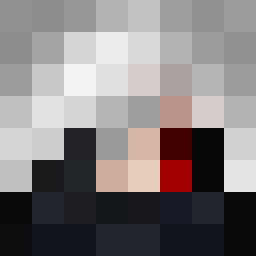 tsubaiky 6Deadinside9 Malti972_ Isa1ah_0 ERRORSANSERRR Rykerr_53 curymils Xiba0 Meg_Lorraine Ha4x9_ TheArt22 chenghuangg Akiba_Sensei Pr0x996 ViktorHuN24 ShogunDry SmoGGu BBriZ JosetheQ35 groundzeros K0rneplod galazius07 Vagaries OhTokyo UmeNoHaNaNN BigDog011024 LordEvil151 CoronaMinus NKAnubis leam14fhdt mest63 nicholas449 KanekiBolado ladeb453 wuthan100 SillySheep65 tycimaa Acop007 RaVeKronos lokorazor WILL157 Deif_5 CastilloSama brendanrv navarrin678 Z6GT _Kaneki___Ghoul_ Chizuru_San Shiro707 Daez_ depressedwhyHAHA Masf08 SnowZera19 XyLen_KAWAKAZE yuhsuannnn Night_sky987 iShoto26 zehelh DoriaDx theKulanZack
More Mask Minecraft skins
How to install the Eternityy34 skin
- Press the Download button above to save the skin as a PNG file.
- Minecraft: Bedrock Edition (PE): open the Dressing Room from the main menu (or tap your character → Edit Character), go to Classic Skins → Owned, press the + (new skin) button, choose the downloaded PNG and pick the Classic (Steve) model. Works on PC and mobile; consoles cannot import custom skins.
- Minecraft: Java Edition: open the Minecraft Launcher, go to the Skins tab, click New Skin, load the PNG, pick the Classic (Steve) model and press Save & Use. You can also upload it at minecraft.net → Profile → Change Skin.
The skin does not show up after import - what should I do?
Restart Minecraft and open the Dressing Room again - imported skins sometimes appear only after a restart. Also make sure you selected the imported skin and picked the Classic (Steve) model.
Which model should I choose, Classic or Slim?
This skin is designed for the Classic (Steve) model. If you pick the wrong model, the arms of the skin will look stretched or squeezed.
Is the skin of Eternityy34 free to download?
Yes. Press Download, save the PNG file and use it in Minecraft: Bedrock Edition or Java Edition - no payment or registration needed. The skin also works on multiplayer servers and Realms.
More skins
Looking for more? Go back to all Minecraft skins and check the top skins of the week, month and all time, or find any player's skin by nickname.