
ErYoYa - Minecraft Skins & Skin History
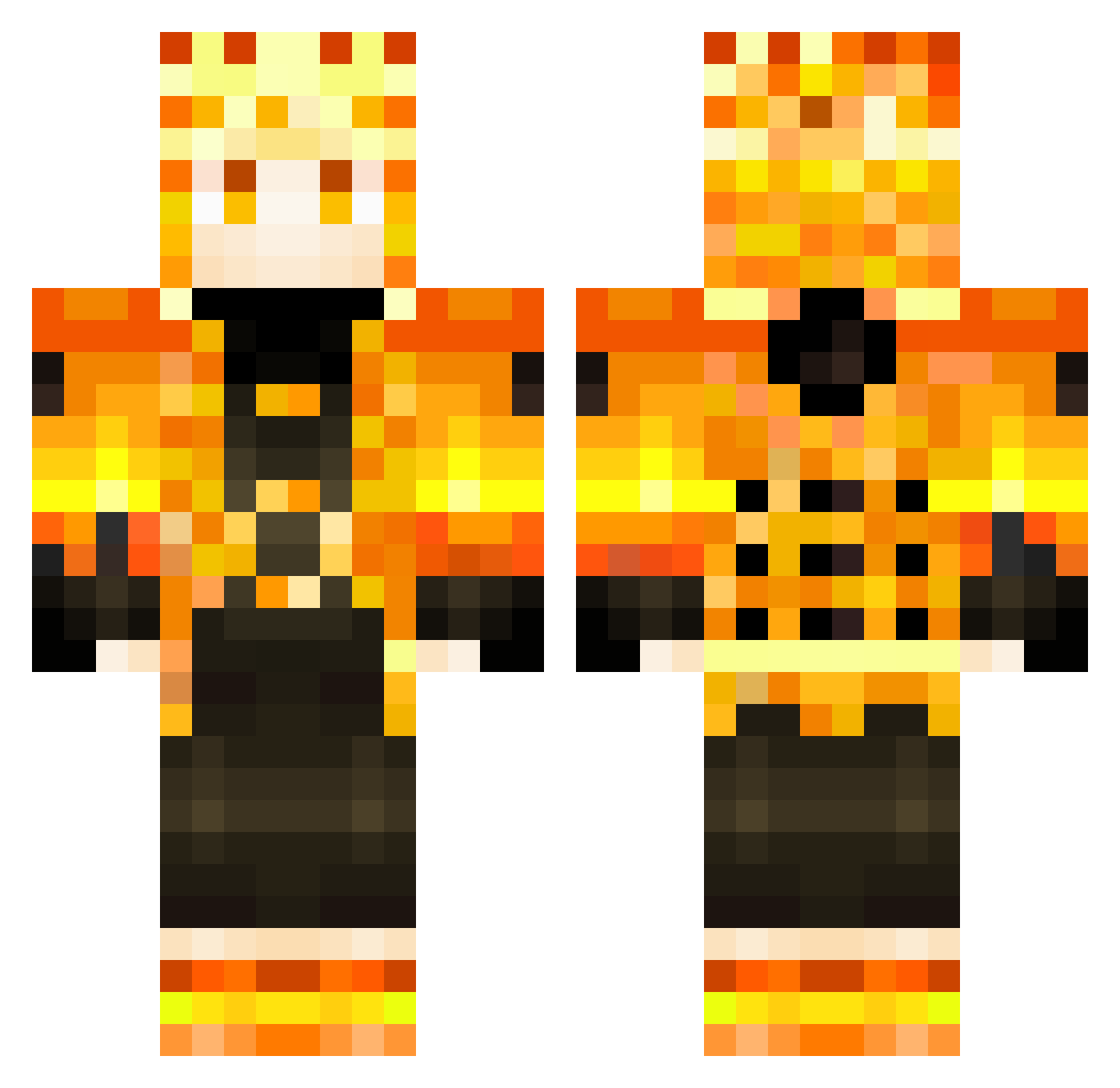
Current Minecraft skin of the player ErYoYa, loaded from the official Mojang API. Rotate the 3D model with your mouse or finger, then download the skin as a PNG file and use it in Minecraft: Bedrock Edition or Java Edition for free. When ErYoYa changes their skin, this page updates automatically and the old skin stays in the history below.
Other players with this skin (353)
ErYoYa was the 76th player we have seen with this skin, first spotted on 19.08.2026. The same skin was seen on these players. Open a nickname to see their current skin and skin history.
 180km TacticSlay Nagge03 Tuc0v KOONNOTE Novatskiy Gombe_ Troadric Nasa_Yuzaki_ ChrisGE616 kegghaa Benlager Fake_Alex Faucon4736 tipo_numerico Nordique95 kdaskk VladyEZZ Ubberzin ItsThatKai PaulPlaysBall dyz18 HiretsunaKame Darknigth619 Rutrazin Dark_Pimuss Archer_250 ReverseNixs Didi3r halong0515 Dudugamer2028 Wantonman17 Flynn3009 Tomdu68210 xKokosekgaming User__Error 3xMaximus xJackxBlackx FANGANGO Ziboox Memerboi1012 JoshuaWaganda06 Peixooto SkyPJT _s1mple____ FSNW_f001 Davidzin03 Ecrion_ R2Joga CaioSTAM pepsitraxe Alefawn Deelniite DragonHX DoubleFoods XanderAdams Nb_killer _Niqo Fear_Mikey mikaduki175
More Zenitsu Agatsuma Minecraft skins
See all 205 Zenitsu Agatsuma skins
How to install the ErYoYa skin
- Press the Download button above to save the skin as a PNG file.
- Minecraft: Bedrock Edition (PE): open the Dressing Room from the main menu (or tap your character → Edit Character), go to Classic Skins → Owned, press the + (new skin) button, choose the downloaded PNG and pick the Classic (Steve) model. Works on PC and mobile; consoles cannot import custom skins.
- Minecraft: Java Edition: open the Minecraft Launcher, go to the Skins tab, click New Skin, load the PNG, pick the Classic (Steve) model and press Save & Use. You can also upload it at minecraft.net → Profile → Change Skin.
The skin does not show up after import - what should I do?
Restart Minecraft and open the Dressing Room again - imported skins sometimes appear only after a restart. Also make sure you selected the imported skin and picked the Classic (Steve) model.
Which model should I choose, Classic or Slim?
This skin is designed for the Classic (Steve) model. If you pick the wrong model, the arms of the skin will look stretched or squeezed.
Is the skin of ErYoYa free to download?
Yes. Press Download, save the PNG file and use it in Minecraft: Bedrock Edition or Java Edition - no payment or registration needed. The skin also works on multiplayer servers and Realms.
More skins
Looking for more? Go back to all Minecraft skins and check the top skins of the week, month and all time, or find any player's skin by nickname.