
EnderTipe - Minecraft Skins & Skin History
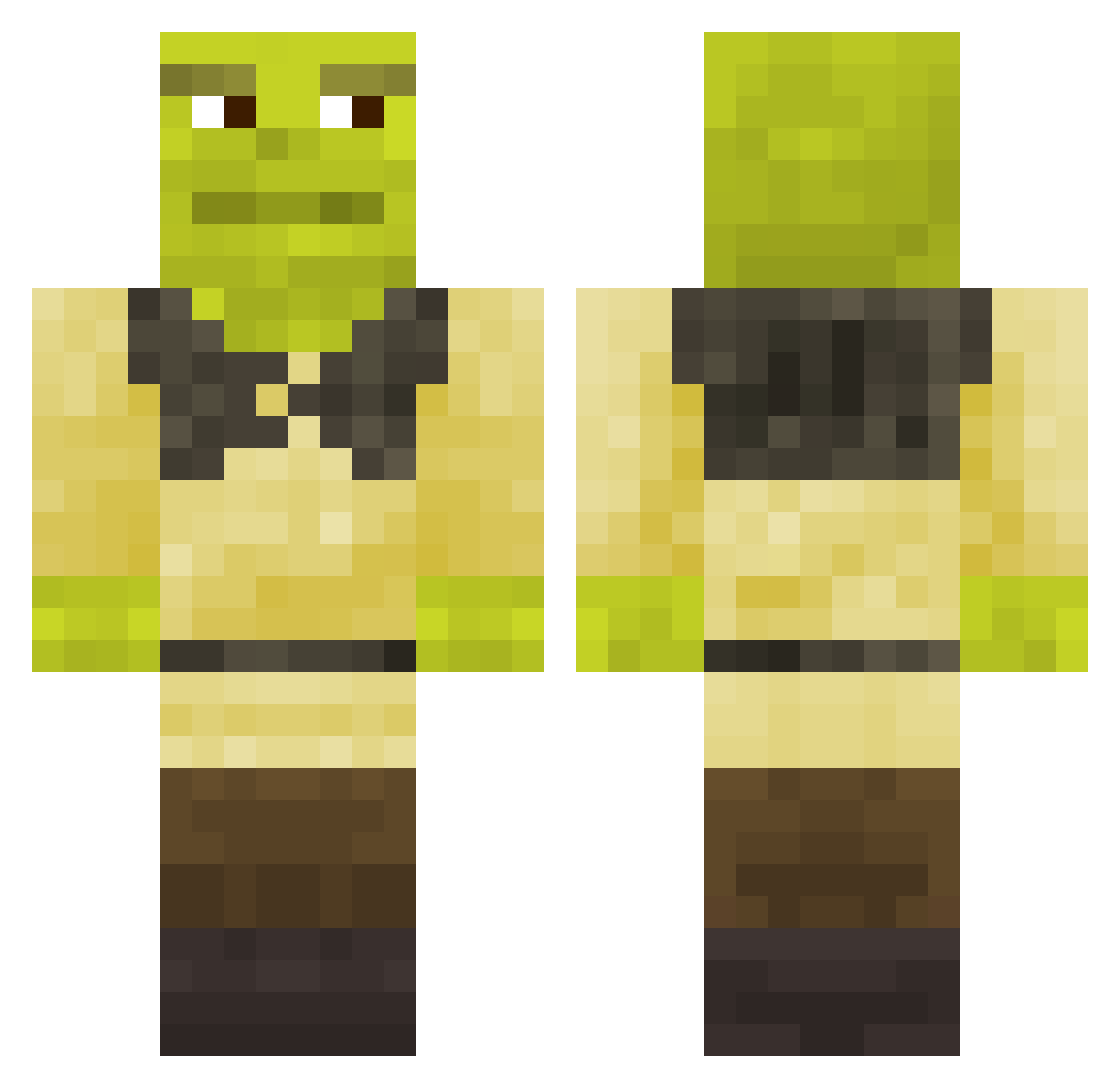
Current Minecraft skin of the player EnderTipe, loaded from the official Mojang API. Rotate the 3D model with your mouse or finger, then download the skin as a PNG file and use it in Minecraft: Bedrock Edition or Java Edition for free. When EnderTipe changes their skin, this page updates automatically and the old skin stays in the history below.
Other players with this skin (743)
EnderTipe was the 557th player we have seen with this skin, first spotted on 11.10.2026. The same skin was seen on these players. Open a nickname to see their current skin and skin history.
 KingNosmo thwzz kenzzo920 BobtheJob24 Chingler miller79 ShisuiUchiha32 yourszwagier Nvfta LaChinaCochina _canabi Modesto12010 shreckslefttoe Nella_ctl FlexedCarrot55 ShrekSenpai_ GnarlyFalcon252 Sigmaoficjalnie2 pingus77 AlanWake777 SaucyJoe7 chestood itzChrunky Shotray Fantarics MrEmka RamenIsLit HappyMadPig AleBarcelos joseben5 Ribs20 vincemathi fish816 FrenchFries2603 Task_Solis Swasdi maurijito Xerkses elkohinho SPliiT_ ItsLewk LieOnD3 rin8481 Vixna64 Klein1234 Serfilat21v gauth_2007 Matthieulbb starkelly xXMagic_FetusXx jawDSPUIOWHdiUW fungomistico104 immacupofmilktea JanVanHalst _mqrkk aspect1952 Lost332 chaxseqtt izafan Mythrolx
More Shrek Minecraft skins
How to install the EnderTipe skin
- Press the Download button above to save the skin as a PNG file.
- Minecraft: Bedrock Edition (PE): open the Dressing Room from the main menu (or tap your character → Edit Character), go to Classic Skins → Owned, press the + (new skin) button, choose the downloaded PNG and pick the Classic (Steve) model. Works on PC and mobile; consoles cannot import custom skins.
- Minecraft: Java Edition: open the Minecraft Launcher, go to the Skins tab, click New Skin, load the PNG, pick the Classic (Steve) model and press Save & Use. You can also upload it at minecraft.net → Profile → Change Skin.
The skin does not show up after import - what should I do?
Restart Minecraft and open the Dressing Room again - imported skins sometimes appear only after a restart. Also make sure you selected the imported skin and picked the Classic (Steve) model.
Which model should I choose, Classic or Slim?
This skin is designed for the Classic (Steve) model. If you pick the wrong model, the arms of the skin will look stretched or squeezed.
Is the skin of EnderTipe free to download?
Yes. Press Download, save the PNG file and use it in Minecraft: Bedrock Edition or Java Edition - no payment or registration needed. The skin also works on multiplayer servers and Realms.
More skins
Looking for more? Go back to all Minecraft skins and check the top skins of the week, month and all time, or find any player's skin by nickname.