
Emirinhos - Minecraft Skins & Skin History
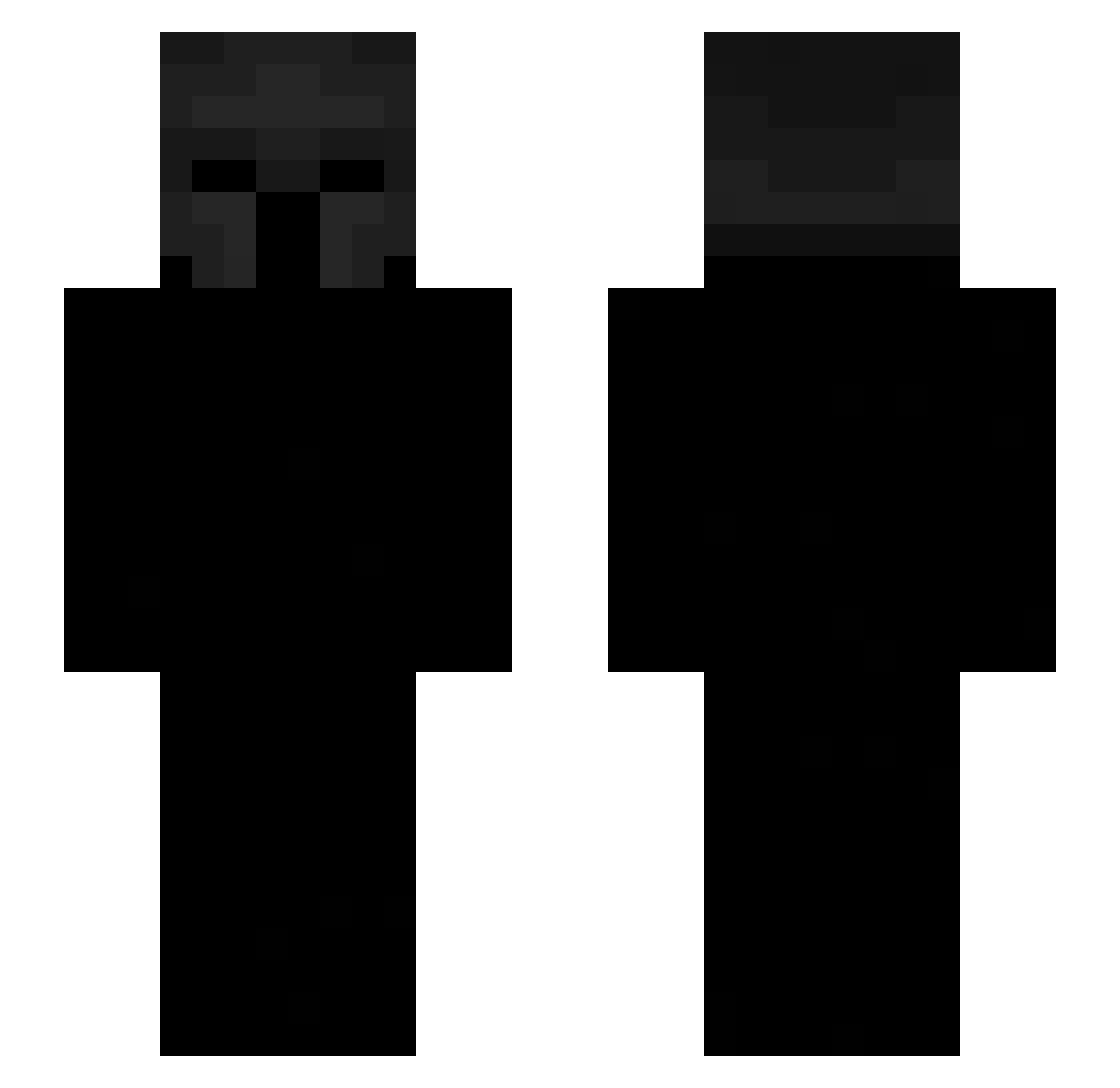
Current Minecraft skin of the player Emirinhos, loaded from the official Mojang API. Rotate the 3D model with your mouse or finger, then download the skin as a PNG file and use it in Minecraft: Bedrock Edition or Java Edition for free. When Emirinhos changes their skin, this page updates automatically and the old skin stays in the history below.
Other players with this skin (534)
Emirinhos was the 272nd player we have seen with this skin, first spotted on 17.09.2026. The same skin was seen on these players. Open a nickname to see their current skin and skin history.
 BlockySea23 RyPAa OnyxAxis OneShotbaby1 Jaren74 LuckyV23 acrom_ms guanguan9952405 Magistrado shay17775 FishPiece luvjd NettspendLabubu VantizZz jiupipipi Zertox0202 myurik1 TheWarkaRange
 v1ex_ Lukky_TN V6NZO aduu1 Murisko Kexi2 Betoch00 ienegal MaxiDani22 Ahhh_moment Jeong0414 Crimmzify ValiantXeno mylos22 GUTS0V Eli_CA Liamwilliamboyce QUIDDY99 lrri Zegu_ gabzz_8 OMARARNALDOPALMA Palth233 Olivewarrior811 vshzz rgde Pasco7 gigiyanyan Andre1674 zNetiii Ale09mc Zeyrox_o0 WK4R niklaavs fragnangsts vatigras bmvz itekiy OVictor13 Tager_X wpda 0kapi0
More Spartan Minecraft skins
How to install the Emirinhos skin
- Press the Download button above to save the skin as a PNG file.
- Minecraft: Bedrock Edition (PE): open the Dressing Room from the main menu (or tap your character → Edit Character), go to Classic Skins → Owned, press the + (new skin) button, choose the downloaded PNG and pick the Slim (Alex) model. Works on PC and mobile; consoles cannot import custom skins.
- Minecraft: Java Edition: open the Minecraft Launcher, go to the Skins tab, click New Skin, load the PNG, pick the Slim (Alex) model and press Save & Use. You can also upload it at minecraft.net → Profile → Change Skin.
The skin does not show up after import - what should I do?
Restart Minecraft and open the Dressing Room again - imported skins sometimes appear only after a restart. Also make sure you selected the imported skin and picked the Slim (Alex) model.
Which model should I choose, Classic or Slim?
This skin is designed for the Slim (Alex) model. If you pick the wrong model, the arms of the skin will look stretched or squeezed.
Is the skin of Emirinhos free to download?
Yes. Press Download, save the PNG file and use it in Minecraft: Bedrock Edition or Java Edition - no payment or registration needed. The skin also works on multiplayer servers and Realms.
More skins
Looking for more? Go back to all Minecraft skins and check the top skins of the week, month and all time, or find any player's skin by nickname.