
ElpabloQc7514 - Minecraft Skins & Skin History
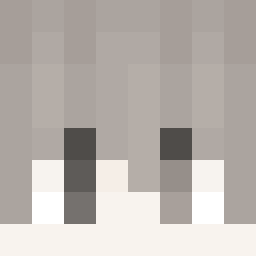
Current Minecraft skin of the player ElpabloQc7514, loaded from the official Mojang API. Rotate the 3D model with your mouse or finger, then download the skin as a PNG file and use it in Minecraft: Bedrock Edition or Java Edition for free. When ElpabloQc7514 changes their skin, this page updates automatically and the old skin stays in the history below.
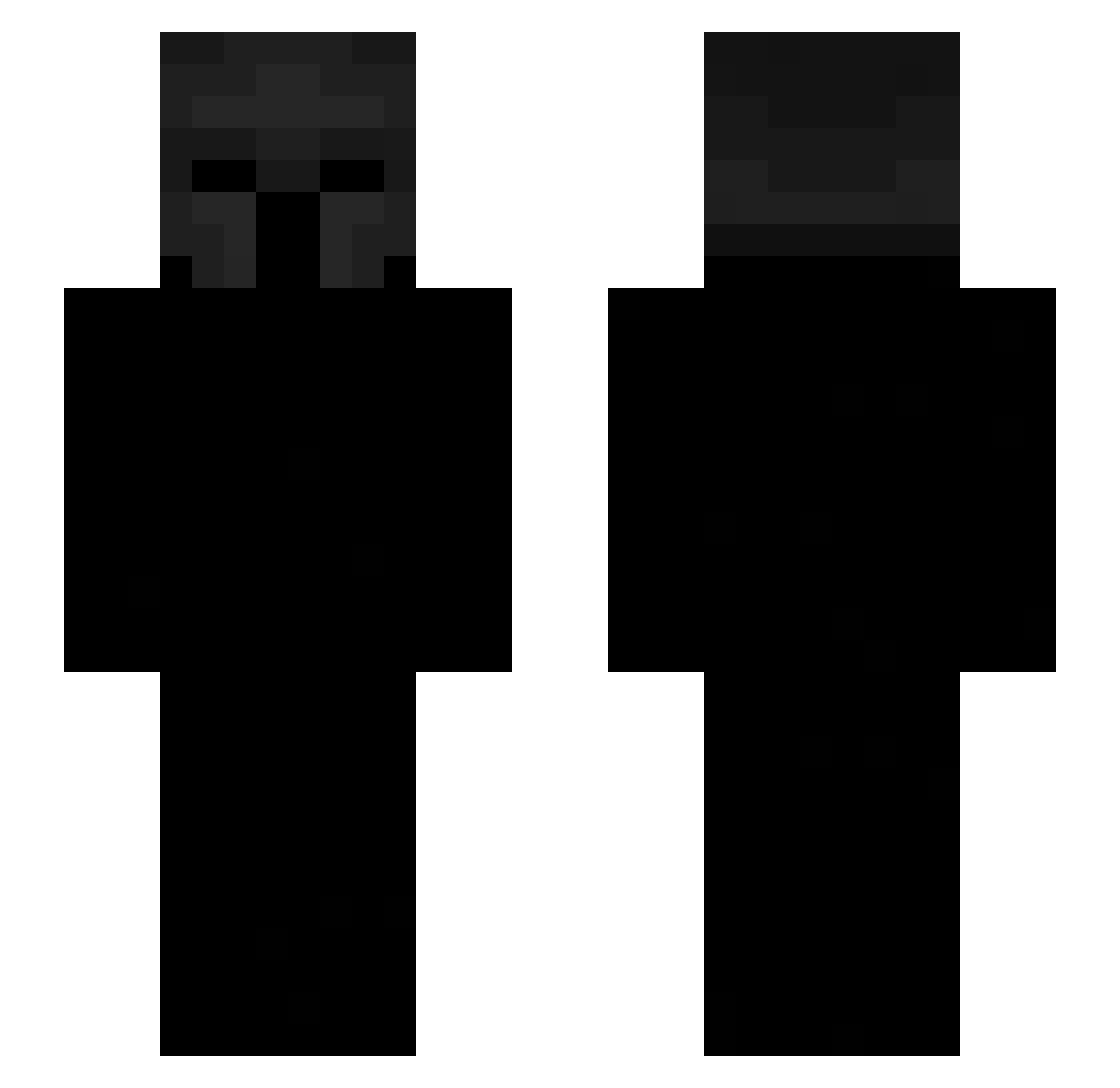
Other players with this skin (534)
ElpabloQc7514 was the 115th player we have seen with this skin, first spotted on 16.08.2026. The same skin was seen on these players. Open a nickname to see their current skin and skin history.
 raqpaq Saviogameplays HalfwayHasmic wSn_Junior Jack9191 Gerivillam bentusrobustus butthed ledeksa Tokendo
 omflyer FrostyxValor noktong selerpor234 Qwerty0770 Skywars666 Syro118 __sadiwhds ratle G1Fias Gam3ly Trap_ezz Sakura12112 Haziq186 IKASZANKAI Benusus Tapia21 122Mlik_ svcrets FeiCtyFaza Aceyboio agpl2
 XtremeBruno
 Unity o_we itsmira gffDEX kybaa ung_arg fefe90s xXcamiloss TTHAH SkeLywow terminated10 ZENYYUU Crazious2005 BestFN Meeko2511 Robbe1313 SIEGEGOAT Fazer1644 Lattu ERICZ_Z LeiiHSB Cloqn yao0727 SidneyReilly BIG_OrangeGUY faygosaint Heiane
More Spartan Minecraft skins
How to install the ElpabloQc7514 skin
- Press the Download button above to save the skin as a PNG file.
- Minecraft: Bedrock Edition (PE): open the Dressing Room from the main menu (or tap your character → Edit Character), go to Classic Skins → Owned, press the + (new skin) button, choose the downloaded PNG and pick the Slim (Alex) model. Works on PC and mobile; consoles cannot import custom skins.
- Minecraft: Java Edition: open the Minecraft Launcher, go to the Skins tab, click New Skin, load the PNG, pick the Slim (Alex) model and press Save & Use. You can also upload it at minecraft.net → Profile → Change Skin.
The skin does not show up after import - what should I do?
Restart Minecraft and open the Dressing Room again - imported skins sometimes appear only after a restart. Also make sure you selected the imported skin and picked the Slim (Alex) model.
Which model should I choose, Classic or Slim?
This skin is designed for the Slim (Alex) model. If you pick the wrong model, the arms of the skin will look stretched or squeezed.
Is the skin of ElpabloQc7514 free to download?
Yes. Press Download, save the PNG file and use it in Minecraft: Bedrock Edition or Java Edition - no payment or registration needed. The skin also works on multiplayer servers and Realms.
More skins
Looking for more? Go back to all Minecraft skins and check the top skins of the week, month and all time, or find any player's skin by nickname.