
El_Vica - Minecraft Skins & Skin History
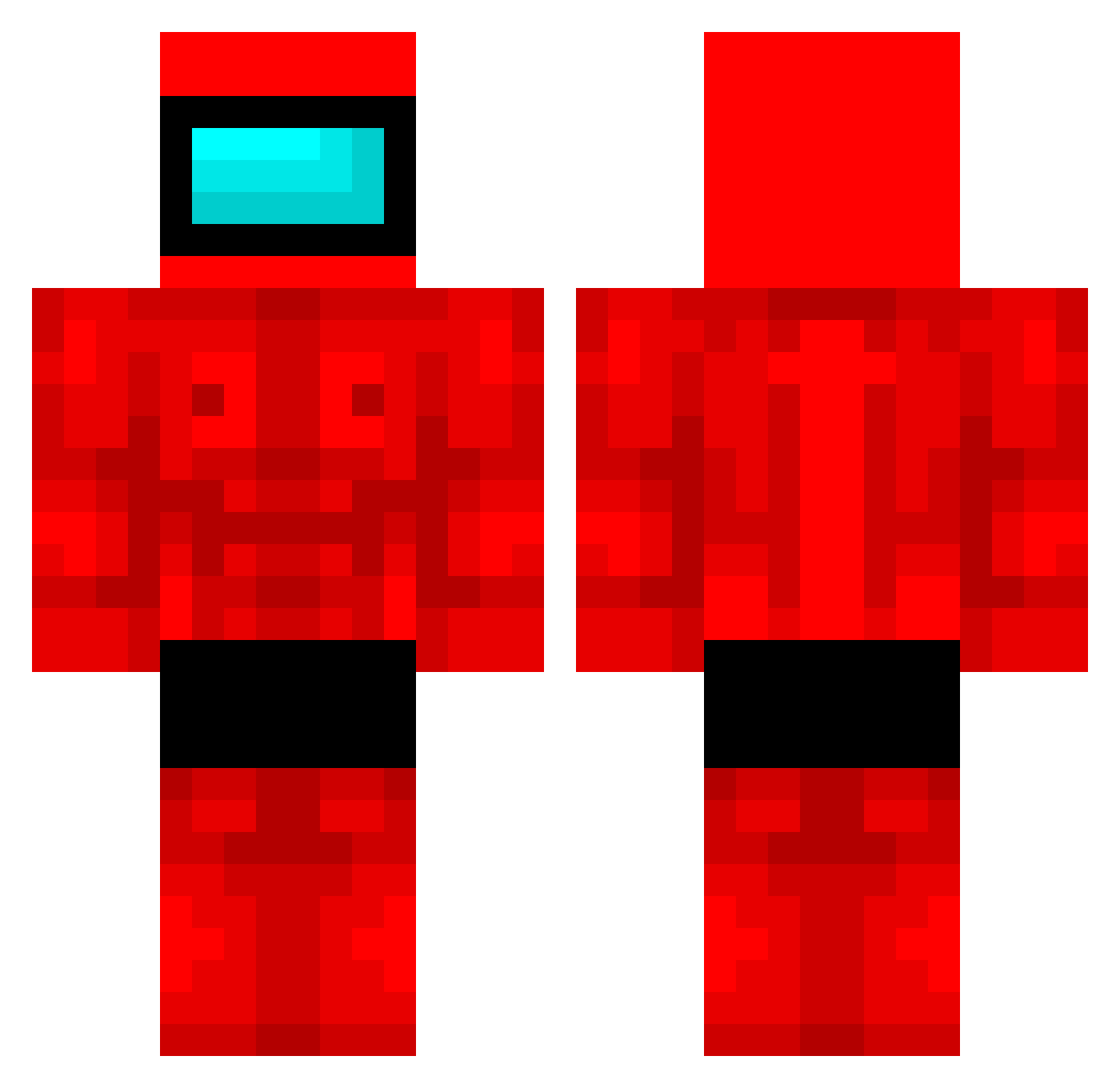
Current Minecraft skin of the player El_Vica, loaded from the official Mojang API. Rotate the 3D model with your mouse or finger, then download the skin as a PNG file and use it in Minecraft: Bedrock Edition or Java Edition for free. When El_Vica changes their skin, this page updates automatically and the old skin stays in the history below.
Other players with this skin (509)
El_Vica was the 402nd player we have seen with this skin, first spotted on 21.10.2026. The same skin was seen on these players. Open a nickname to see their current skin and skin history.
 sniperblicky MikeMalucoo chaziscoolguy klapiszon Copiones LiukAmbro Silverikon BorisHR Krypton029 sexpump Harrydawg23 staind8potted Cosmic448 MemeDemon420 vxlyria XStopWatchX platata wytek23 _Rigby__ RadSean120707 Tarlecc MRranita RAFAEL2321 TheCachu Jannexy SlyMKing Nk3itz vaha228123 AcidicBowl Stantonow007 MJ_xh Dybala21129 ZenitMan Faruj polisgirqy Arkadian7333 Elthan_Rove_Wait overgewicht Its_Shaydy MAMBA444 nowakkkk rawajbeht lauda11 santimuel3 ZenNedz belgachocolate QC_Kusa Owlman65432 GrafGracyla Anxyns Piotrek_121 MustyMan23 Dodoflugzeug karol0014 Superman4252 Skeccii TitoSergi lowiqkid0043 Na9lnwza Yunaten
More Buff Minecraft skins
How to install the El_Vica skin
- Press the Download button above to save the skin as a PNG file.
- Minecraft: Bedrock Edition (PE): open the Dressing Room from the main menu (or tap your character → Edit Character), go to Classic Skins → Owned, press the + (new skin) button, choose the downloaded PNG and pick the Classic (Steve) model. Works on PC and mobile; consoles cannot import custom skins.
- Minecraft: Java Edition: open the Minecraft Launcher, go to the Skins tab, click New Skin, load the PNG, pick the Classic (Steve) model and press Save & Use. You can also upload it at minecraft.net → Profile → Change Skin.
The skin does not show up after import - what should I do?
Restart Minecraft and open the Dressing Room again - imported skins sometimes appear only after a restart. Also make sure you selected the imported skin and picked the Classic (Steve) model.
Which model should I choose, Classic or Slim?
This skin is designed for the Classic (Steve) model. If you pick the wrong model, the arms of the skin will look stretched or squeezed.
Is the skin of El_Vica free to download?
Yes. Press Download, save the PNG file and use it in Minecraft: Bedrock Edition or Java Edition - no payment or registration needed. The skin also works on multiplayer servers and Realms.
More skins
Looking for more? Go back to all Minecraft skins and check the top skins of the week, month and all time, or find any player's skin by nickname.