
Na9lnwza - Minecraft Skins & Skin History
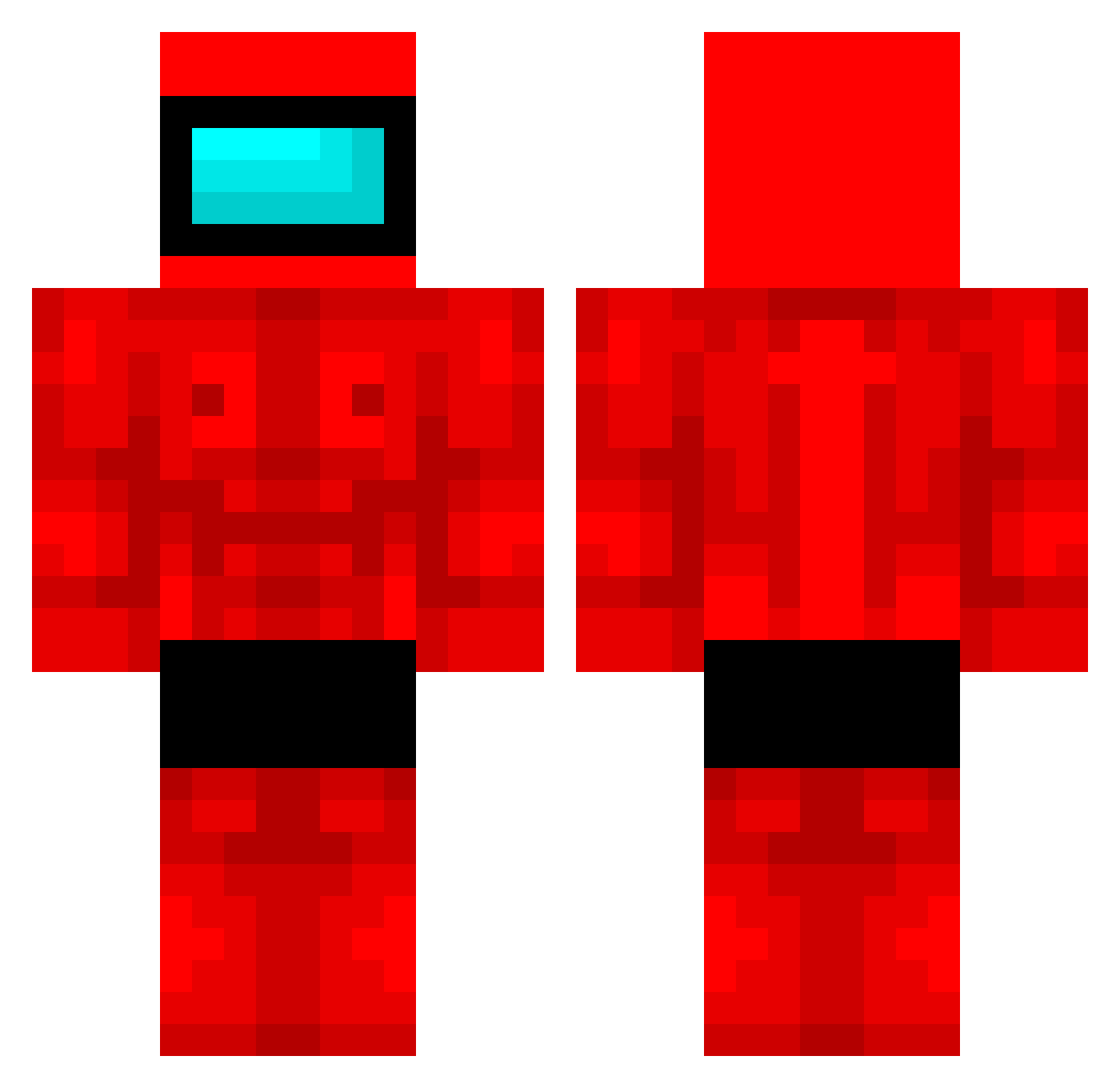
Current Minecraft skin of the player Na9lnwza, loaded from the official Mojang API. Rotate the 3D model with your mouse or finger, then download the skin as a PNG file and use it in Minecraft: Bedrock Edition or Java Edition for free. When Na9lnwza changes their skin, this page updates automatically and the old skin stays in the history below.
Other players with this skin (509)
Na9lnwza was the 433rd player we have seen with this skin, first spotted on 27.10.2026. The same skin was seen on these players. Open a nickname to see their current skin and skin history.
 EspartaGarcia Skeccii TheMineDead99 karitori69 karol0014 Dodoflugzeug JoseManu20 MustyMan23 MottePotte lucasfxpp Piotrek_121 HolmanX astwoluh qtuack NoXAlien SilentAllen GrafGracyla Eternatus27 Uonciu Cerberus_Vae_III rawajbeht nowakkkk MAMBA444 Its_Shaydy overgewicht Elthan_Rove_Wait Wesoly_Mikolajek polisgirqy yaexiste2 Faruj xljimmylx AcidicBowl Darkreix4038 DongjuKKK can2109 SlyMKing sxmy_ Jannexy TheCachu sccrskn HOTWHEELSKID2000 T2P_Janni platata XStopWatchX Gucol bau5man777 Lord_lothi13 vxlyria MemeDemon420 FROg_999 Cosmic448 Harrydawg23 sexpump MaksOnchoki GIGA_cap tachymeter TheRealMUMU Silverikon Yagizzzs LiukAmbro
More Buff Minecraft skins
How to install the Na9lnwza skin
- Press the Download button above to save the skin as a PNG file.
- Minecraft: Bedrock Edition (PE): open the Dressing Room from the main menu (or tap your character → Edit Character), go to Classic Skins → Owned, press the + (new skin) button, choose the downloaded PNG and pick the Classic (Steve) model. Works on PC and mobile; consoles cannot import custom skins.
- Minecraft: Java Edition: open the Minecraft Launcher, go to the Skins tab, click New Skin, load the PNG, pick the Classic (Steve) model and press Save & Use. You can also upload it at minecraft.net → Profile → Change Skin.
The skin does not show up after import - what should I do?
Restart Minecraft and open the Dressing Room again - imported skins sometimes appear only after a restart. Also make sure you selected the imported skin and picked the Classic (Steve) model.
Which model should I choose, Classic or Slim?
This skin is designed for the Classic (Steve) model. If you pick the wrong model, the arms of the skin will look stretched or squeezed.
Is the skin of Na9lnwza free to download?
Yes. Press Download, save the PNG file and use it in Minecraft: Bedrock Edition or Java Edition - no payment or registration needed. The skin also works on multiplayer servers and Realms.
More skins
Looking for more? Go back to all Minecraft skins and check the top skins of the week, month and all time, or find any player's skin by nickname.