
ElGuayabo360 - Minecraft Skins & Skin History
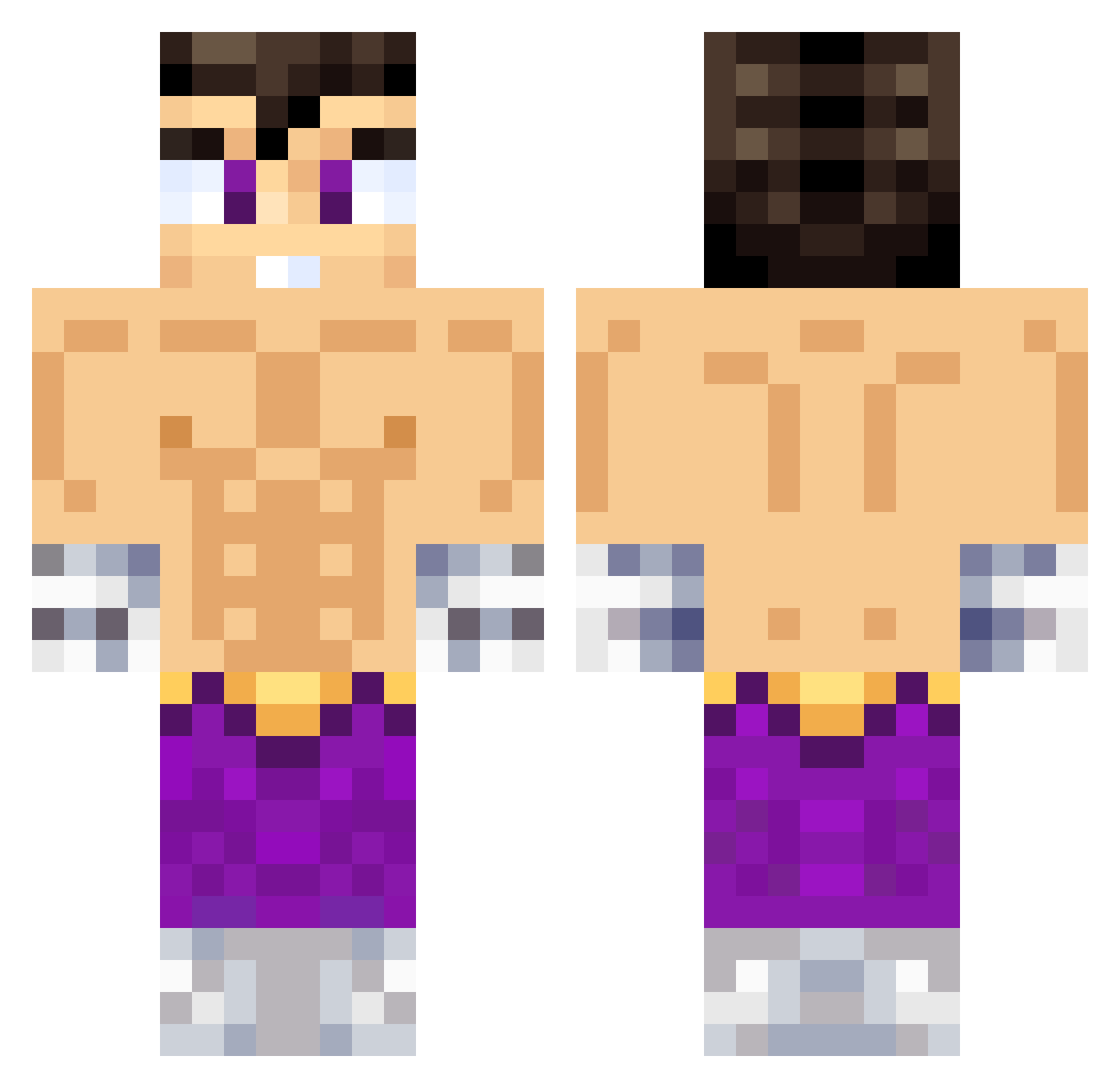
Current Minecraft skin of the player ElGuayabo360, loaded from the official Mojang API. Rotate the 3D model with your mouse or finger, then download the skin as a PNG file and use it in Minecraft: Bedrock Edition or Java Edition for free. When ElGuayabo360 changes their skin, this page updates automatically and the old skin stays in the history below.
Other players with this skin (638)
ElGuayabo360 was the 82nd player we have seen with this skin, first spotted on 07.08.2026. The same skin was seen on these players. Open a nickname to see their current skin and skin history.
 PalermoM LeoSuperCool
 GtRlalo akitafacu T1z123 ToniRex777 TuGfaMeGusta
 AndrewX315 wade028 Vegueta777 Thedylrex CAYU69 AlanAlanAlanAla wodd_ad abraham1104 Crack00997 RaekLee ju4ns3 LechugaFriaV17 Chichimeco09 KVentA OsamaBinLagginng LePetitChasseur7 Retus1 MagicFox01 icecreamlover4K Gozu48 tocatetas1 Rorri7 Cartago333 Dereck12345 PredatorOTT Ramib_ nikolinx8 Dan227x WilsonCardumen SebastianTuring MGranizo jjmartos GUILLETEKLK adrrianferrer777 CLOROBERTA Facuucf Apu24780 OscarTorres737 CrisMejia777 robpro400 THESANTIAGOX522 BizSus PatrikF69 GecoMCD Daniel_1003 Kerpymon manrique555 LauriSaca10 matitit__ FewestLand2477 Jorgeve huncitoo Orlandios777
More Jin Kazama Minecraft skins
How to install the ElGuayabo360 skin
- Press the Download button above to save the skin as a PNG file.
- Minecraft: Bedrock Edition (PE): open the Dressing Room from the main menu (or tap your character → Edit Character), go to Classic Skins → Owned, press the + (new skin) button, choose the downloaded PNG and pick the Classic (Steve) model. Works on PC and mobile; consoles cannot import custom skins.
- Minecraft: Java Edition: open the Minecraft Launcher, go to the Skins tab, click New Skin, load the PNG, pick the Classic (Steve) model and press Save & Use. You can also upload it at minecraft.net → Profile → Change Skin.
The skin does not show up after import - what should I do?
Restart Minecraft and open the Dressing Room again - imported skins sometimes appear only after a restart. Also make sure you selected the imported skin and picked the Classic (Steve) model.
Which model should I choose, Classic or Slim?
This skin is designed for the Classic (Steve) model. If you pick the wrong model, the arms of the skin will look stretched or squeezed.
Is the skin of ElGuayabo360 free to download?
Yes. Press Download, save the PNG file and use it in Minecraft: Bedrock Edition or Java Edition - no payment or registration needed. The skin also works on multiplayer servers and Realms.
More skins
Looking for more? Go back to all Minecraft skins and check the top skins of the week, month and all time, or find any player's skin by nickname.