
EarthQwake - Minecraft Skins & Skin History
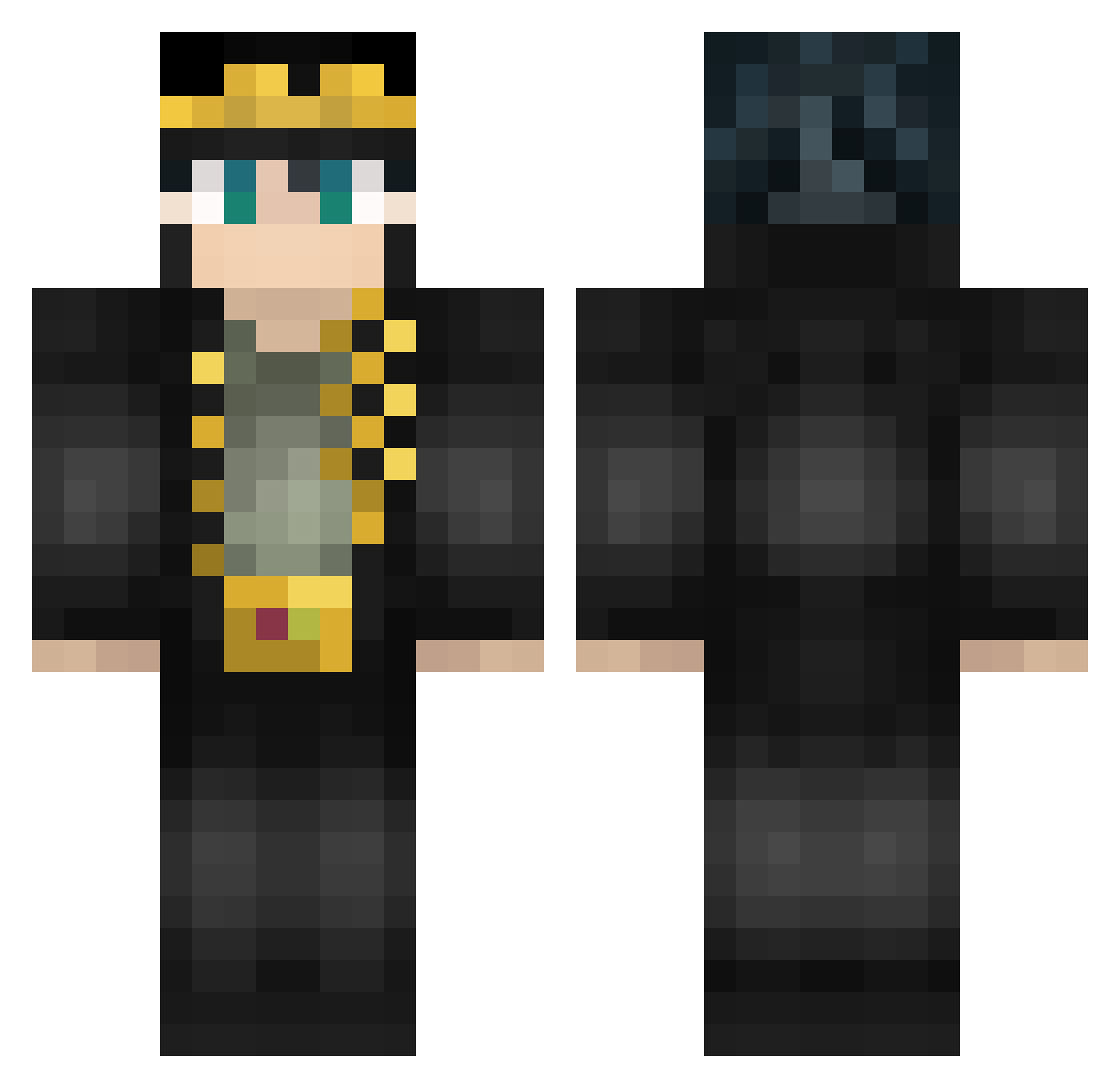
Current Minecraft skin of the player EarthQwake, loaded from the official Mojang API. Rotate the 3D model with your mouse or finger, then download the skin as a PNG file and use it in Minecraft: Bedrock Edition or Java Edition for free. When EarthQwake changes their skin, this page updates automatically and the old skin stays in the history below.
Other players with this skin (587)
EarthQwake was the 500th player we have seen with this skin, first spotted on 26.10.2026. The same skin was seen on these players. Open a nickname to see their current skin and skin history.
 Madamada YCsd Thermirat TheAsianGuy627 AR3STYR MuslimOn3DS feitan_omo GengiPredator76 Thaurissou Shang_Tsung23 Interstellar1123 marlitos17 inaoj Apolodor C4sw rubenpeq Rex173 nijuman789 ParkinsonKass HarryQuazza juetenglord Rhino90903773 KingJ20 Nichigoo Amzzyy Thiridal FollyM fusion_kamikaze scripaaa Argertlam DrWaffle Rastablasta jojomater350 hairubi engstrom9202 Fukaaa baka_mitai1110 _KobaLT_ den88888 Sonik_k HoodNJ EpicMCPower Ao_909 Mr_Gaming54 xShadowWolfzx railly kokoric Weekly4e Layggzds KojiShimura AncapSpeed Dojaaaaaaaaaaa seasealman shengeka YungLux vovopoke mcrrrrrrrrr765lt Princess_Biscuit kemiisan ShioiDive
More Jotaro Kujo Minecraft skins
How to install the EarthQwake skin
- Press the Download button above to save the skin as a PNG file.
- Minecraft: Bedrock Edition (PE): open the Dressing Room from the main menu (or tap your character → Edit Character), go to Classic Skins → Owned, press the + (new skin) button, choose the downloaded PNG and pick the Classic (Steve) model. Works on PC and mobile; consoles cannot import custom skins.
- Minecraft: Java Edition: open the Minecraft Launcher, go to the Skins tab, click New Skin, load the PNG, pick the Classic (Steve) model and press Save & Use. You can also upload it at minecraft.net → Profile → Change Skin.
The skin does not show up after import - what should I do?
Restart Minecraft and open the Dressing Room again - imported skins sometimes appear only after a restart. Also make sure you selected the imported skin and picked the Classic (Steve) model.
Which model should I choose, Classic or Slim?
This skin is designed for the Classic (Steve) model. If you pick the wrong model, the arms of the skin will look stretched or squeezed.
Is the skin of EarthQwake free to download?
Yes. Press Download, save the PNG file and use it in Minecraft: Bedrock Edition or Java Edition - no payment or registration needed. The skin also works on multiplayer servers and Realms.
More skins
Looking for more? Go back to all Minecraft skins and check the top skins of the week, month and all time, or find any player's skin by nickname.