
EV4N_x3 - Minecraft Skins & Skin History
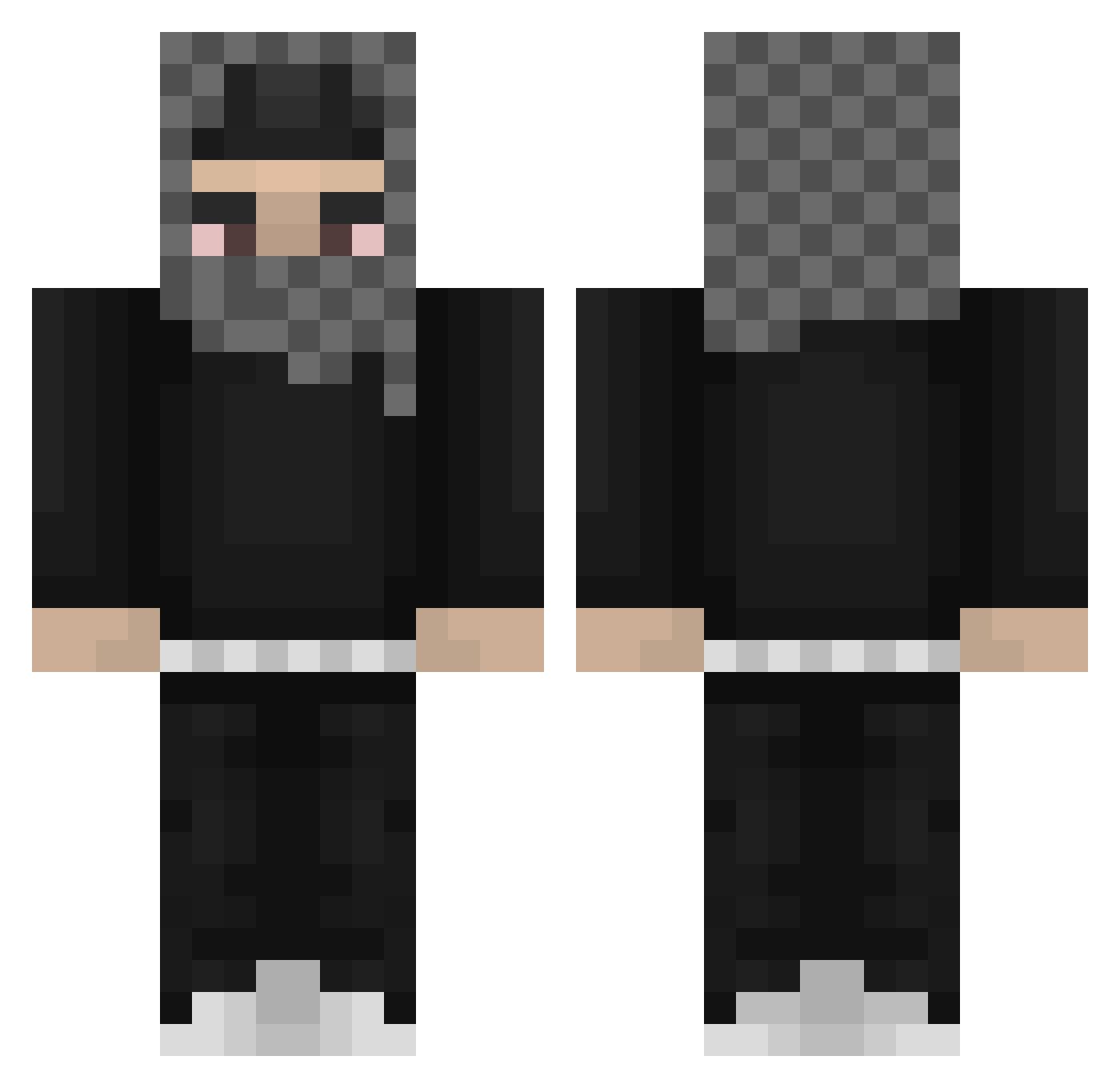
Current Minecraft skin of the player EV4N_x3, loaded from the official Mojang API. Rotate the 3D model with your mouse or finger, then download the skin as a PNG file and use it in Minecraft: Bedrock Edition or Java Edition for free. When EV4N_x3 changes their skin, this page updates automatically and the old skin stays in the history below.
Other players with this skin (812)
EV4N_x3 was the 365th player we have seen with this skin, first spotted on 17.09.2026. The same skin was seen on these players. Open a nickname to see their current skin and skin history.
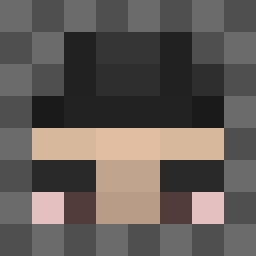 yeat2real Noiua Doctor_Stage wojtasluznareka KOOZMI MugenLufi TNT_CHAINSAW perc4 SlushyEZeu yeattttttttt zm_mihell Markuss2k I_FADEZX_I Yuoxy SQ4AZ matthiasyan Branko_15 mergim37 Shunt12 lethaloid GUSfrin _itakuu_ DerHerrSchleuser Pomosshka 404NameUndefined Rodrigodecoole09 FreakyOskar13 87HauIsPro Chapppy_ SilverFall797 sellasoulss Valeriano999 W_Amane_W ayoubdzz jah41 lilvvs amdreww cxecio ArdaYessi Fast_Food_ aka230 gmonopoly Playb0i7 Vkosepp Future_Fault wojtekko2011 YaHomieZ Praka NNOC lilkaix ryyexe Yoshae_ brafel79 YungKopa sbrik Gfrodaplugg clx66ic Jitterbuggins sephtheripper Vegan_Goblin
More Streetwear Minecraft skins
How to install the EV4N_x3 skin
- Press the Download button above to save the skin as a PNG file.
- Minecraft: Bedrock Edition (PE): open the Dressing Room from the main menu (or tap your character → Edit Character), go to Classic Skins → Owned, press the + (new skin) button, choose the downloaded PNG and pick the Classic (Steve) model. Works on PC and mobile; consoles cannot import custom skins.
- Minecraft: Java Edition: open the Minecraft Launcher, go to the Skins tab, click New Skin, load the PNG, pick the Classic (Steve) model and press Save & Use. You can also upload it at minecraft.net → Profile → Change Skin.
The skin does not show up after import - what should I do?
Restart Minecraft and open the Dressing Room again - imported skins sometimes appear only after a restart. Also make sure you selected the imported skin and picked the Classic (Steve) model.
Which model should I choose, Classic or Slim?
This skin is designed for the Classic (Steve) model. If you pick the wrong model, the arms of the skin will look stretched or squeezed.
Is the skin of EV4N_x3 free to download?
Yes. Press Download, save the PNG file and use it in Minecraft: Bedrock Edition or Java Edition - no payment or registration needed. The skin also works on multiplayer servers and Realms.
More skins
Looking for more? Go back to all Minecraft skins and check the top skins of the week, month and all time, or find any player's skin by nickname.