
Droconon - Minecraft Skins & Skin History
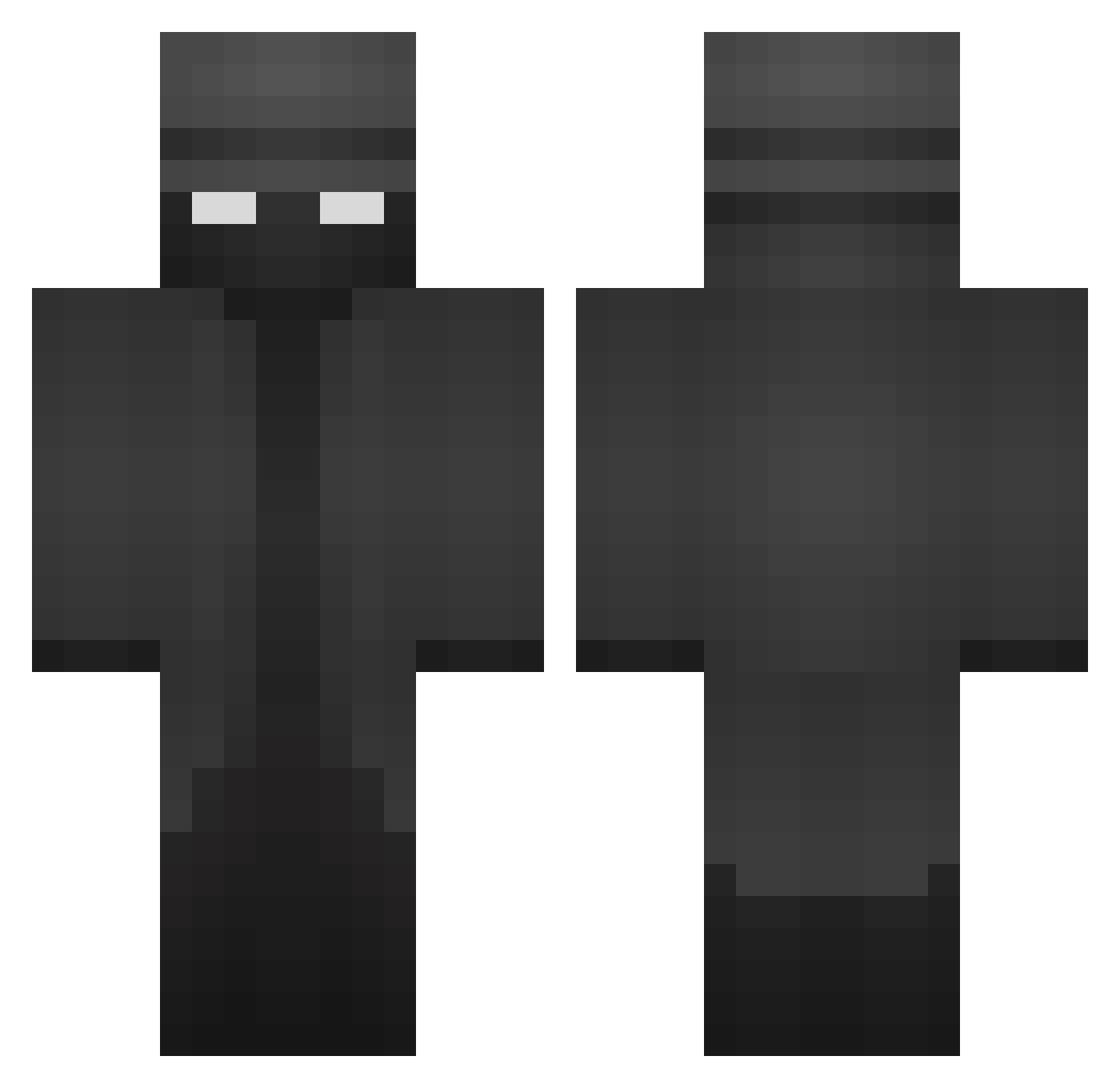
Current Minecraft skin of the player Droconon, loaded from the official Mojang API. Rotate the 3D model with your mouse or finger, then download the skin as a PNG file and use it in Minecraft: Bedrock Edition or Java Edition for free. When Droconon changes their skin, this page updates automatically and the old skin stays in the history below.
Other players with this skin (230)
Droconon was the 65th player we have seen with this skin, first spotted on 21.08.2026. The same skin was seen on these players. Open a nickname to see their current skin and skin history.
 xXPhantom_ BidOut Senpai_2773353 Gerla_t Rubin0609 SachaSavic ChaferMan MrMarvellous2309 German7ht KevinD3L4S TrotiL54 SmallMemory DaPlayingEagle StrikerGG tofik2312 keydig Serizawaaa465 peter1x shadowGamming Todeer naqqitus VelhoEpaminondas MellyMello888 DaHolaBro MarioD3v yDKr7_ element_symbol Fontaxxvi Spc365J Shard8247 Noxi_Toxic TraaxX_ Painguin027 BehemothNoble Cofran4CM GHOST60948 Powerlink001 Finalblack _YareYare_ Flexible_Pony Enzaures Thunder2033 ShadowDemon3728 HumBork_ y2309 luvs___ Tu_Hermana JustUnleash ScHm4e bittor swirlinqs pryaxx Gtomi_00 Fluffypants66 OvidtheMeek Speighti LooseOfHer withoutface8787 Peezma LowGo
More Noir Minecraft skins
How to install the Droconon skin
- Press the Download button above to save the skin as a PNG file.
- Minecraft: Bedrock Edition (PE): open the Dressing Room from the main menu (or tap your character → Edit Character), go to Classic Skins → Owned, press the + (new skin) button, choose the downloaded PNG and pick the Classic (Steve) model. Works on PC and mobile; consoles cannot import custom skins.
- Minecraft: Java Edition: open the Minecraft Launcher, go to the Skins tab, click New Skin, load the PNG, pick the Classic (Steve) model and press Save & Use. You can also upload it at minecraft.net → Profile → Change Skin.
The skin does not show up after import - what should I do?
Restart Minecraft and open the Dressing Room again - imported skins sometimes appear only after a restart. Also make sure you selected the imported skin and picked the Classic (Steve) model.
Which model should I choose, Classic or Slim?
This skin is designed for the Classic (Steve) model. If you pick the wrong model, the arms of the skin will look stretched or squeezed.
Is the skin of Droconon free to download?
Yes. Press Download, save the PNG file and use it in Minecraft: Bedrock Edition or Java Edition - no payment or registration needed. The skin also works on multiplayer servers and Realms.
More skins
Looking for more? Go back to all Minecraft skins and check the top skins of the week, month and all time, or find any player's skin by nickname.