
 Hirooo__ S16R DooQu McSmoke85 aidanprince spectuh Safrizu MTSilvano xGoro9 windfred Galactic_Ang WasIstRange Hackerism neighborfriend kornio_ BoltingLamb Coupe_Coupe ImBadIsh Fauntleroy VoidHex2 Sp1ral_Aura Korea_Supreme ledz070 Scoxi MYT1K_144hz DavidBesterMann_ ophraen Echpochmac goatmeow 7spr HTTP_JUN MrEnder123456 Justthelaw Goldenx12 heinzdaniel richardstraws Tendo_Kami 53Tyler PaiPaiPai nigerianNinja69 GKFShadow1 Tzonggo Vequ23 PlantitA15 witdashifts7 leo87253 SkadiddlyBop Speighti NoGirlInMyBed adorabler dankbudgie Cofran4CM HaGzZ_ Fontaxxvi Universe0207 MadJesterXII German7ht PrinceOfCrime40 Shimofumiku PedrohnGama
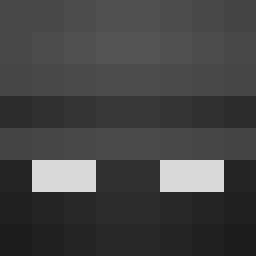
Minecraft skin of Olplo. Rotate the 3D model with your mouse or finger to view the skin from every angle, then download it as a PNG file and use it in Minecraft: Bedrock Edition or Java Edition for free. Rate the skin with stars to help other players find the best skins in our collection.
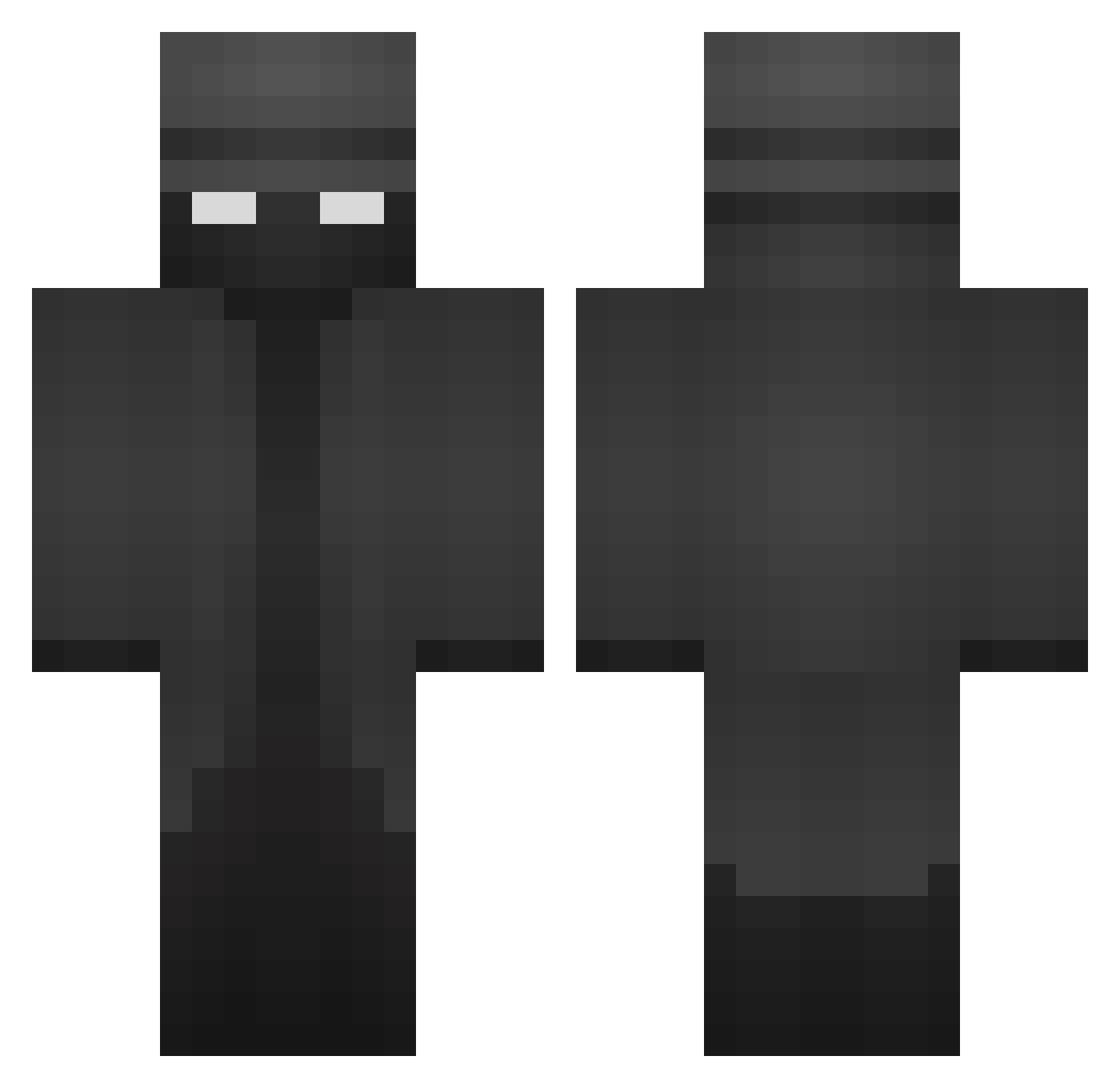
How to install the Olplo skin
- Press the Download button above to save the skin as a PNG file.
- Minecraft: Bedrock Edition (PE): open the Dressing Room from the main menu (or tap your character → Edit Character), go to Classic Skins → Owned, press the + (new skin) button, choose the downloaded PNG and pick the Classic (Steve) model. Works on PC and mobile; consoles cannot import custom skins.
- Minecraft: Java Edition: open the Minecraft Launcher, go to the Skins tab, click New Skin, load the PNG, pick the Classic (Steve) model and press Save & Use. You can also upload it at minecraft.net → Profile → Change Skin.
The skin does not show up after import - what should I do?
Restart Minecraft and open the Dressing Room again - imported skins sometimes appear only after a restart. Also make sure you selected the imported skin and picked the Classic (Steve) model.
Which model should I choose, Classic or Slim?
This skin is designed for the Classic (Steve) model. If you pick the wrong model, the arms of the skin will look stretched or squeezed.
Is this skin free to use?
Yes. Press Download, save the PNG file and use it in Minecraft: Bedrock Edition or Java Edition - no payment or registration needed. The skin also works on multiplayer servers and Realms.
More Noir Minecraft skins
More skins
Looking for more? Go back to all Minecraft skins and check the top skins of the week, month and all time, or find any player's skin by nickname.